
 Ayca Bas
 Garry Trinder

Summary
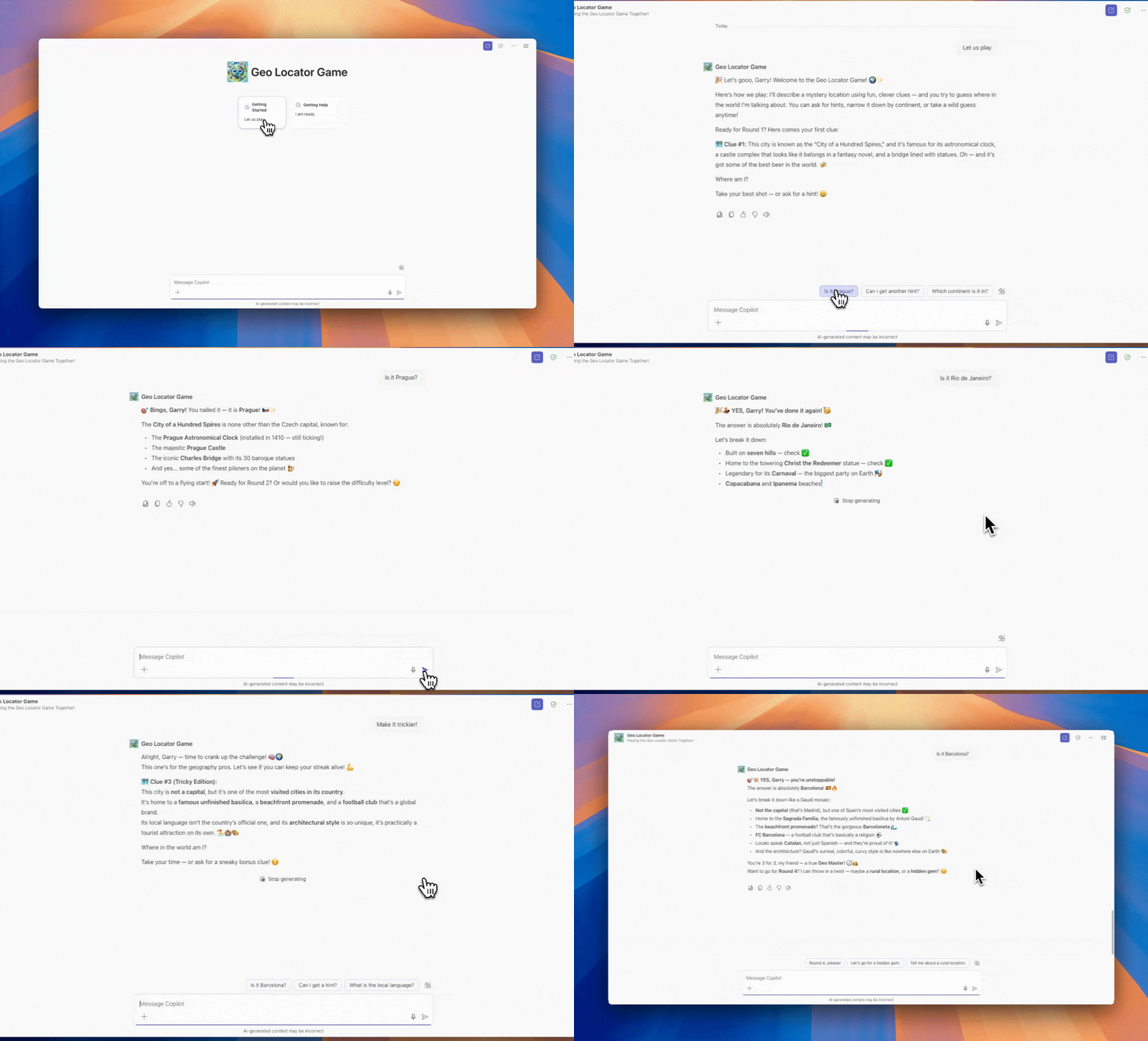
This is a Geo Locator Game copilot that plays a game with users by asking a location around the World for users to guess. Geo Locator Game copilot is entertaining, fun and congratulates users when their guesses are correct.
Contributors
Version history
| Version | Date | Comments |
|---|---|---|
| 1.1 | June 10, 2025 | Maintenance release |
| 1.0 | April 16, 2025 | Initial release |
Prerequisites
- Node.js
- A Microsoft 365 tenant prepared for development
- Microsoft 365 Agents Toolkit Visual Studio Code extension
Minimal path to awesome
1. Provision agent
- Open the project in Visual Studio Code
- On the primary sidebar, select the Microsoft 365 Agents Toolkit icon
- In the LIFECYCLE section, select Provision
- If prompted, sign in with your Microsoft 365 account
- Wait for the provisioning to complete
2. Test the agent
- Press F5 to launch a browser that navigates that opens the declarative agent in Microsoft 365 Copilot. If prompted, sign in with your Microsoft 365 account.
- Select the Getting started conversation starter.
- Send the message and wait for the agent to respond.
Troubleshooting and feature requests
We do not support samples, but this community is always willing to help, and we want to improve these samples. We use GitHub to track issues, which makes it easy for community members to volunteer their time and help resolve issues.
You can try looking at issues related to this sample to see if anybody else is having the same issues.
If you encounter any issues using this sample, create a new issue.
Finally, if you have an idea for improvement, make a suggestion.
Disclaimer
THIS CODE IS PROVIDED AS IS WITHOUT WARRANTY OF ANY KIND, EITHER EXPRESS OR IMPLIED, INCLUDING ANY IMPLIED WARRANTIES OF FITNESS FOR A PARTICULAR PURPOSE, MERCHANTABILITY, OR NON-INFRINGEMENT.