
Retrieves site id from Microsoft Graph
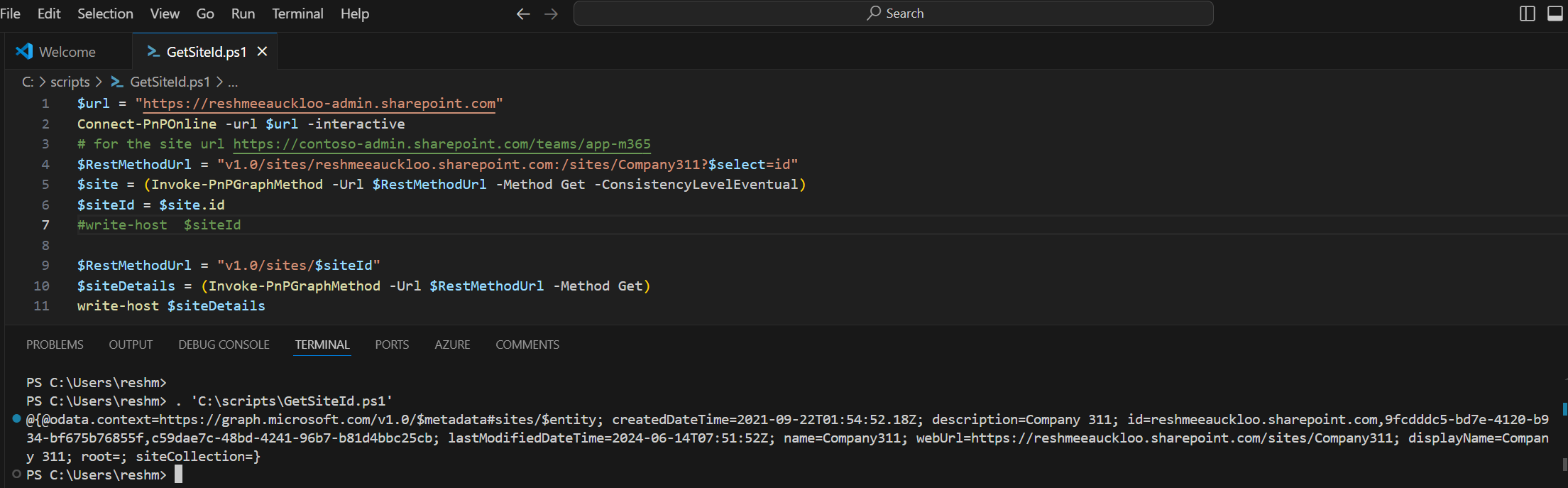
Retrieves a SiteId from Microsoft Graph using PnP PowerShell. This can be particularly useful when making further API calls that require the SiteId.
 Ioannis Gianko
 Reshmee Auckloo
Summary
Retrieves a SiteId from Microsoft Graph using PnP PowerShell. This can be particularly useful when making further API calls that require the SiteId.
Prerequisites
- The user account that runs the script must have access to the SharePoint Online site.
$siteurl = "https://contoso.sharepoint.com/sites/Company311"
Connect-PnPOnline -url $siteurl -interactive

# Extract the domain and site name
$uri = New-Object System.Uri($siteurl)
$domain = $uri.Host
$siteName = $uri.AbsolutePath

# Construct the new URL
$RestMethodUrl = "v1.0/sites/$($domain):$($siteName)?$select=id"

$site = (Invoke-PnPGraphMethod -Url $RestMethodUrl -Method Get -ConsistencyLevelEventual)
$siteId = (($site.id) -split ",")[1]

write-host $siteIdSource Credit
Sample first appeared on Retrieving SiteId from Microsoft Graph for Subsequent API Calls
Contributors
| Author(s) |
|---|
| Reshmee Auckloo |
| Ioannis Gianko |
Disclaimer
THESE SAMPLES ARE PROVIDED AS IS WITHOUT WARRANTY OF ANY KIND, EITHER EXPRESS OR IMPLIED, INCLUDING ANY IMPLIED WARRANTIES OF FITNESS FOR A PARTICULAR PURPOSE, MERCHANTABILITY, OR NON-INFRINGEMENT.
Tool documentation & references
- Want to learn more about PnP PowerShell and the cmdlets
Check out the PnP PowerShell site to get started and for the reference to the cmdlets.
