
Get sites report throughout the tenant which has unique permissions
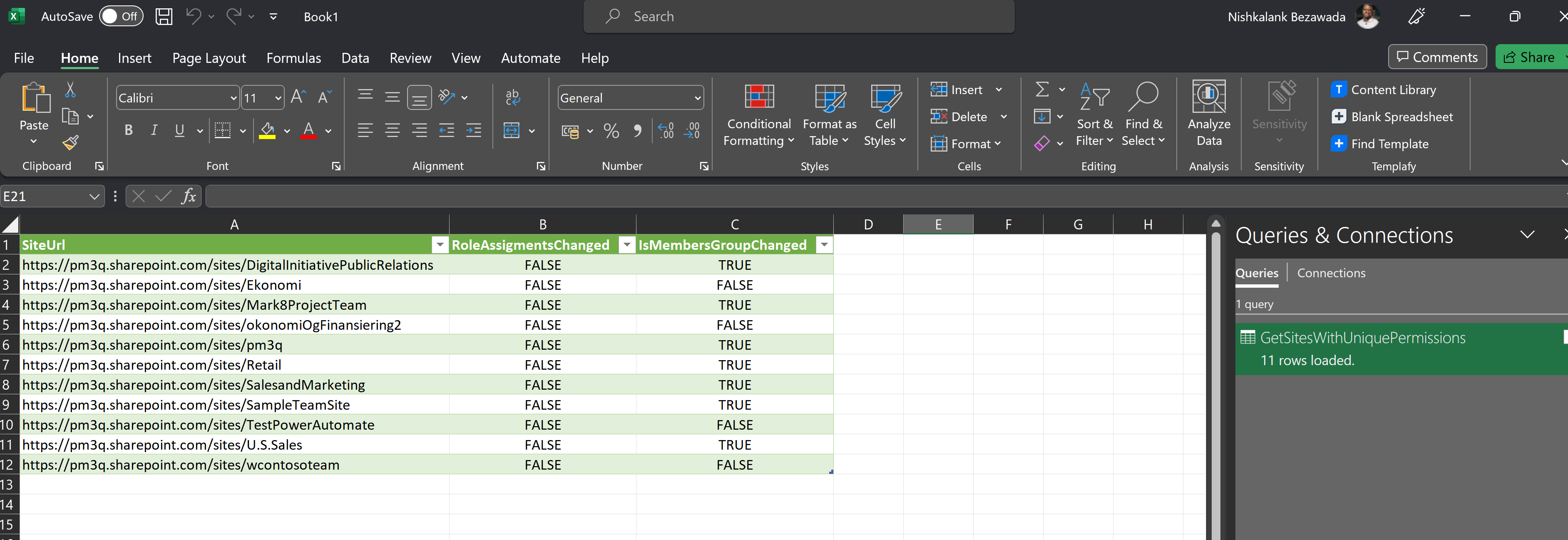
This scripts gets the report of sites in a tenant which is having unique permissions
 Nishkalank Bezawada
Implementation
- Open Windows PowerShell ISE
- Create a new file
- Copy a script below
- Run the script from Windows PowerShell ISE
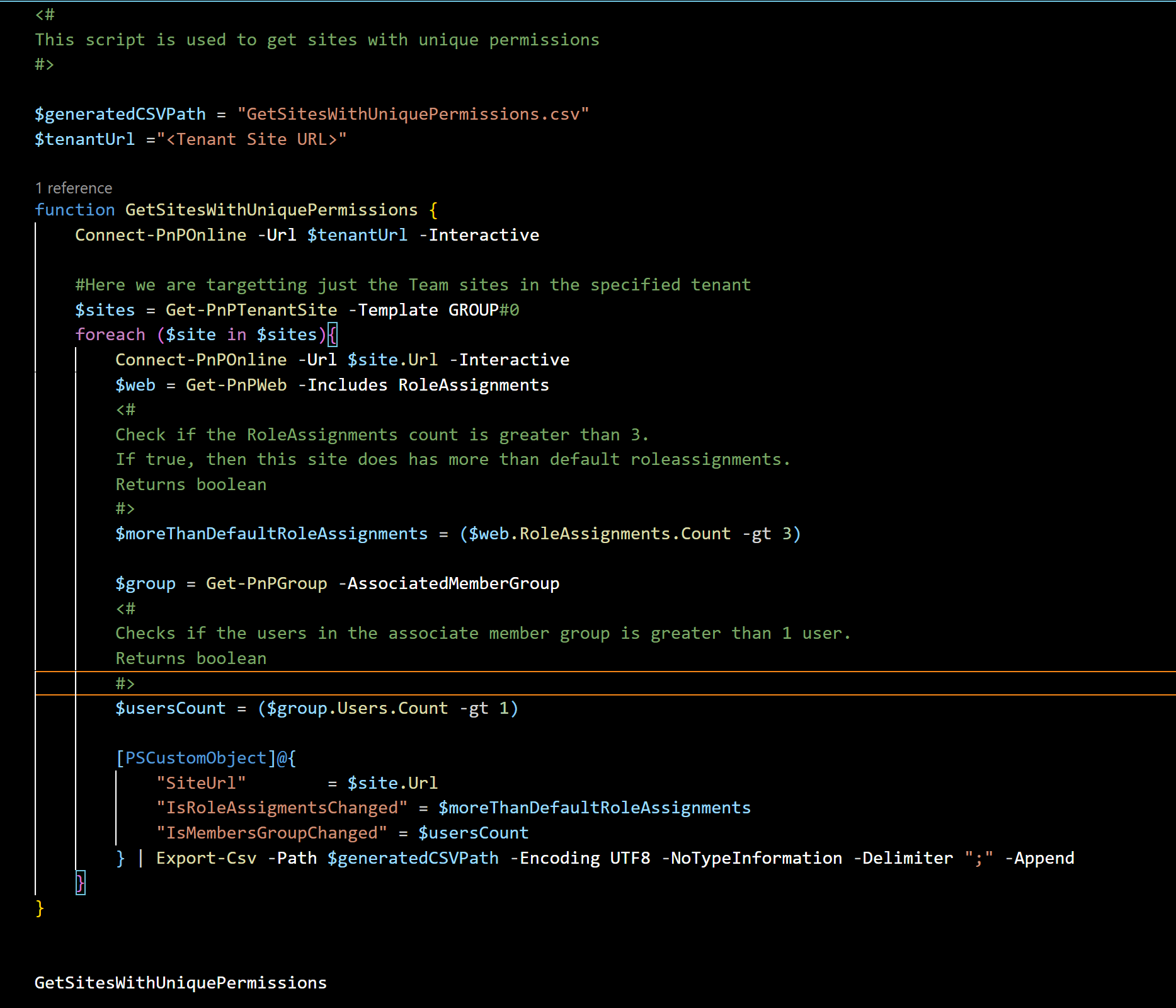
<#
This script is used to get sites with unique permissions
#>

$generatedCSVPath = "GetSitesWithUniquePermissions.csv"
$tenantUrl ="<Tenant Site URL>"

function GetSitesWithUniquePermissions {
    Connect-PnPOnline -Url $tenantUrl -Interactive

    #Here we are targetting just the Team sites in the specified tenant
    $sites = Get-PnPTenantSite -Template GROUP#0
    foreach ($site in $sites){
        Connect-PnPOnline -Url $site.Url -Interactive
        $web = Get-PnPWeb -Includes RoleAssignments
        <#
        Check if the RoleAssignments count is greater than 3.
        If true, then this site does has more than default roleassignments.
        Returns boolean
        #>
        $moreThanDefaultRoleAssignments = ($web.RoleAssignments.Count -gt 3)

        $group = Get-PnPGroup -AssociatedMemberGroup
        <#
        Checks if the users in the associate member group is greater than 1 user.
        Returns boolean
        #>
        $usersCount = ($group.Users.Count -gt 1)

        [PSCustomObject]@{
            "SiteUrl"        = $site.Url
            "IsRoleAssigmentsChanged" = $moreThanDefaultRoleAssignments
            "IsMembersGroupChanged" = $usersCount
        } | Export-Csv -Path $generatedCSVPath -Encoding UTF8 -NoTypeInformation -Delimiter ";" -Append
    }
}


GetSitesWithUniquePermissions
Contributors
| Author(s) |
|---|
| Nishkalank Bezawada |
Disclaimer
THESE SAMPLES ARE PROVIDED AS IS WITHOUT WARRANTY OF ANY KIND, EITHER EXPRESS OR IMPLIED, INCLUDING ANY IMPLIED WARRANTIES OF FITNESS FOR A PARTICULAR PURPOSE, MERCHANTABILITY, OR NON-INFRINGEMENT.
Tool documentation & references
- Want to learn more about PnP PowerShell and the cmdlets
Check out the PnP PowerShell site to get started and for the reference to the cmdlets.
