
Remove the Teamify link on Group sites
Remove the link in the left hand side suggesting to convert a Group Site to a Teams site
 Valeras Narbutas
 Reshmee Auckloo
 Kasper Larsen
Summary
If your governance dictate that Group owners should not be able to change a Group site to a Teams site, you can remove the promote link with this script.
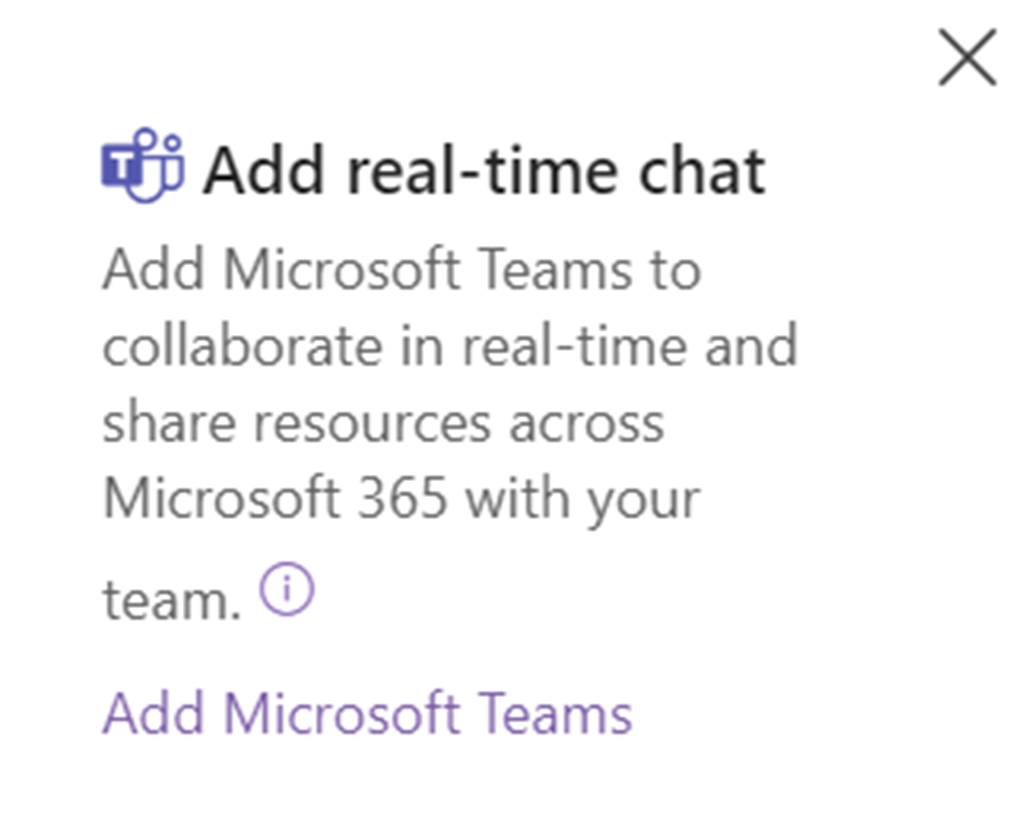
Remove the Teamify link on Group sites
    #connect to the site using one of the many options available
    $conn = Connect-PnPOnline -Url $url -interactive -ReturnConnection  -ErrorAction Stop

    #enable custom script on site
    Set-PnPSite -Identity $url -NoScriptSite $false -Connection $conn
    #Update the Property bag key to remove Teams Prompt
    Set-PnPPropertyBagValue -Key "TeamifyHidden" -Value "True" -Connection $conn
    #Disable custom script on site or leave it enabled, it will automatically be disabled after 24 hours
    Set-PnPSite -Identity $url -NoScriptSite $true -Connection $conn

    #alternatively use Set-PnPTeamifyPromptHidden
Set-PnPTeamifyPromptHidden -Connection $conn #connect to the site using one of the many options available
$conn = Connect-PnPOnline -Url $url -interactive -ReturnConnection -ErrorAction Stop
Set-PnPTeamifyPromptHidden -Connection $conn # m365 login --authType browser --url $url
m365 login --authType browser
# Enable custom script on the site
m365 spo site classic set --url $url --noScriptSite false
# Update the Property bag key to remove Teams Prompt
m365 spo propertybag set --webUrl $url --key "TeamifyHidden" --value "False"
# Disable custom script on the site
m365 spo site classic set --url $url --noScriptSite true
Contributors
| Author(s) |
|---|
| Kasper Larsen |
| Reshmee Auckloo |
| Valeras Narbutas |
Disclaimer
THESE SAMPLES ARE PROVIDED AS IS WITHOUT WARRANTY OF ANY KIND, EITHER EXPRESS OR IMPLIED, INCLUDING ANY IMPLIED WARRANTIES OF FITNESS FOR A PARTICULAR PURPOSE, MERCHANTABILITY, OR NON-INFRINGEMENT.
Tool documentation & references
- Want to learn more about PnP PowerShell and the cmdlets
Check out the PnP PowerShell site to get started and for the reference to the cmdlets.
