SPFX-COMMAND-EXTENSION
Save and convert as PDF by PnP

A global list customizer which adds functionality to all document libraries in SharePoint Online to convert one or more documents in-place to PDF, or download one or more documents as a PDF. When selecting multiple documents for download they will be downloaded as a zip file. The converter uses built in API’s of converting to PDF.
Open this sample in the gallery (popup panel): Open in gallery
Print List Item Command View Set
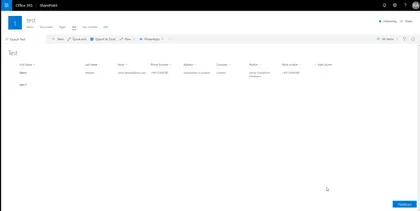
This sample shows how you can print list items using different templates, site admin can add, edit or remove templates and users can print items based on those templates.
Open this sample in the gallery (popup panel): Open in gallery
Source: https://github.com/pnp/sp-dev-fx-extensions/tree/main/samples/react-command-print
configure a Page as Single App Part page
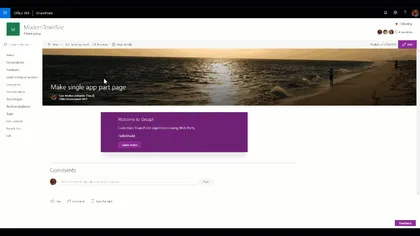
Custom Command Set that set a Page layout to use the Single App Part page Layout
Open this sample in the gallery (popup panel): Open in gallery
Source: https://github.com/pnp/sp-dev-fx-extensions/tree/main/samples/react-command-singlepartapppage
React-Manage-List-Subscriptions
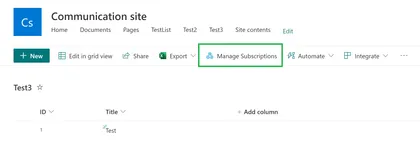
Demonstrates managing the list subscriptions (sharepoint webhooks) and action to renew the webhook expiration date using Rest calls.
Open this sample in the gallery (popup panel): Open in gallery
Modern Page Model with PnP/PnPjs
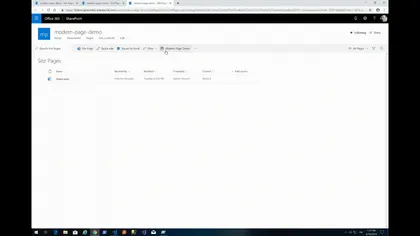
A SPFx extension using @pnp/sp that allow creating Modern Pages based on prefilled modern pages marked as “Page Model”, inside the Site Pages Library, and code defined pages. Users can select a Modern page as Model just setting a custom property page named “Is Model” to “Yes”. People often need to create periodically editorial pages with the same composition, sections structure and webpart configuration, in order to give users the same users experience between pages with different contents but with the same communicative purpose
Change Page Layout Command Extension
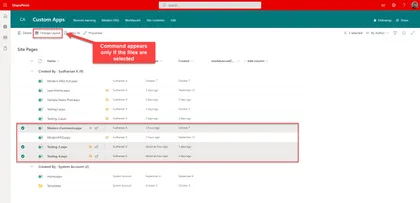
Listview command extension that is available only for the Site Pages library to change the layout type. If the page is Article, it can be changed to Home which will remove the page title placeholder and vice versa.
Open this sample in the gallery (popup panel): Open in gallery
Source: https://github.com/pnp/sp-dev-fx-extensions/tree/main/samples/react-command-change-page-layouttype
Share to Teams
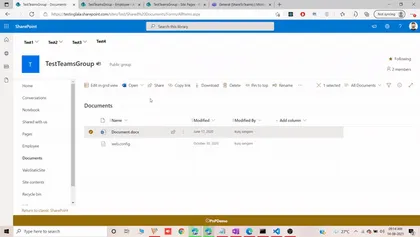
Share to teams helps us to share files along with folders in document library it also alows us to share pages in the site pages library and last but not the least it allows sharing list items to teams channels or group.
Open this sample in the gallery (popup panel): Open in gallery
Source: https://github.com/pnp/sp-dev-fx-extensions/tree/main/samples/js-share-to-teams
Send-To-Teams - Command Set
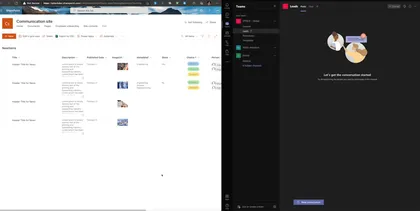
This Command Set allows to create an adaptive card based on list data and send to microsoft teams chanel, The user can select the list fields that will show on the card.
Open this sample in the gallery (popup panel): Open in gallery
Source: https://github.com/pnp/sp-dev-fx-extensions/tree/main/samples/react-send-to-teams
Jump to folder extension
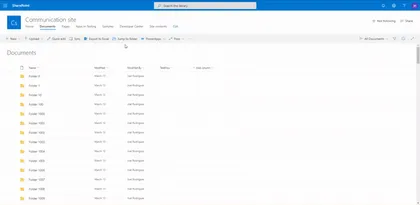
Sample solution that facilitates navigation between large collections of SharePoint library folders.
Open this sample in the gallery (popup panel): Open in gallery
Source: https://github.com/pnp/sp-dev-fx-extensions/tree/main/samples/react-jump-to-folder
Demote News to Page
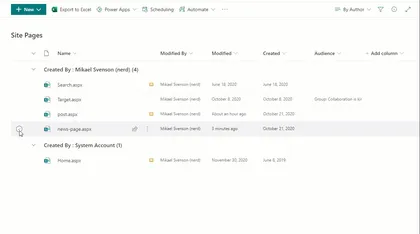
Sample SharePoint Framework list view command set extension to demote a previously promoted News page.
Open this sample in the gallery (popup panel): Open in gallery
Source: https://github.com/pnp/sp-dev-fx-extensions/tree/main/samples/react-command-demote-news
File Size Viewer sample with Command View Set
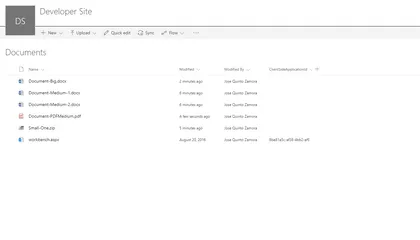
This sample shows how to create Command View Set working with single and multiple files selection. Once selected some files, it will show file sizes representation using a React D3 TreeMap component. This sample also shows how to integrate D3.js third party components within SharePoint Framework.
Open this sample in the gallery (popup panel): Open in gallery
Source: https://github.com/pnp/sp-dev-fx-extensions/tree/main/samples/react-command-file-size-viewer
Add Folders Command
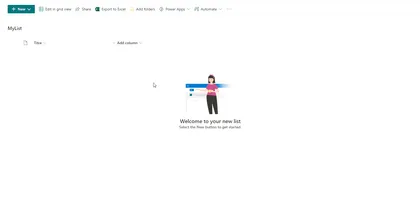
Sample SharePoint Framework list view command set extension to create folders that can be all at the current location (parallel) or nested (one after another).
Open this sample in the gallery (popup panel): Open in gallery
Source: https://github.com/pnp/sp-dev-fx-extensions/tree/main/samples/react-command-addfolders
Copy Classic Link Extension
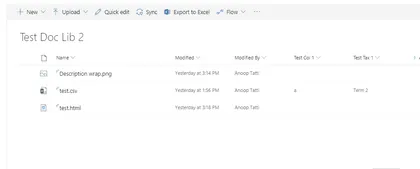
Sample SharePoint Framework list view command set extension that copies the classic link (path) of a selected item. Uses copy-to-clipboard library, toastr and sweet alert for notifications.
Open this sample in the gallery (popup panel): Open in gallery
Source: https://github.com/pnp/sp-dev-fx-extensions/tree/main/samples/js-command-copy-classic-link
Image Editor Command Set
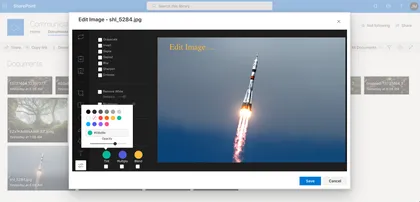
This command set allows quick edit images located in Document Library.
Open this sample in the gallery (popup panel): Open in gallery
Source: https://github.com/pnp/sp-dev-fx-extensions/tree/main/samples/react-command-image-editor
Folder Selection
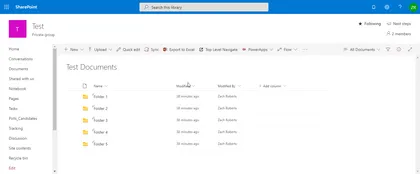
This extension creates a callout with a dropdown that allows users to select from a list of top level folders in a document library. After selecting the folder they can use the button to navigate to that folder.
Open this sample in the gallery (popup panel): Open in gallery
Source: https://github.com/pnp/sp-dev-fx-extensions/tree/main/samples/react-command-folder-select
Get Thumbnail List Item Command View Set
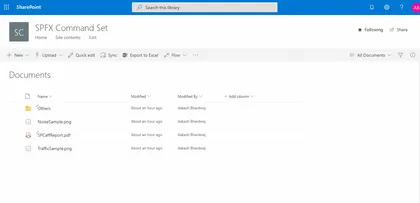
This Command Set uses Microsoft Graph API to get the Thumbnail URL, of selected size (small, medium, large), for any file stored in a SharePoint Document Library.
Open this sample in the gallery (popup panel): Open in gallery
Source: https://github.com/pnp/sp-dev-fx-extensions/tree/main/samples/react-command-get-thumbnail
Image Metadata from Cognitive Services Vision API List View Command Set
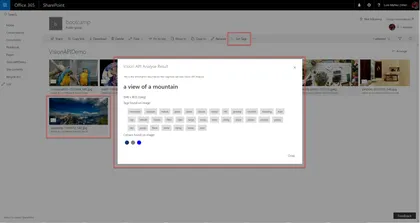
Custom Command Set that gets metadata information from MS Cognitive Services Vision API for the selected Image
Open this sample in the gallery (popup panel): Open in gallery
Source: https://github.com/pnp/sp-dev-fx-extensions/tree/main/samples/react-command-vision-api
Generate QR Code List Item Command View Set
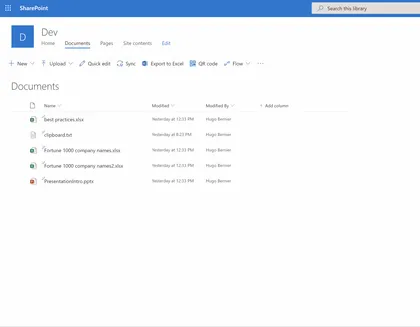
Generates a printable QR code which links to a SharePoint list item.
Open this sample in the gallery (popup panel): Open in gallery
Source: https://github.com/pnp/sp-dev-fx-extensions/tree/main/samples/react-command-qrcode
Custom Dialog Sample with Command View Set
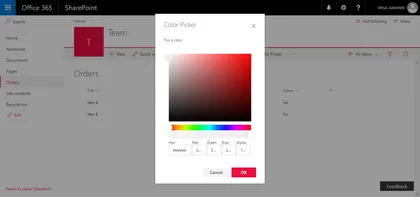
This sample shows how to create Custom Dialogs using @microsoft/sp-dialog package in the context of Command View Set. You can use also custom dialogs with client-side web parts or with any SharePoint Framework component types.
Open this sample in the gallery (popup panel): Open in gallery
Source: https://github.com/pnp/sp-dev-fx-extensions/tree/main/samples/react-command-dialog
Form Settings Command View Set
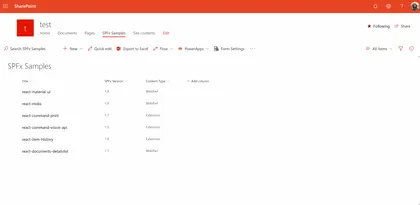
This sample shows how you can redirect default SharePoint list forms (New,Edit,Display) to different pages.
Open this sample in the gallery (popup panel): Open in gallery
Source: https://github.com/pnp/sp-dev-fx-extensions/tree/main/samples/react-command-form-settings
Clone ListView Command Set
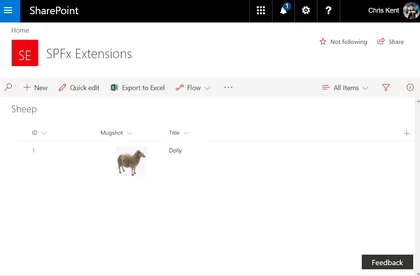
Sample SharePoint Framework listview command set extension that allows users to clone one or more list items. Demonstrates conditional visibility, PnPJS requests, PnPJS Batching, and field specific formats for rest operations.
Open this sample in the gallery (popup panel): Open in gallery
Source: https://github.com/pnp/sp-dev-fx-extensions/tree/main/samples/js-command-clone
Send Document With E-Mail
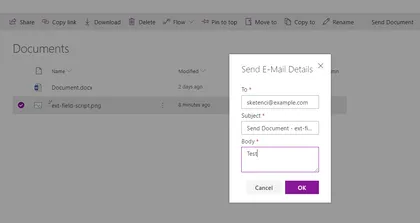
This sample shows how to create Custom Dialogs using @microsoft/sp-dialog package in the context of Command View Set and send selected document with e-mail.
Open this sample in the gallery (popup panel): Open in gallery
Source: https://github.com/pnp/sp-dev-fx-extensions/tree/main/samples/react-send-document
Get a direct link to a document or folder
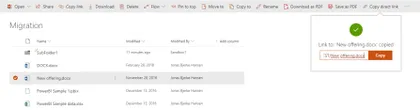
Sample SharePoint Framework (SPFx) solution which gives the end-user the ability to just get a regular, simple link to a document or folder in the modern SharePoint document libraries. This is done using a CommandSet.
Open this sample in the gallery (popup panel): Open in gallery
Source: https://github.com/pnp/sp-dev-fx-extensions/tree/main/samples/react-command-direct-link
Mail Current View as Image
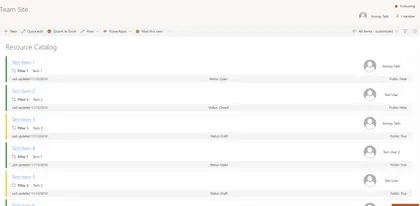
Sample SharePoint Framework list view command set extension that emails the current view to selected (external or internal user) and also saves the same image in SharePoint. Uses html2canvas library, pnp spfx controls, pnp js and office fabric ui react.
Open this sample in the gallery (popup panel): Open in gallery
Source: https://github.com/pnp/sp-dev-fx-extensions/tree/main/samples/react-command-mail-view-as-image
Convert documents to PDF using Azure function
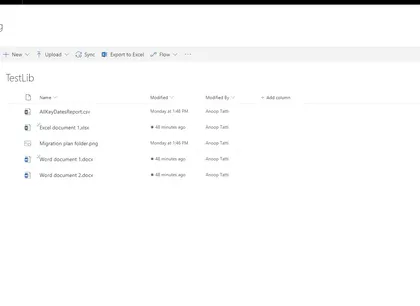
Sample SPFx list view command set extension that converts the selected documents to PDF using Microsoft Graph.
Open this sample in the gallery (popup panel): Open in gallery
Source: https://github.com/pnp/sp-dev-fx-extensions/tree/main/samples/js-command-convert-to-pdf
Multishare Command Extension with PnPJs
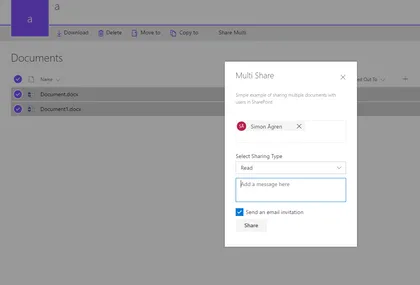
The sample is an custom action only active when multiple items are selected.
Open this sample in the gallery (popup panel): Open in gallery
Source: https://github.com/pnp/sp-dev-fx-extensions/tree/main/samples/react-command-share-pnpjs
Discuss Now Command Set
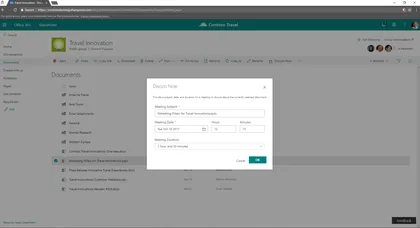
Sample SharePoint Framework command set showing how to create a new meeting to discuss about a document selected in the current list view of a document library.
Open this sample in the gallery (popup panel): Open in gallery
Source: https://github.com/pnp/sp-dev-fx-extensions/tree/main/samples/react-command-discuss-now
Item History
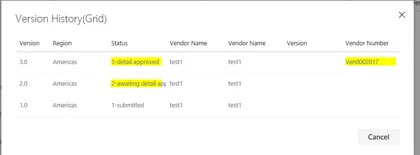
This listview command is used to show the past versions of the selected list item in a grid.
Open this sample in the gallery (popup panel): Open in gallery
Source: https://github.com/pnp/sp-dev-fx-extensions/tree/main/samples/react-item-History
Export Selected Items to Excel
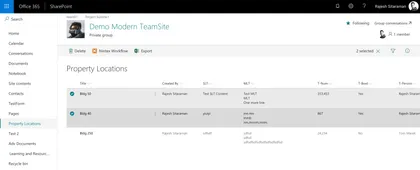
Exports selected items to excel spreadsheet in xlsx format, with the columns from the current modern list view.
Open this sample in the gallery (popup panel): Open in gallery
Source: https://github.com/pnp/sp-dev-fx-extensions/tree/main/samples/js-command-selecteditems-export
Lock Item Command Set Customizer

The sample illustrates the ability to lock/unlock selected item/document for the current user. The lock is implemented as item’s unique permissions set to Full Control for current user only. The lock is available only for items that inherit permissions from the parent. Items with unique permissions can’t be locked as we can’t unlock them correctly later on. All other permissions are deleted. The Command is available only for users who have “Manage Permissions” permissions for the list/document library.
Unique Item Permissions Command Set Customizer
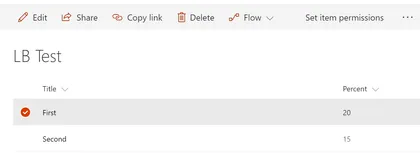
The sample illustrates creation of a shortcut command to redirect user to selected item’s permission page.
Open this sample in the gallery (popup panel): Open in gallery
Source: https://github.com/pnp/sp-dev-fx-extensions/tree/main/samples/js-command-item-permissions
Custom Command Bar Command Set Customizer
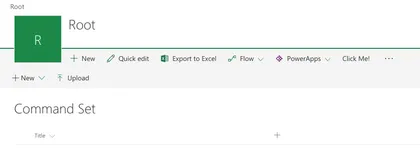
The sample illustrates how to display custom Command Bar when Command Set Button is pressed.
Open this sample in the gallery (popup panel): Open in gallery
Source: https://github.com/pnp/sp-dev-fx-extensions/tree/main/samples/react-command-custom-command-bar
Directions SharePoint Framework list view command set
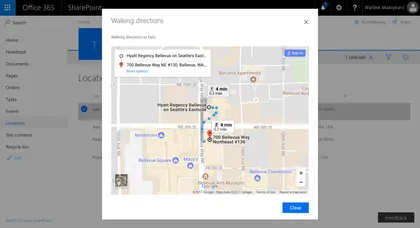
Sample SharePoint Framework list view command set showing travel directions to the given location using Google Maps.
Open this sample in the gallery (popup panel): Open in gallery
Source: https://github.com/pnp/sp-dev-fx-extensions/tree/main/samples/react-command-directions