
Copilot UX component
Copilot Star Match Game
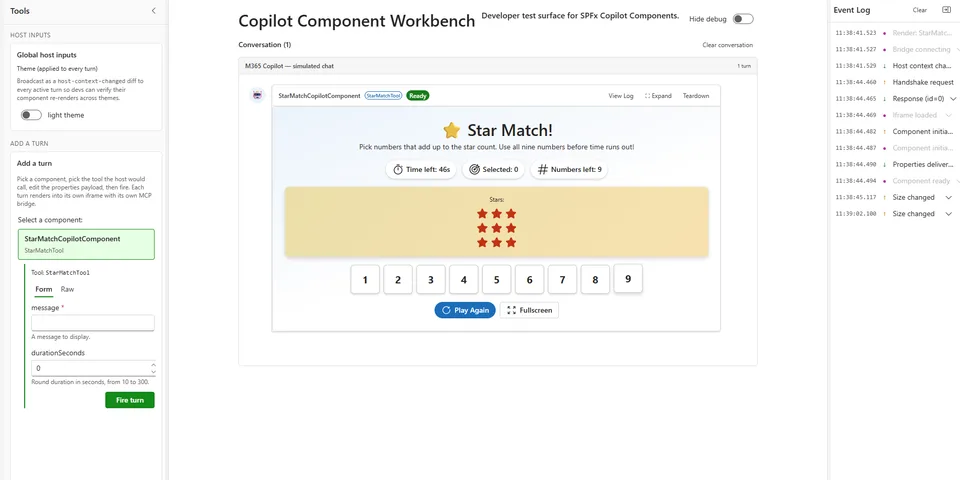
A SharePoint Copilot app that enables teams to play the Star Match game.

- Updated
- October 22, 2026
- Built with
- React
- SPFx version
- 1.24.0-beta.2
- Products
- SharePoint, Microsoft Copilot
Overview
What this sample demonstrates
Copilot Star Match Game demonstrates a SharePoint Framework-based Copilot Agent that helps teams play the Star Match game. This solution leverages interactive game mechanics, enabling engaging and fun experiences within Microsoft Teams, SharePoint, and other Microsoft 365 applications.
Gallery
See the component in action


Documentation
Setup and implementation
Summary
A SharePoint Copilot app that enables teams to play the Star Match game.
Used SharePoint Framework Version

Applies to
Get your own free development tenant by subscribing to Microsoft 365 developer program
Prerequisites
- Node.js 22 (>=22.14.0 and <23.0.0).
- A Microsoft 365 tenant with the SPFx Copilot Components preview enabled and access to its SharePoint App Catalog.
- A host compatible with this sample's pinned SPFx 1.24.0-beta.2 and React 17 dependencies. This sample has not been upgraded to RC0.
Solution
| Solution | Author(s) |
|---|---|
| copilot-star-match-game | Mohammed Amer |
Version history
| Version | Date | Comments |
|---|---|---|
| 1.0.1 | October 22, 2026 | Complete setup, gameplay, deployment, and preview limitations; refresh catalog links. |
| 1.0 | September 20, 2026 | Initial release |
Disclaimer
THIS CODE IS PROVIDED AS IS WITHOUT WARRANTY OF ANY KIND, EITHER EXPRESS OR IMPLIED, INCLUDING ANY IMPLIED WARRANTIES OF FITNESS FOR A PARTICULAR PURPOSE, MERCHANTABILITY, OR NON-INFRINGEMENT.
Minimal Path to Awesome
- Clone this repository and change to
samples/copilot-star-match-game. - Run
npm cito install the pinned dependencies. - Configure your tenant for the hosted Copilot Workbench referenced in
config/serve.json, then runnpm start. Copilot Components cannot run in the local SharePoint workbench. - Run
npm run buildto compile, lint, and package the solution. - Upload
sharepoint/solution/copilot-star-match-game.sppkgto the tenant App Catalog and enable it tenant-wide. - Select Add to Teams for the deployed app to provision the agent. In Microsoft 365 Copilot, select StarMatch Agent and use its Get started prompt.
The local Heft CLI is available through npx heft --help; a global installation is not required.
Features
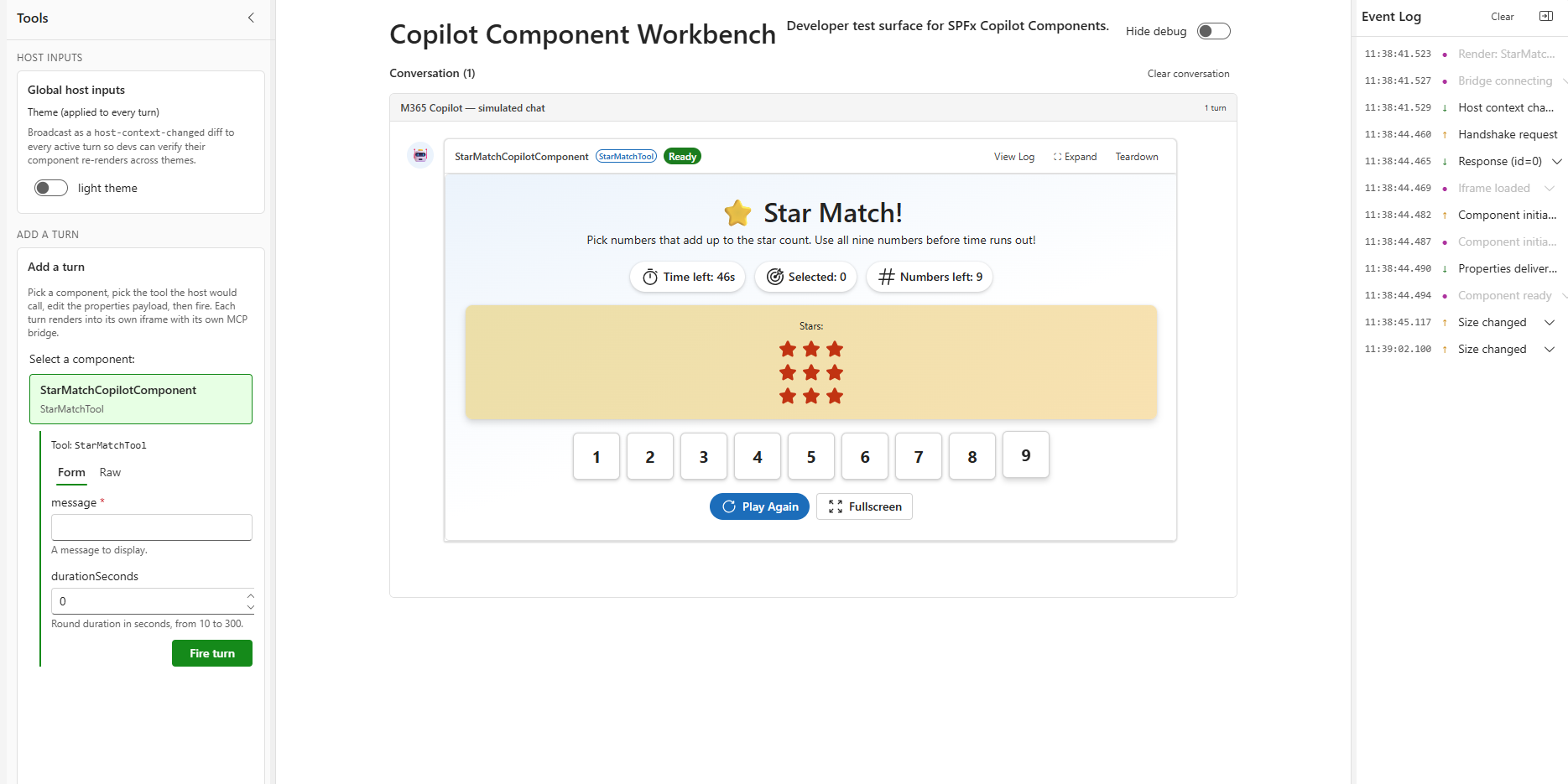
- Match the displayed stars by selecting one or more numbers from 1 to 9 whose sum equals the target.
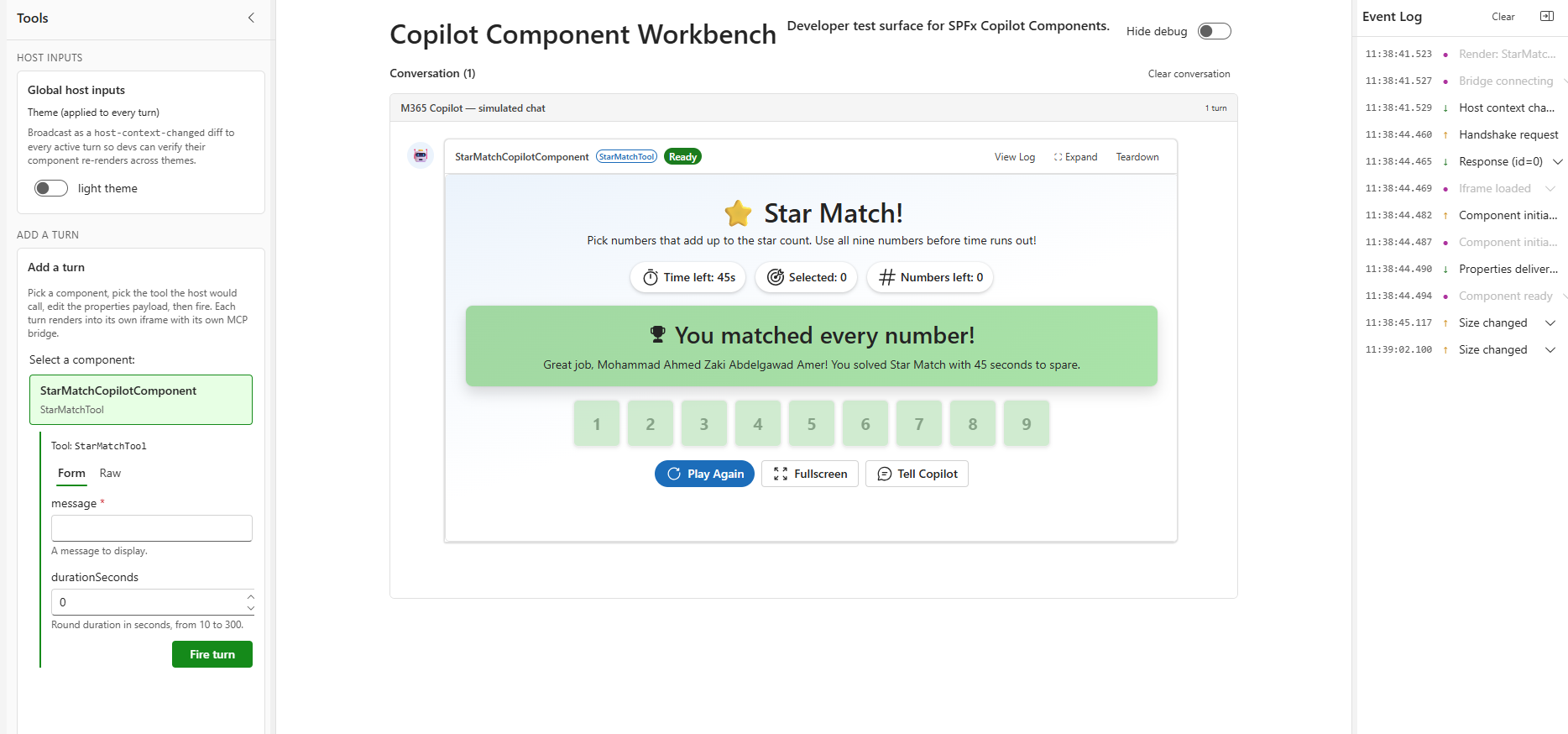
- Matched numbers are used once. Use all nine numbers before the timer expires to win; each new target is solvable with the remaining numbers.
- Rounds default to 60 seconds. The tool accepts
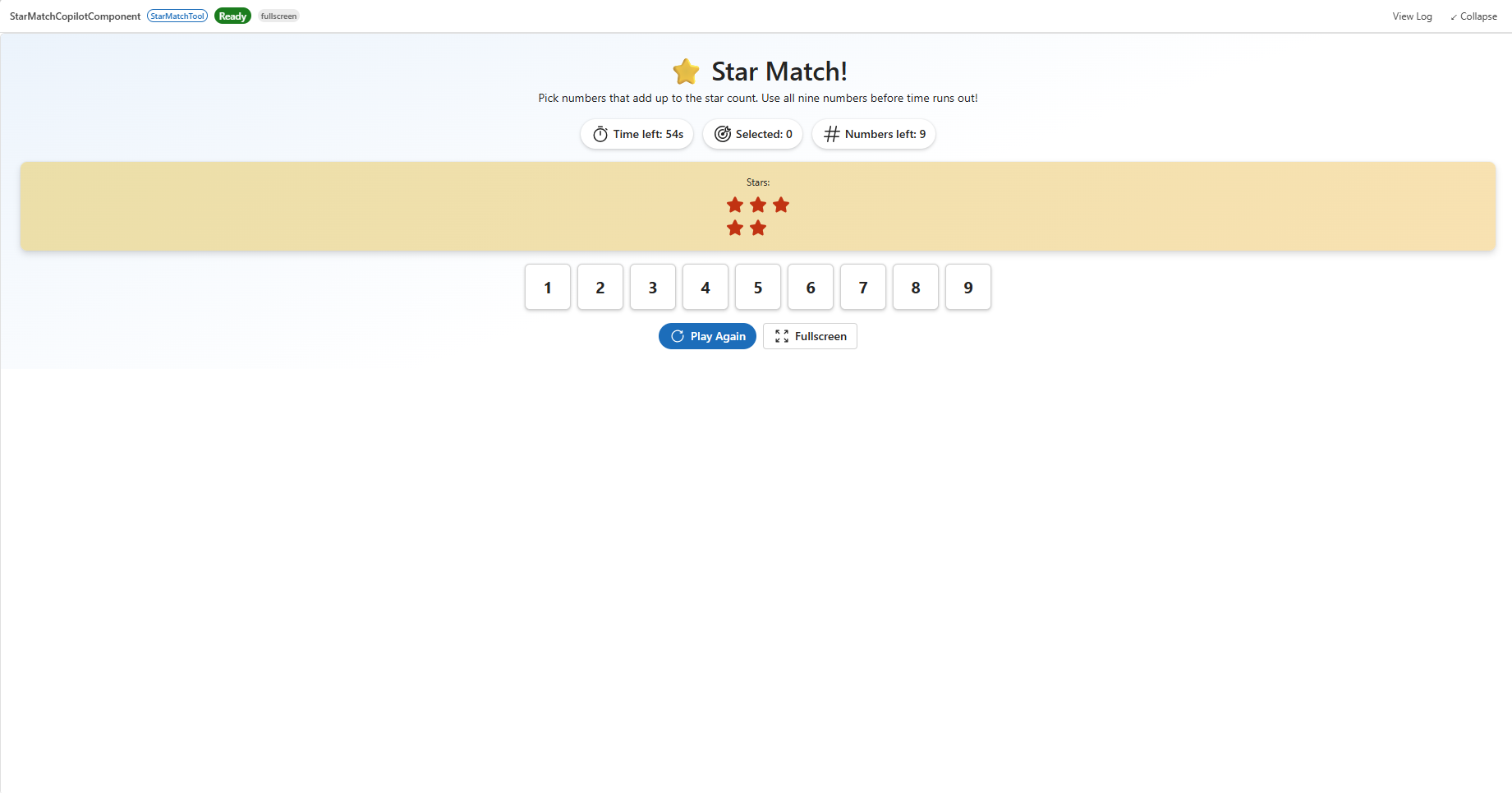
durationSecondsfrom 10 to 300. - Restart the game, request a full-screen view, or share the round result back into the Copilot conversation.
- Fluent UI follows the host's light or dark theme. The component reads the current user's display name through Microsoft Graph and site information through SharePoint REST.
Limitations and support
Game state is held in the current component instance; there is no shared multiplayer session, persistent score, or leaderboard. Sharing a result sends a follow-up message, not a saved score.
Copilot Components are in preview. Tenant deployment, natural-language routing, and host integration require validation in a compatible Microsoft 365 environment.
This is a community sample provided as-is, not a supported production game. Report problems through the repository issue list.
References
- Getting started with SharePoint Framework
- Building for Microsoft teams
- Use Microsoft Graph in your solution
- Publish SharePoint Framework applications to the Marketplace
- Microsoft 365 Patterns and Practices - Guidance, tooling, samples and open-source controls for your Microsoft 365 development
- Heft Documentation