
Copilot UX component
My Sites & Groups Info - Explore SharePoint Sites and Microsoft 365 Groups in Copilot Chat
An SPFx Copilot Component that helps users discover and manage followed and accessible SharePoint sites and Microsoft 365 Groups directly in Copilot chat.

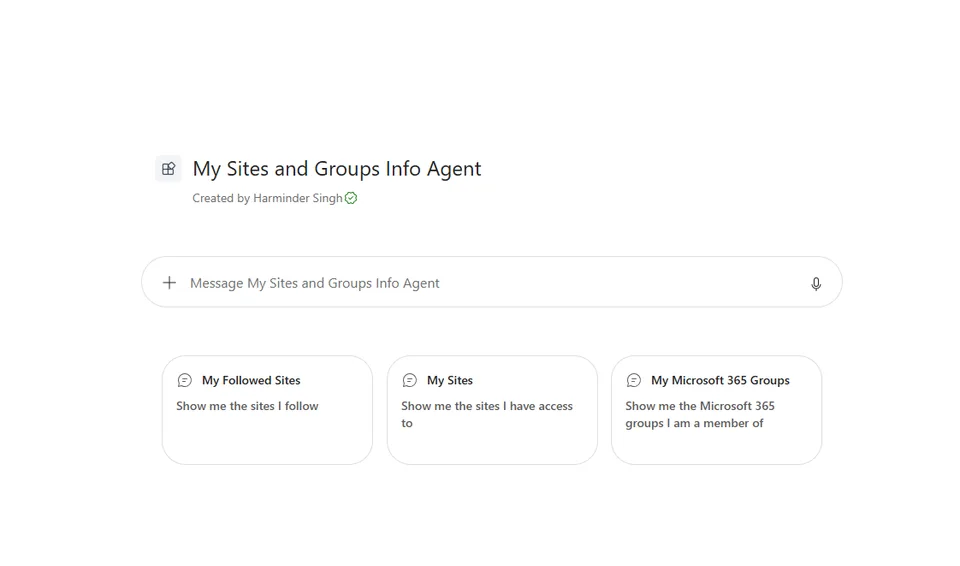
- Updated
- August 25, 2026
- Built with
- React
- SPFx version
- 1.24.0-beta.2
- Products
- SharePoint, Microsoft Copilot
Overview
What this sample demonstrates
My Sites & Groups Info is a SharePoint Copilot App built as an SPFx 1.24 Copilot Component. Its declarative agent renders live SharePoint site and Microsoft 365 Group information from Microsoft Graph and SharePoint Search directly in the Copilot conversation.
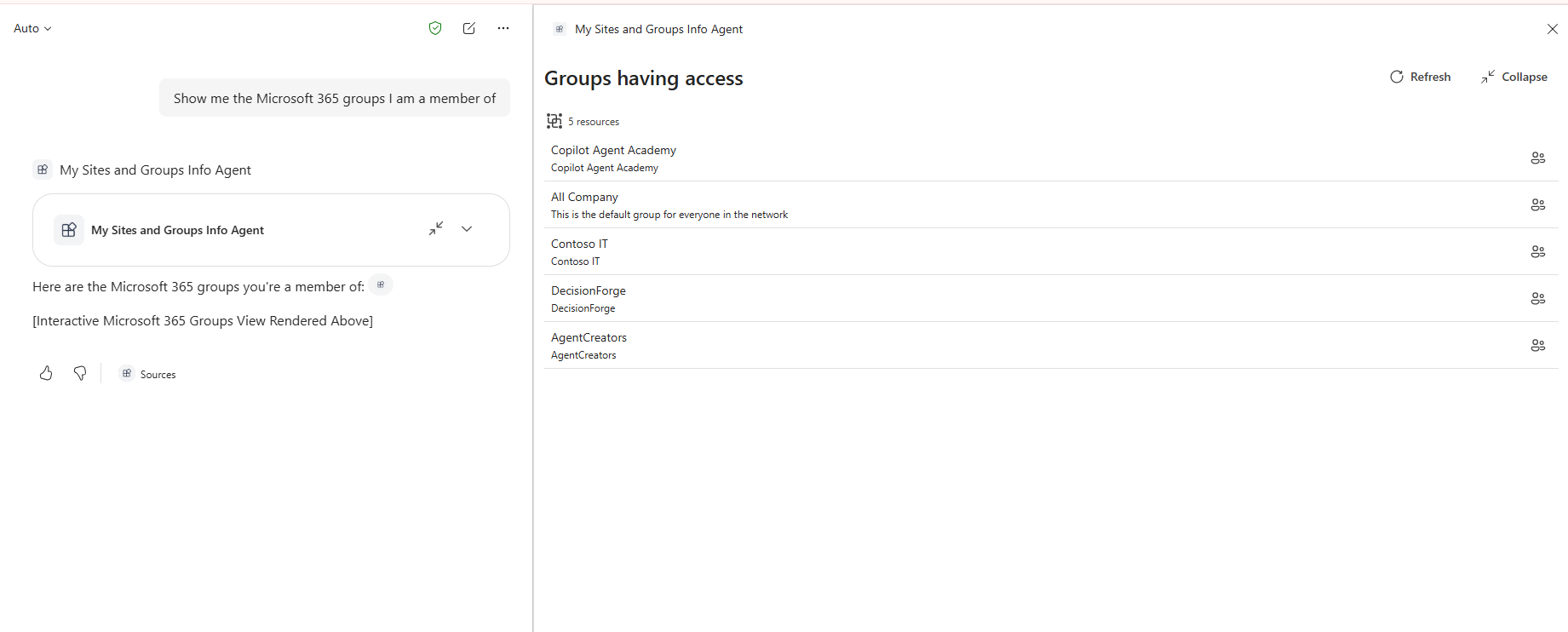
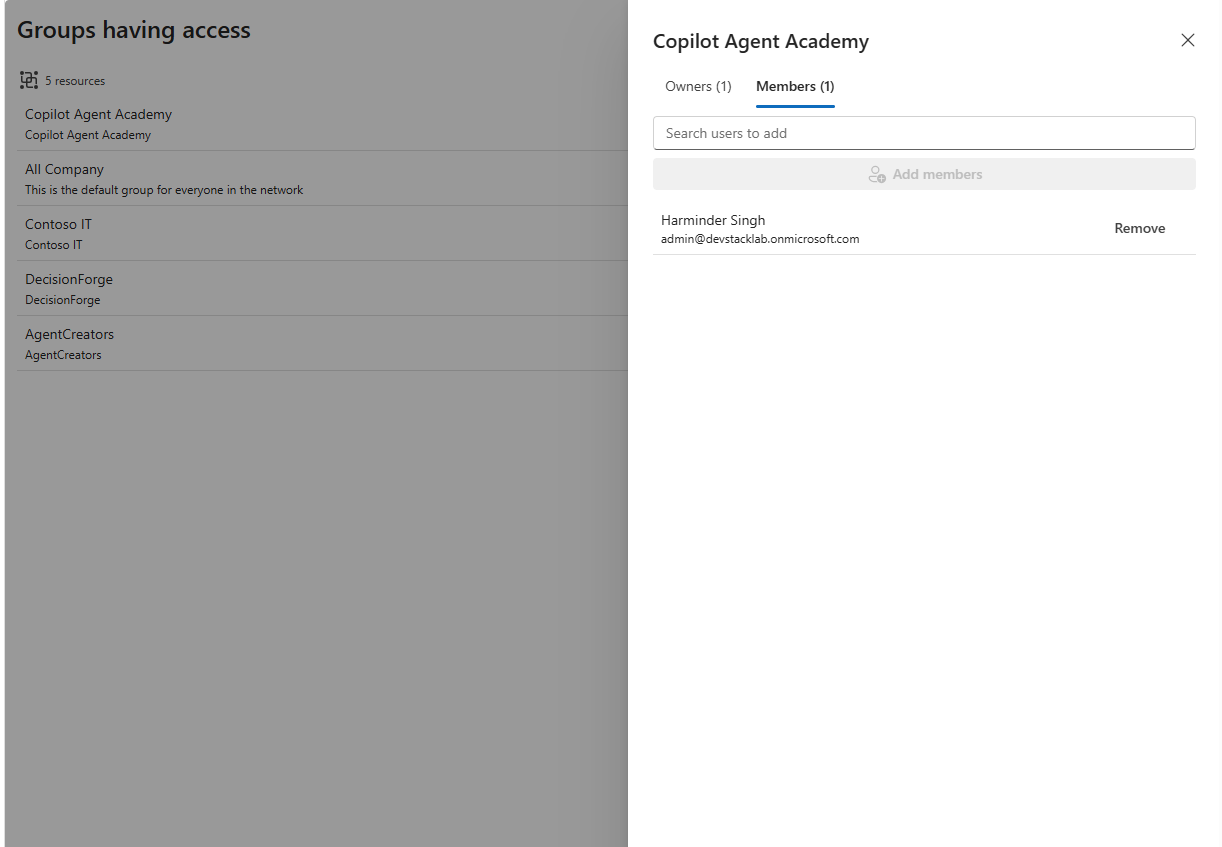
The React component supports followed sites, accessible sites, and groups the user belongs to, direct site links, follow and unfollow actions, fullscreen rendering, and permission-aware group membership management for viewing, adding, and removing members.
Gallery
See the component in action


Documentation
Setup and implementation
Summary
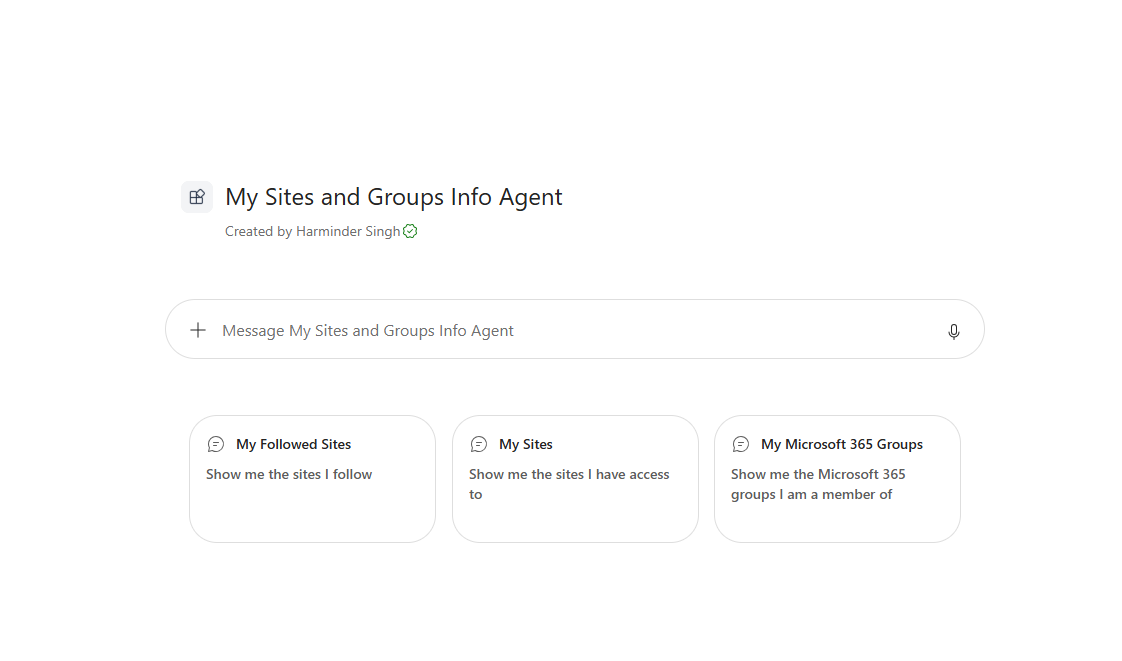
My Sites & Groups Info is an SPFx Copilot Component that helps users discover and manage SharePoint sites and Microsoft 365 Groups without leaving Microsoft Copilot. A declarative agent calls the MySitesGroupInfoTool, which renders a live React experience in the Copilot conversation.
Depending on the request, the component shows followed SharePoint sites, accessible SharePoint sites, or Microsoft 365 Groups the user belongs to. Users can search resources, open sites directly, follow or unfollow sites, explore group owners and members, and manage membership when permitted.
Compatibility




Applies to
- SharePoint Framework 1.24+ (Copilot Component)
- Microsoft Copilot extensibility
- Microsoft 365 tenant with the SharePoint App Catalog
Get your own free development tenant by subscribing to the Microsoft 365 Developer Program.
Contributors
Version history
| Version | Date | Comments |
|---|---|---|
| 1.0.7.0 | 2026-08-25 | Initial release |
Prerequisites
This solution uses Microsoft Graph to read SharePoint sites and Microsoft 365 Groups, search for people, and manage group membership. It also uses SharePoint Search and Social REST APIs for site discovery and followed-site fallback. The permissions declared in config/package-solution.json must be approved by a tenant administrator:
| Permission | Why it is needed |
|---|---|
Sites.Read.All |
Read SharePoint site information available to the user. |
Group.Read.All |
Read Microsoft 365 Group information. |
GroupMember.ReadWrite.All |
Add and remove group members when the user is authorized. |
Directory.Read.All |
Resolve users and group membership details. |
Files.Read.All |
Support Microsoft Graph file access scenarios declared by the solution. |
People.Read |
Search for people when adding group members. |
After deploying the .sppkg to the SharePoint App Catalog, a tenant administrator must approve the requested permissions in SharePoint Admin Center > Advanced > API access. Permission changes require approval again before they take effect.
Minimal path to awesome
- Clone this repository
- From your command line, change your current directory to this solution's root
- Install the dependencies:
npm install
- Start the hosted tenant workbench:
npm run start
SPFx Copilot Components cannot be tested in the local workbench. Use a hosted SharePoint tenant workbench and a tenant where the Copilot component solution is deployed.
To create the production package, run:
npm run build
Deploy sharepoint/solution/my-sites-groups-info.sppkg to the SharePoint App Catalog, approve the API permissions, and install the solution before invoking the My Sites and Groups Info Agent in Microsoft Copilot.
Other build commands can be listed using heft --help.
Features
This sample illustrates the following concepts:
- Copilot Component UX - A component with
copilotType: "Ux"exposesMySitesGroupInfoToolas a tool that a declarative agent can invoke to render a custom React experience inside Copilot. - Zod-based tool properties schema - The
target,top, andqueryarguments are defined with Zod and exported as JSON Schema for Copilot tool invocation. - Multiple resource views - The same component supports followed sites, accessible sites, and Microsoft 365 Groups through the
targetargument. - Brokered Microsoft Graph access - Graph requests use the SPFx-provided
MSGraphClientV3client without manual token handling. - SharePoint REST access - Accessible sites are discovered through the SharePoint Search REST API, with a SharePoint Social API fallback for followed sites when Graph is unavailable.
- In-context actions - Users can follow or unfollow sites and add or remove group members from the rendered experience when the required permissions allow it.
- Permission-aware membership management - Group membership actions are enabled only when the signed-in user is recognized as an owner and the tenant permissions allow the operation.
- Display-mode-aware rendering - The component supports compact inline rendering and fullscreen rendering and can request a size change from the Copilot host.
- Fluent UI React experience - The interface uses Fluent UI v9 components, icons, and design tokens.
Help
If you encounter issues using this solution, please open an issue in the repository.
Disclaimer
THIS CODE IS PROVIDED AS IS WITHOUT WARRANTY OF ANY KIND, EITHER EXPRESS OR IMPLIED, INCLUDING ANY IMPLIED WARRANTIES OF FITNESS FOR A PARTICULAR PURPOSE, MERCHANTABILITY, OR NON-INFRINGEMENT.