
Copilot UX component
Access data with the SharePoint REST API and Microsoft Graph
Two Copilot UX components that show the lists on a site with the SharePoint REST API, and the user's profile, mail, and calendar with Microsoft Graph.

- Updated
- October 4, 2026
- Built with
- React
- SPFx version
- 1.24.0-beta.5
- Products
- SharePoint, Microsoft Copilot
Overview
What this sample demonstrates
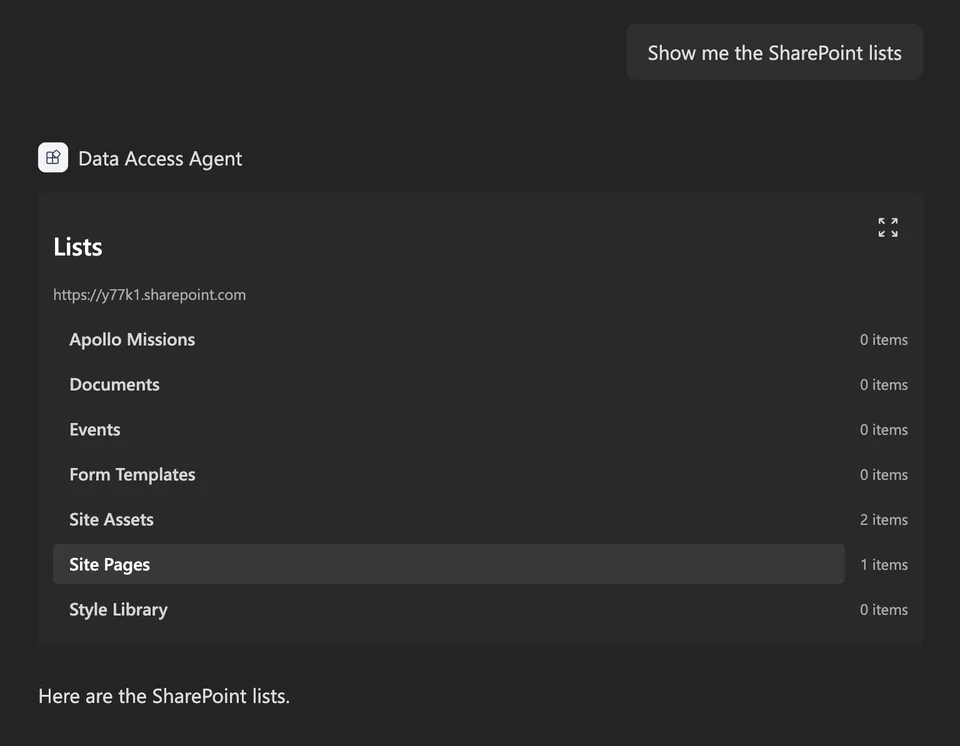
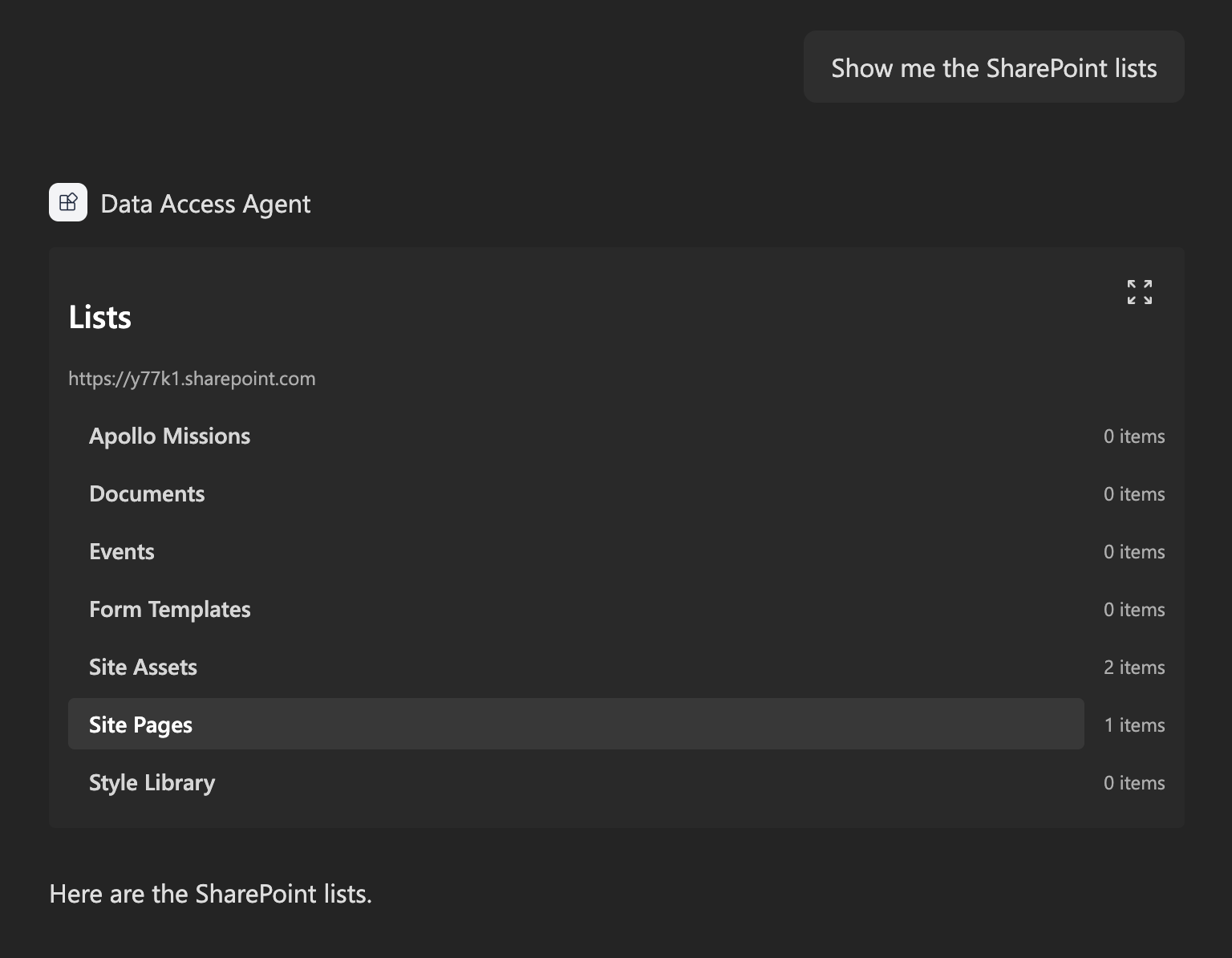
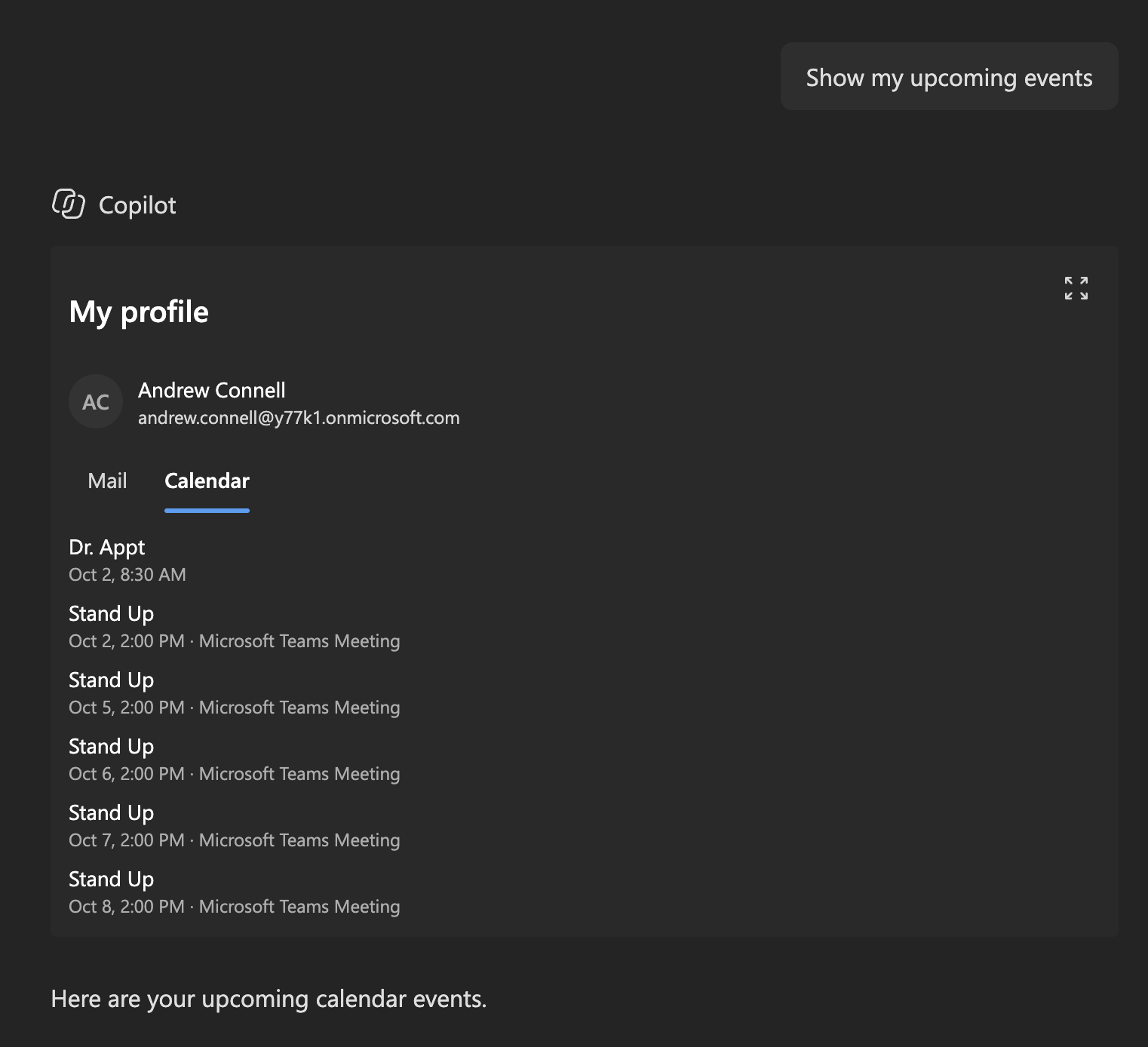
The finished solution for the article Access data from a Copilot UX component. One declarative agent has two Copilot UX components. SharePointLists uses spHttpClient to show the lists and libraries on a SharePoint site and the items in a selected list. MyProfile uses msGraphClientFactory to show the signed-in user's profile, recent email, and calendar events for the next 7 days.
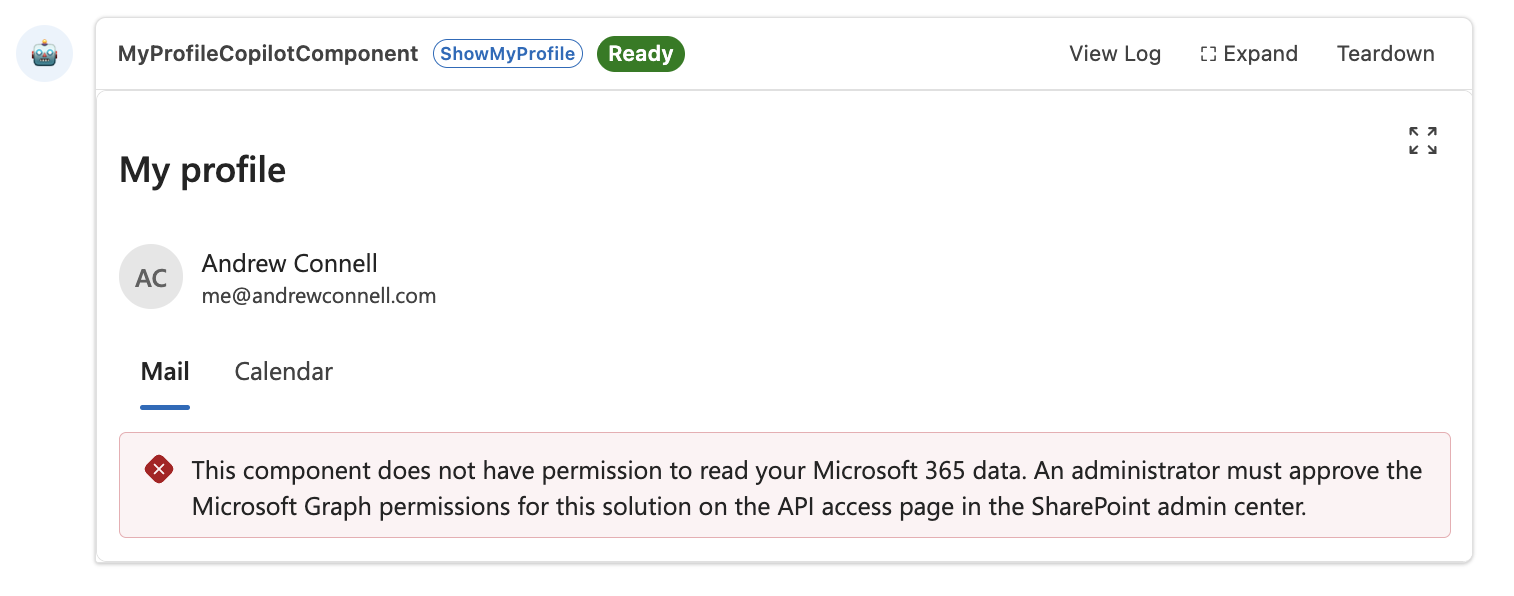
Both components load data in the view so they render right away with a loading state, show a message when a Microsoft Graph permission isn't approved, and follow the Copilot light and dark themes. All code runs in the browser; the solution package is the only thing to deploy.
Gallery
See the component in action


Documentation
Setup and implementation
Summary
This sample is the finished solution for the article Access data from a Copilot UX component. One declarative agent has two Copilot UX components: one shows the lists on a SharePoint site with the SharePoint REST API, and the other shows the signed-in user's profile, recent mail, and upcoming events with Microsoft Graph.
Compatibility




Applies to
Get your own free development tenant by subscribing to the Microsoft 365 developer program
Contributors
Version history
| Version | Date | Comments |
|---|---|---|
| 1.0 | October 4, 2026 | Initial release |
Prerequisites
- The Node.js version in the
enginesfield ofpackage.json - Permission to deploy to the tenant app catalog
- Permission to approve API access requests in the SharePoint admin center. The
MyProfilecomponent needs the Microsoft Graph permissionsUser.Read,Mail.Read, andCalendars.Read.
Minimal path to awesome
- Clone this repository (or download this solution as a .ZIP file then unzip it)
- From your command line, change your current directory to the directory containing this sample (
tutorial-access-data, located undersamples) - In the command line run:
npm installnpx heft start --nobrowser
- Go to the Copilot Workbench at
https://<tenant>.sharepoint.com/_layouts/15/copilotworkbench.aspxand accept the loading of debug manifests.
To deploy the sample to Microsoft 365 Copilot:
- In the command line run
npm run build. - Upload
sharepoint/solution/tutorial-access-data.sppkgto the tenant app catalog and select Enable app. - In the SharePoint admin center, go to Advanced > API access and approve the
User.Read,Mail.Read, andCalendars.Readrequests for Microsoft Graph. - In the app catalog, select the app and select Add to Teams.
- In Microsoft 365 Copilot, find the agent and add it. A new agent can take some time to appear; signing out and in again can help.
Features
The solution contains one declarative agent and two Copilot UX components:
| Component | Tool | Data source |
|---|---|---|
SharePointLists |
ShowSharePointLists |
SharePoint REST API through spHttpClient |
MyProfile |
ShowMyProfile |
Microsoft Graph through msGraphClientFactory |
All code runs in the browser. The solution package is the only thing to deploy.
This sample illustrates the following concepts:
- calling the SharePoint REST API with
spHttpClientfrom a Copilot UX component - calling Microsoft Graph with
msGraphClientFactoryand requesting permissions inpackage-solution.json - loading data in the view so the component renders right away with a loading state
- showing a clear message when a Microsoft Graph permission isn't approved
- two tools in one agent, with descriptions that tell Copilot which tool to use
Help
We do not support samples, but this community is always willing to help, and we want to improve these samples. We use GitHub to track issues, which makes it easy for community members to volunteer their time and help resolve issues.
You can try looking at issues related to this sample to see if anybody else is having the same issues.
If you encounter any issues using this sample, create a new issue.
Disclaimer
THIS CODE IS PROVIDED AS IS WITHOUT WARRANTY OF ANY KIND, EITHER EXPRESS OR IMPLIED, INCLUDING ANY IMPLIED WARRANTIES OF FITNESS FOR A PARTICULAR PURPOSE, MERCHANTABILITY, OR NON-INFRINGEMENT.