Microsoft Syntex content center
Content intelligence for everyone!
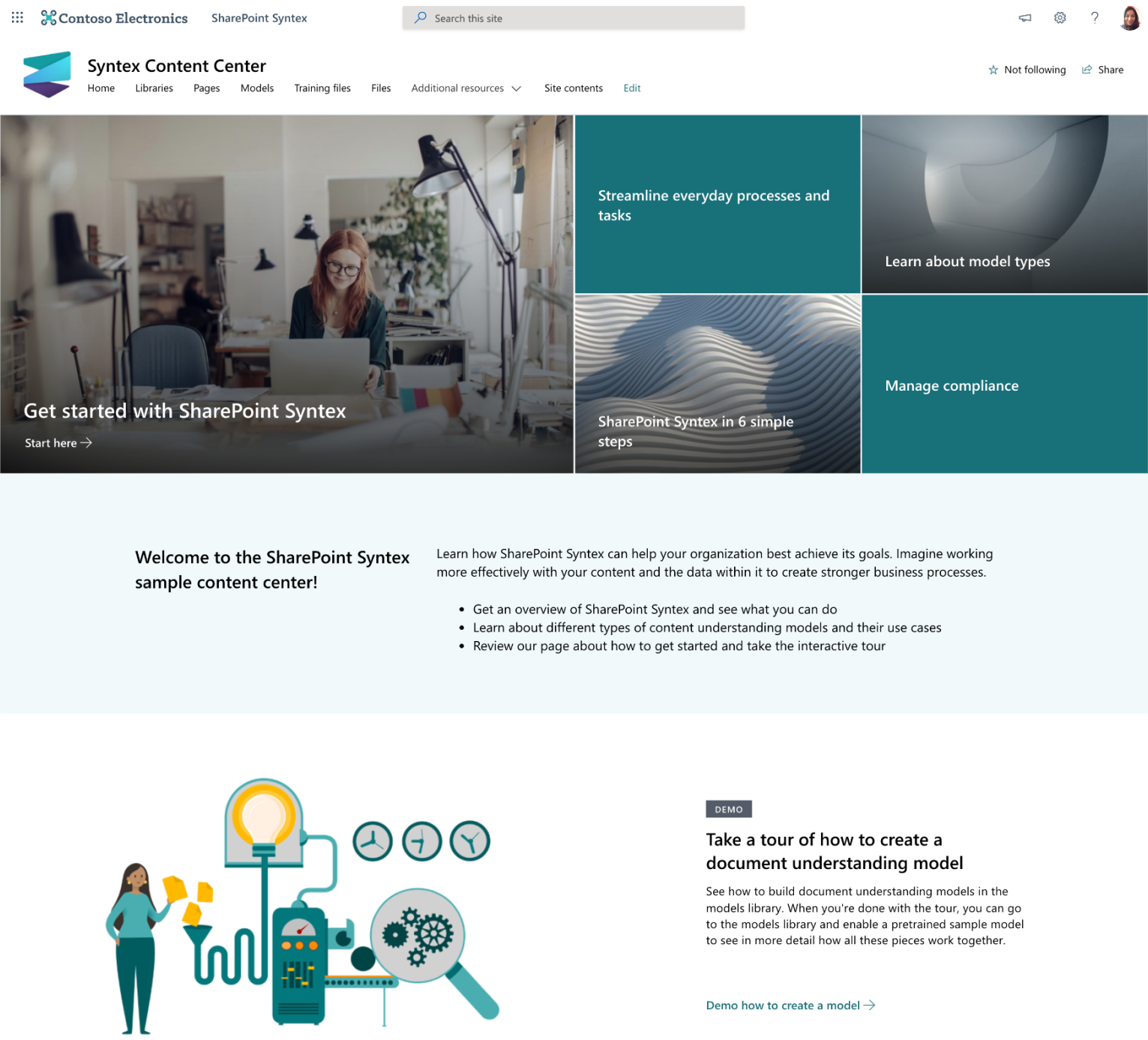
Use this site to learn more about Microsoft Syntex. We’ll introduce you to the tools you’ll need to create and train your own models. You can then use this site as a central content repository or as the control center for managing your own Microsoft Syntex models.
Models can be trained and evaluated using your own content. However, to apply the models to libraries, a license for Microsoft Syntex is required.
Prerequisites
The person doing the provisioning must meet the following pre-requisites:
- Must be a tenant administrator of the tenant - also known as the Office 365 global administrator role - where the SharePoint Success Site will be provisioned.
- This template has limited functionality without a license. You can preview product capabilities and even train models. However, you will need to purchase a license to publish any models to libraries.
What will be provisioned?
This template contains following elements which will be provisioned:
- A Microsoft Syntex Content Center site holding the Microsoft Syntex Content Center Site content
Manual deployment using PnP PowerShell
This template can also be manually deployed using PnP PowerShell. First ensure you've PnP PowerShell installed via Install-Module -Name PnP.PowerShell and configured via Register-PnPManagementShellAccess. Once that's done you can use the Deploy-Template script specifying your tenant url and the url for the Syntex Contracts Management site that will be created:
.\Deploy-Template.ps1 -TenantUrl https://contoso.sharepoint.com -SiteUrl "/sites/SyntexContentCenter"
The final output of this script will show the created site, you can copy that URL and start using your site:
Title             Url
-----             ---
Content Center    https://contoso.sharepoint.com/sites/SyntexContentCenter
Disclaimer
THIS CODE IS PROVIDED AS IS WITHOUT WARRANTY OF ANY KIND, EITHER EXPRESS OR IMPLIED, INCLUDING ANY IMPLIED WARRANTIES OF FITNESS FOR A PARTICULAR PURPOSE, MERCHANTABILITY, OR NON-INFRINGEMENT.