
From the contributor
How to use this sample
Summary
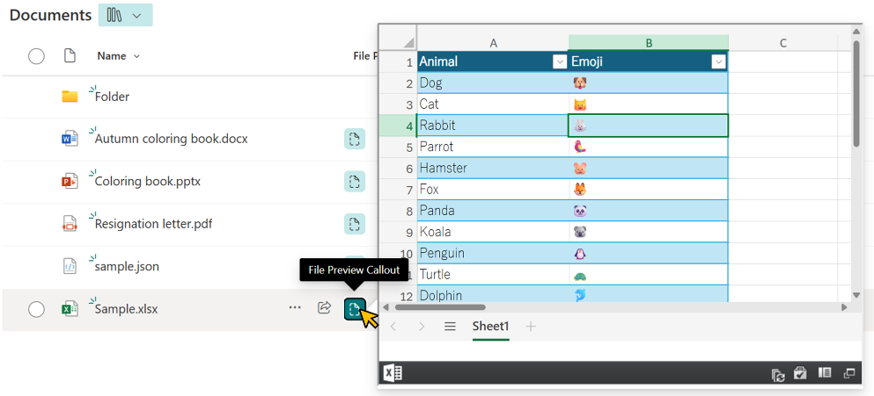
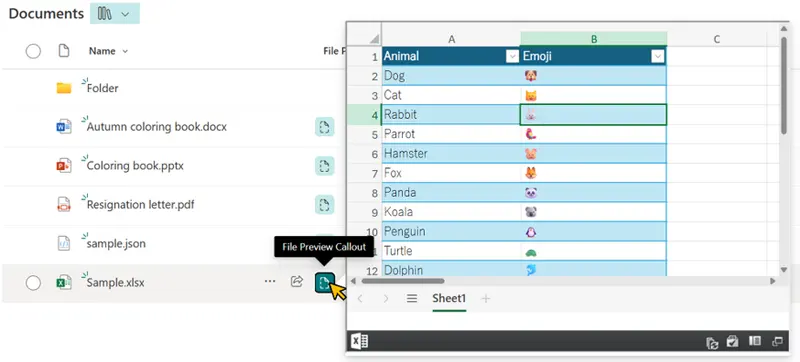
This sample demonstrates how to display a file preview from a document library or Site Pages inside a callout using the embed action. This allows users to view file contents without leaving the current page.
Pages can also be previewed in a callout.
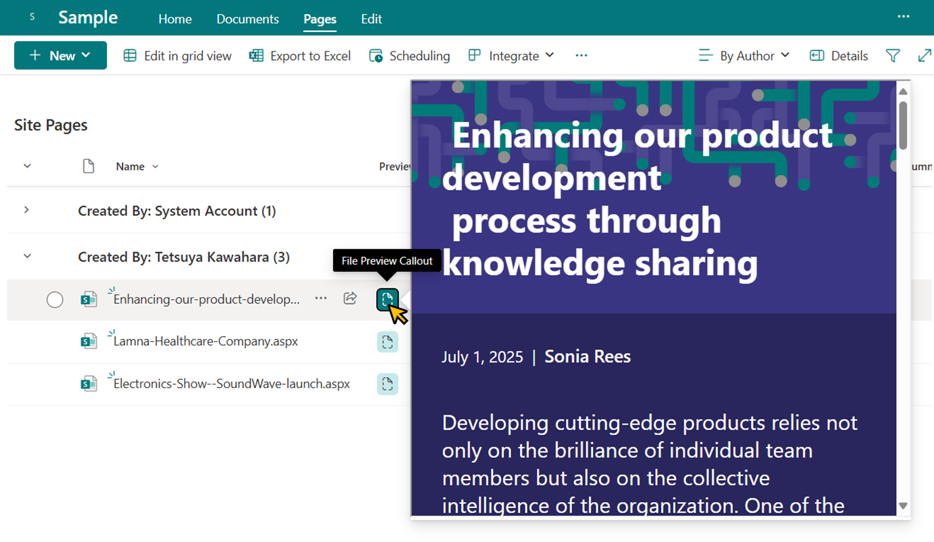
[!WARNING] Support for the
embedaction in Site Pages may not yet be available in some tenants as of October 2, 2025, so page previews might not work in those environments.
Prerequisites
To embed content, the domain of the SharePoint site (e.g., contoso.sharepoint.com) must be allowed for embedding. For guidance on how to allow embedding, please refer to Allow or restrict the ability to embed content on SharePoint Lists using custom formatters.
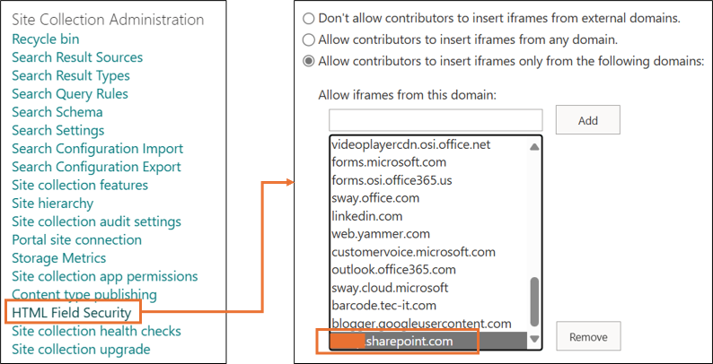
If you attempt to embed content from a domain that is not allowed, the following error screen will appear:
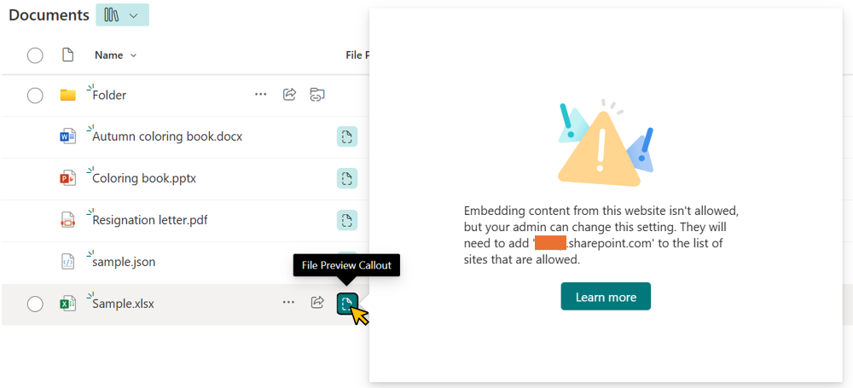
View requirements
- This format is designed for use with document libraries and Site Pages.
- This format can be applied to any column type.
Sample
| Solution | Author(s) |
|---|---|
| generic-embed-file-preview.json | Tetsuya Kawahara |
Version history
| Version | Date | Comments |
|---|---|---|
| 1.0 | June 30, 2025 | Initial release |
| 1.1 | October 2, 2025 | Extended to support page (aspx) previews |
Disclaimer
THIS CODE IS PROVIDED AS IS WITHOUT WARRANTY OF ANY KIND, EITHER EXPRESS OR IMPLIED, INCLUDING ANY IMPLIED WARRANTIES OF FITNESS FOR A PARTICULAR PURPOSE, MERCHANTABILITY, OR NON-INFRINGEMENT.
Additional notes
- This sample was created with reference to the generic-file-preview.
- Not all file extensions have been tested for preview, so some file types may not be supported for display.
- The embedded view uses query strings such as
?env=WebView. For more details, see Query String URL Tricks for SharePoint and Microsoft 365.