
From the contributor
How to use this sample
Summary
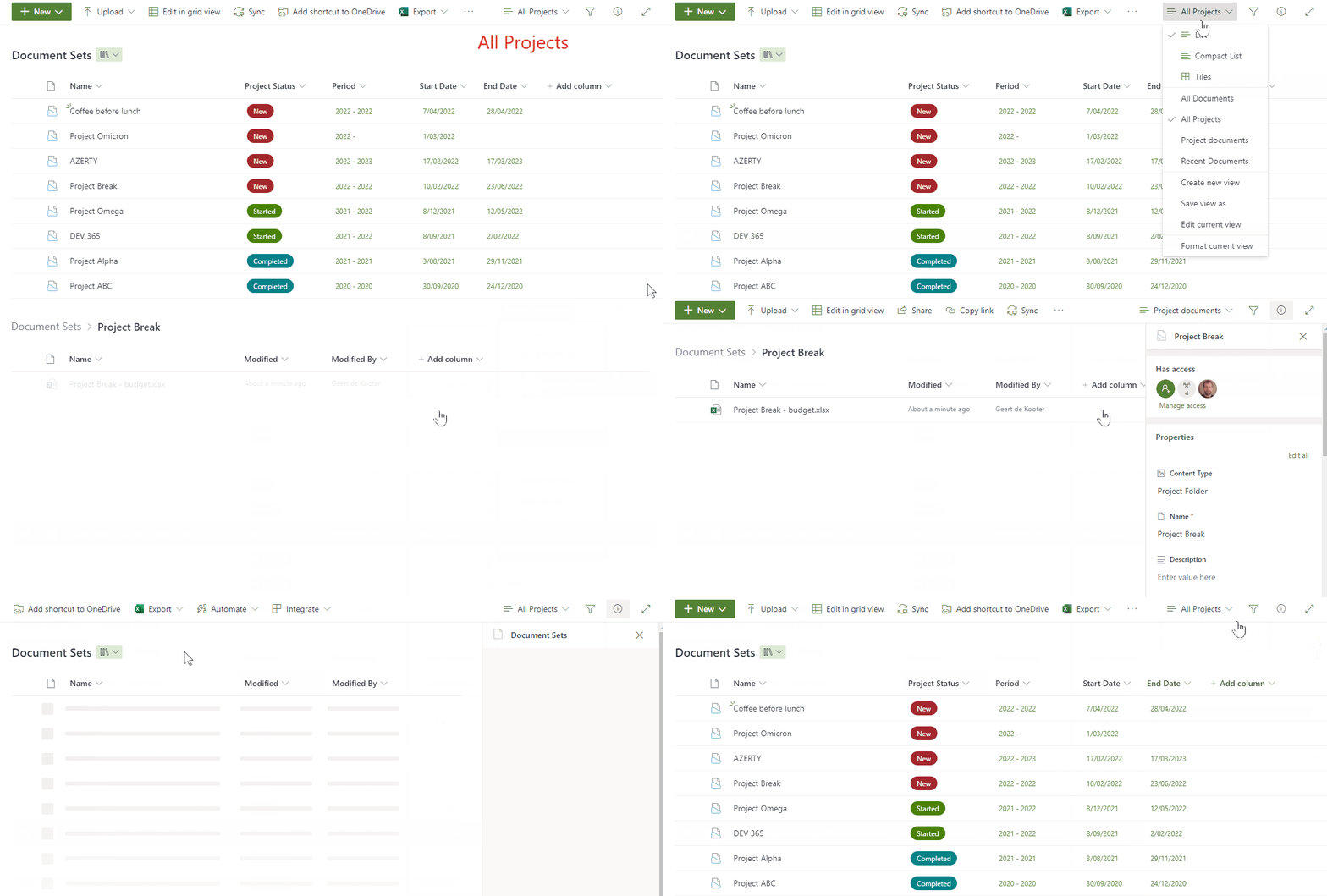
The purpose of this sample is to enhance the use of documentsets. Assuming you have a SharePoint Library with documentsets, it can be useful to create a view that shows all the files without the documentset (folder) structure. By adding a column to this view using this sample, users can open the parent documentset of a file.
View requirements
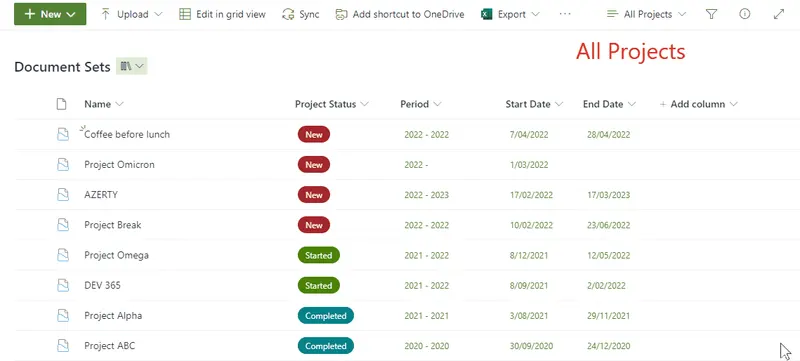
- A library with documentsets
- A view showing all the recent documents -- Folders: "Show all items without folders" -- Filter: Content Type is not equal to NameOfTheDocumentSetContentType
- A "Single line of text" column, the column doesn't need to be linked to any content type
Sample
| Solution | Author(s) |
|---|---|
| generic-link-to-parent-documentset.json | Geert de Kooter |
Version history
| Version | Date | Comments |
|---|---|---|
| 1.0 | April 7, 2022 | Initial release |
| 2.0 | January 20, 2023 | Changed txtContent formula - based on the idea of Chris Kent |
Additional notes
none
Disclaimer
THIS CODE IS PROVIDED AS IS WITHOUT WARRANTY OF ANY KIND, EITHER EXPRESS OR IMPLIED, INCLUDING ANY IMPLIED WARRANTIES OF FITNESS FOR A PARTICULAR PURPOSE, MERCHANTABILITY, OR NON-INFRINGEMENT.