
From the contributor
How to use this sample
Summary
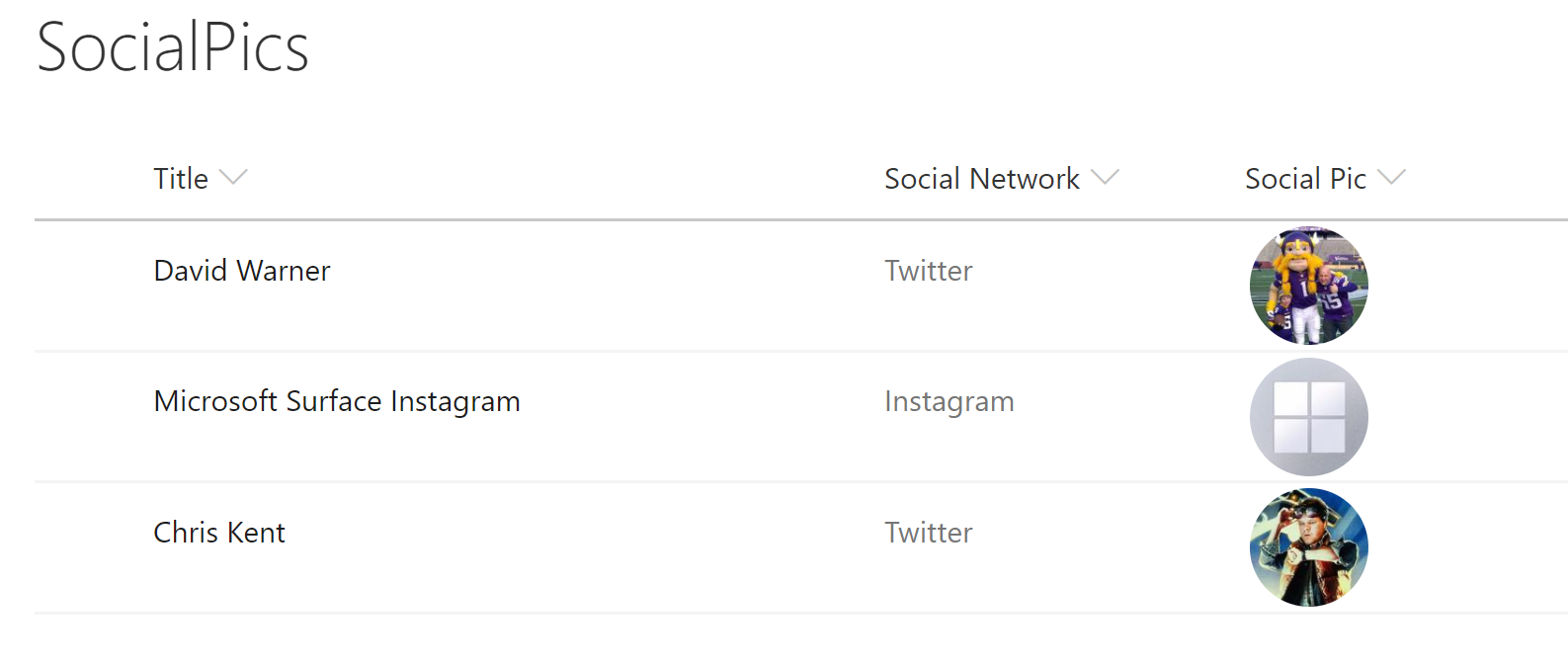
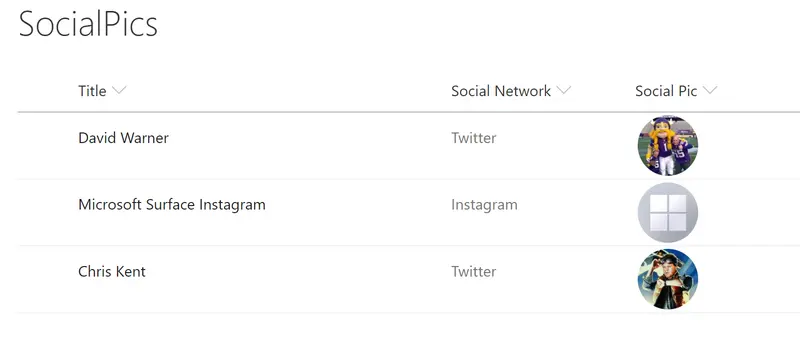
Using the social media handles supported by https://unavatar.now.sh, social media profile pictures are displayed in a circle and clicking them will open the user's social media page in a new window. The handle is also displayed as a tooltip when hovering over the profile image.
Note: https://unavatar.now.sh currently supports a variety of services including Twitter, Facebook, Instagram and GitHub.
Column Types
This format will work with Choice and Text columns without any changes. To use Lookup columns, you'll need to change the 2 occurences of @currentField to @currentField.lookupValue.
The field values are case insensitve and should be just the user's twitter handle with no @.
View requirements
This format expects to be applied to a text based column containing the username for a given social network. The view should have the following fields:
| Type | Internal Name | Required |
|---|---|---|
| Choice | SocialNetwork | Yes |
| Single line of text | SocialPic | Yes |
Sample
| Solution | Author(s) |
|---|---|
| generic-socialpic.json | David Warner II |
Version history
| Version | Date | Comments |
|---|---|---|
| 1.0 | July 21, 2018 | Initial release |
| 1.1 | August 20, 2018 | Updated to use Excel-style expressions |
| 1.2 | August 20, 2020 | Updated to use the unavatar service for profile picture |
Disclaimer
THIS CODE IS PROVIDED AS IS WITHOUT WARRANTY OF ANY KIND, EITHER EXPRESS OR IMPLIED, INCLUDING ANY IMPLIED WARRANTIES OF FITNESS FOR A PARTICULAR PURPOSE, MERCHANTABILITY, OR NON-INFRINGEMENT.
Additional notes
A similar wizard is also included in the Column Formatter webpart that allows full customization.
An additional version using Abstract Tree Syntax (AST) is also provided for environments where the Excel-style expressions are not supported.