
From the contributor
How to use this sample
Summary
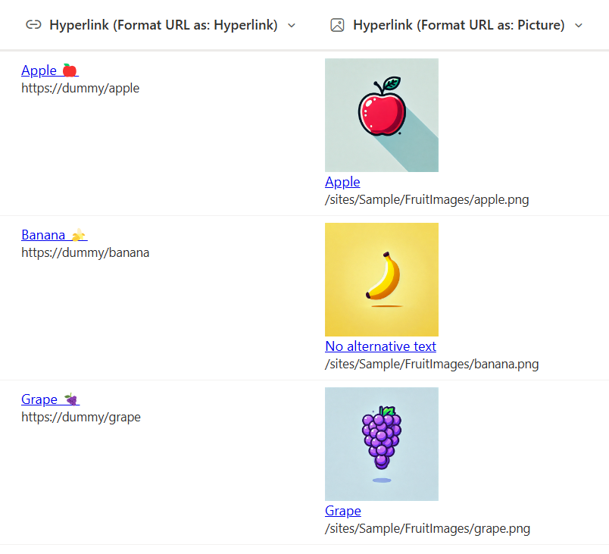
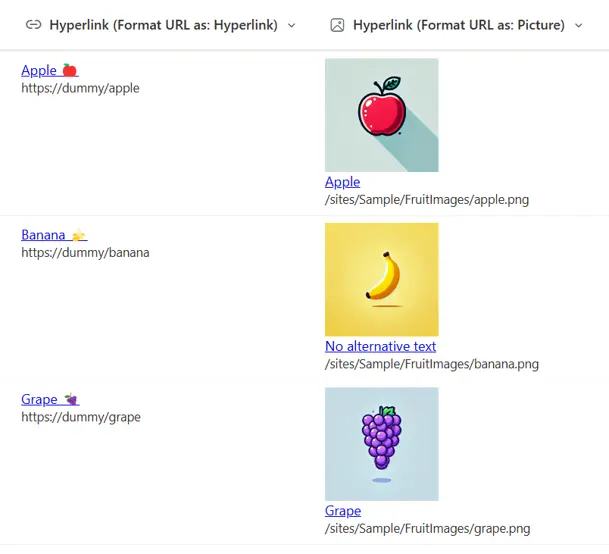
This sample demonstrates displaying a URL in a hyperlink column. By showing the URL, users can preview the linked site or page before clicking on the link. Additionally, making the URL visible allows users to quickly identify the link’s destination during maintenance, making it easier to modify or update.
View requirements
This format can be applied to a Hyperlink column.
Sample
| Solution | Author(s) |
|---|---|
| hyperlink-display-url.json | Watana & Tetsuya Kawahara |
| hyperlink-display-url-format-picture.json | Watana & Tetsuya Kawahara |
Version history
| Version | Date | Comments |
|---|---|---|
| 1.0 | September 16, 2024 | Initial release |
Disclaimer
THIS CODE IS PROVIDED AS IS WITHOUT WARRANTY OF ANY KIND, EITHER EXPRESS OR IMPLIED, INCLUDING ANY IMPLIED WARRANTIES OF FITNESS FOR A PARTICULAR PURPOSE, MERCHANTABILITY, OR NON-INFRINGEMENT.