
From the contributor
How to use this sample
Summary
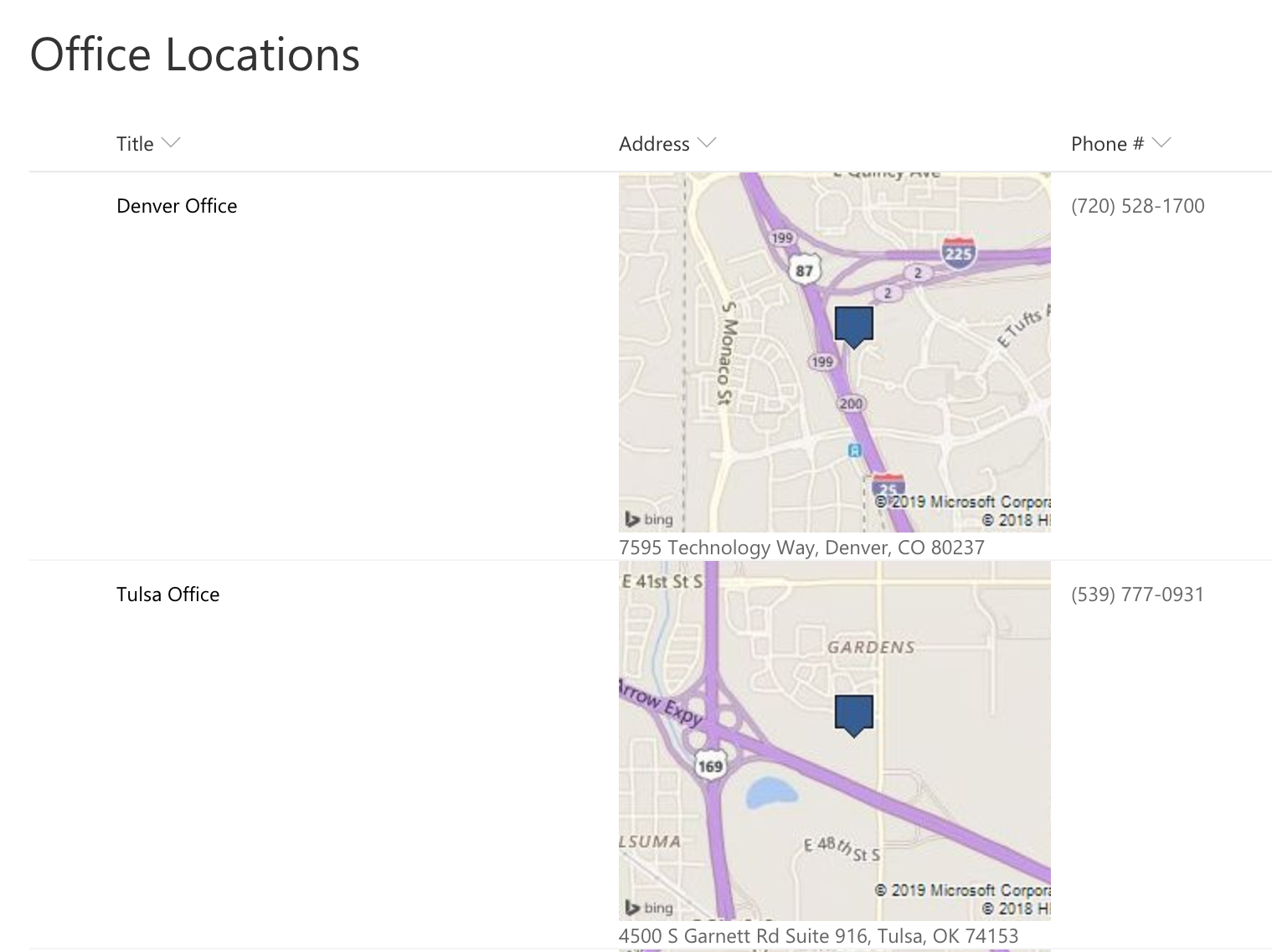
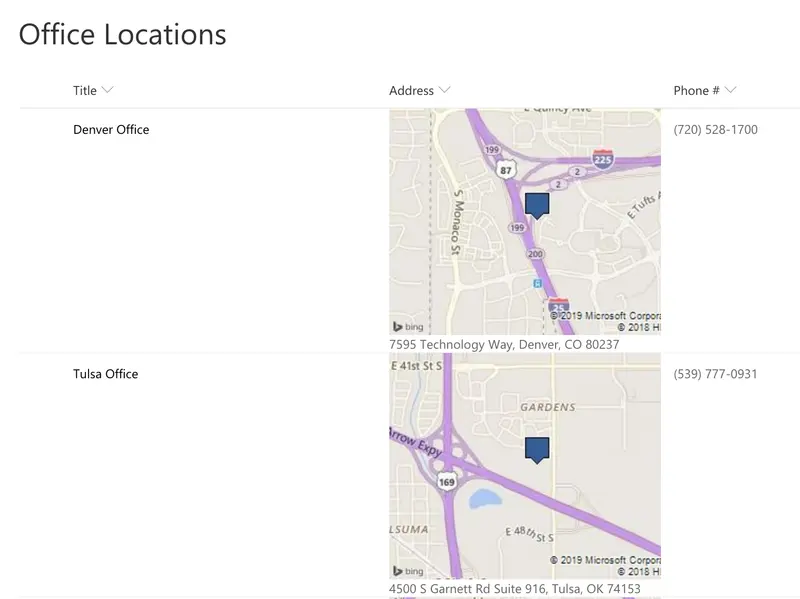
This template uses Bing Maps' staticmap API which generates an image using a parameterized URL. The template only uses the most basic features of map location and image size. To see all of the available option see the static map documentation: (static map
In this template we are just using the current field's value as the location, but you could easily make very advanced maps by combining multiple column values across your list item.
To add additional parameters, just continue to add operands in the + operation!
API key
The text "insert your Bing Map API Key Here" in the template (the text after &key) should be changed to your own FREE API Key. Getting a key takes 2 minutes and is FREE: Get API Key
Column Types
The values are expected to be addresses such as Tulsa, OK or Texas or 200 S Main St. Broken Arrow, OK 74012.
This format will work with Choice, Single Line of Text and Multi Line of Text columns without any changes. To use Lookup columns, you'll need to change the 2 occurences of [$Address] to [$Address.lookupValue].
Apply Column Formatting to Multi-Line of Text Field
If your address is stored in a Multi-Line of Text field, there are a few extra clicks required to get to the column formatting settings. In your list, click the Gear --> List Settings. Find your column name in the list of columns and select it. Paste in the code in the Column Formatting Section at the bottom of the page.
View requirements
- This format can be applied to a text/choice field where the value is expected to be a location
Sample
| Solution | Author(s) |
|---|---|
| text-bing-map.json | April Dunnam |
Version history
| Version | Date | Comments |
|---|---|---|
| 1.0 | Feb 4, 2019 | Initial release |
Disclaimer
THIS CODE IS PROVIDED AS IS WITHOUT WARRANTY OF ANY KIND, EITHER EXPRESS OR IMPLIED, INCLUDING ANY IMPLIED WARRANTIES OF FITNESS FOR A PARTICULAR PURPOSE, MERCHANTABILITY, OR NON-INFRINGEMENT.