
From the contributor
How to use this sample
Summary
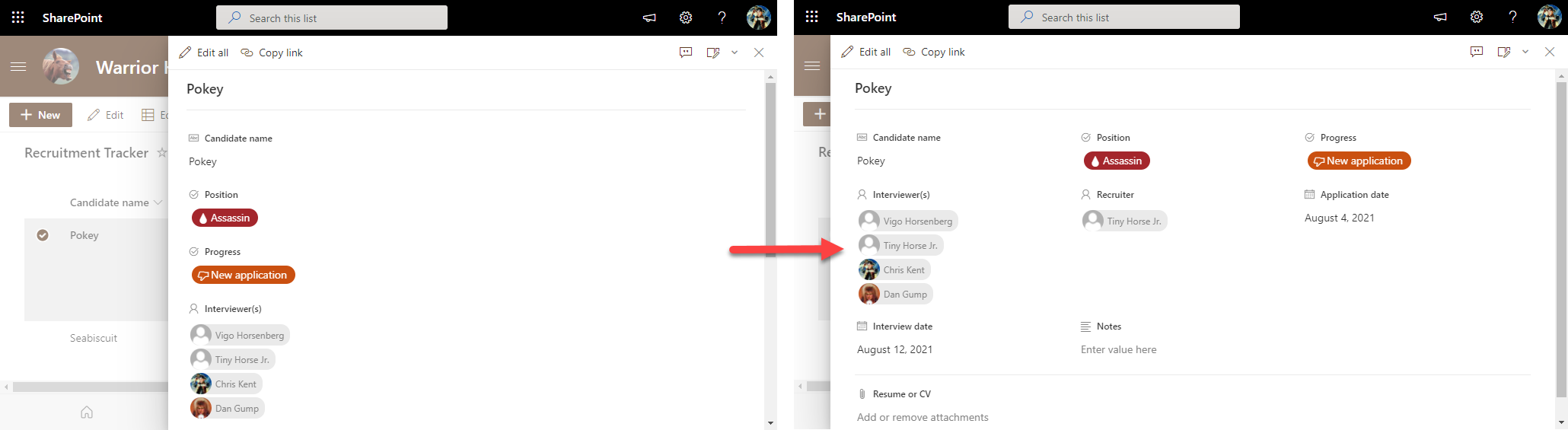
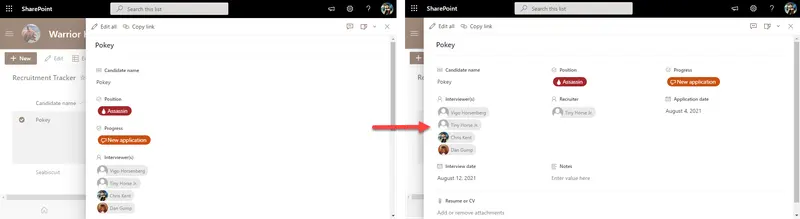
By default, uncustomized list forms display the fields in a single column. This is generally fine, but sometimes you may want to use more horizontal space and have your fields wrap. This is not technically a format but rather a body layout. No columns or sections are specified meaning that this can be applied to any form and it won't change the order of display or what columns are visible it simply adds the wrapping.
Form requirements
None
Sample
| Solution | Author(s) |
|---|---|
| wrapped-body.json | Chris Kent |
Version history
| Version | Date | Comments |
|---|---|---|
| 1.0 | January 21, 2021 | Initial release |
Additional notes
None
Disclaimer
THIS CODE IS PROVIDED AS IS WITHOUT WARRANTY OF ANY KIND, EITHER EXPRESS OR IMPLIED, INCLUDING ANY IMPLIED WARRANTIES OF FITNESS FOR A PARTICULAR PURPOSE, MERCHANTABILITY, OR NON-INFRINGEMENT.
Update telemetry url below to replace "readme-template" with the internal name of your sample (same as the containing folder)