
From the contributor
How to use this sample
Summary
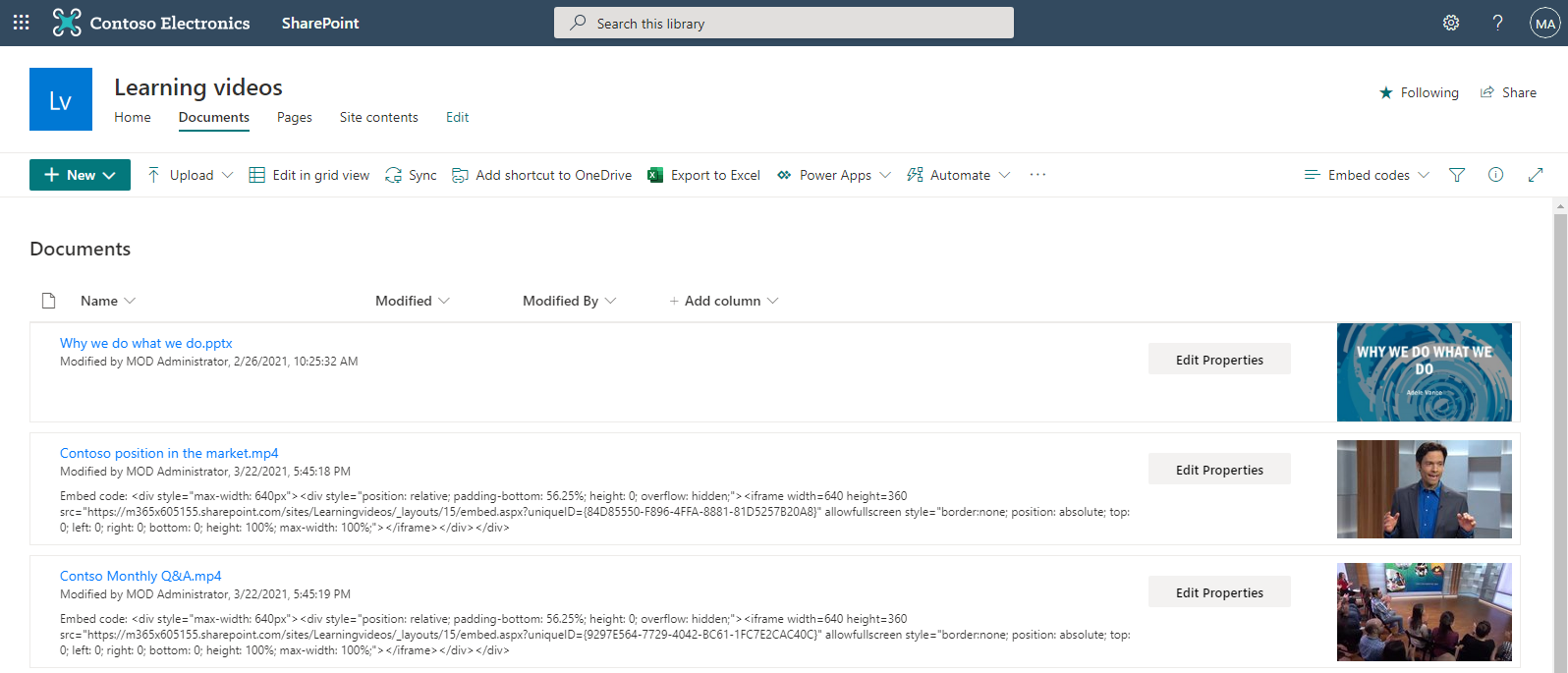
If you upload video files to a SharePoint document library, there currently isn't a way for an end user to easily get the iFrame embed code for the video file other than using the Microsoft Graph Preview item API. This document library view formatting example composes the iFrame embed code automatically for any video files in the library so users could easily copy and paste it.
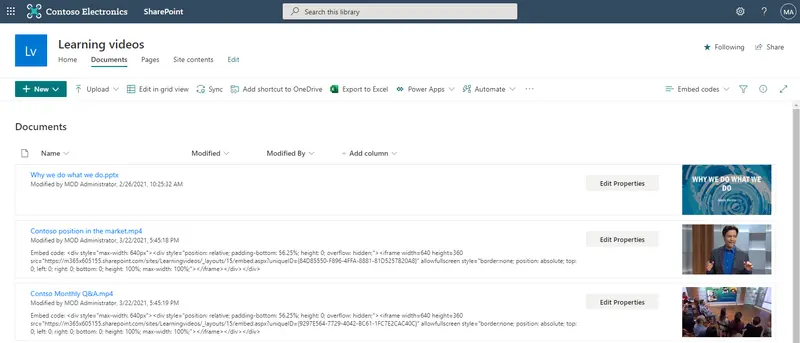
For each video file in the library it will display the embed code for the file as follows:
<div style="max-width: 640px"><div style="position: relative; padding-bottom: 56.25%; height: 0; overflow: hidden;"><iframe width=640 height=360 src="https://companyname.sharepoint.com/sites/sitename/_layouts/15/embed.aspx?uniqueID={84D85550-F896-3FFA-8881-81D5257B60A8}" allowfullscreen style="border:none; position: absolute; top: 0; left: 0; right: 0; bottom: 0; height: 100%; max-width: 100%;"></iframe></div></div>
View requirements
This view will only output iFrame embed codes for video files with common known extensions.
Sample
| Solution | Author(s) |
|---|---|
| get-video-file-embed-code.json | Marc Mroz |
Version history
| Version | Date | Comments |
|---|---|---|
| 1.0 | March 22, 2021 | Initial release |
Disclaimer
THIS CODE IS PROVIDED AS IS WITHOUT WARRANTY OF ANY KIND, EITHER EXPRESS OR IMPLIED, INCLUDING ANY IMPLIED WARRANTIES OF FITNESS FOR A PARTICULAR PURPOSE, MERCHANTABILITY, OR NON-INFRINGEMENT.