
From the contributor
How to use this sample
Summary
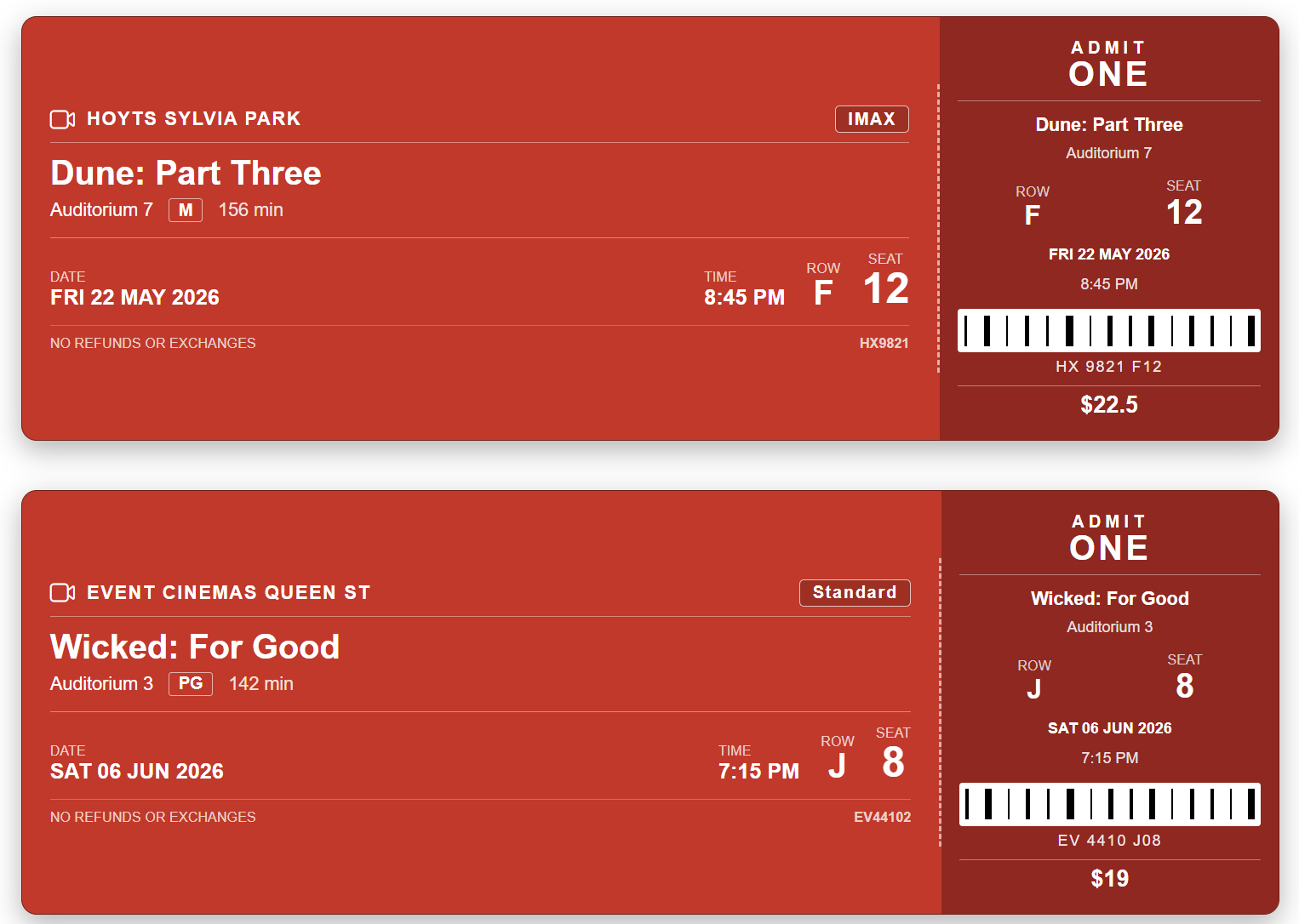
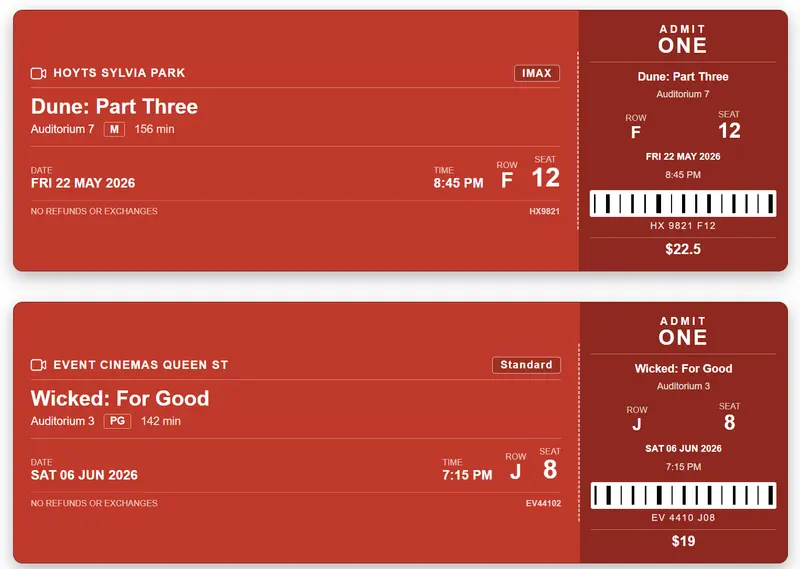
This SharePoint JSON view formatting sample transforms list items into realistic movie ticket stubs. Each card mimics a printed cinema ticket with a main section (movie title, cinema, format, date, time, row and seat) and a tear-off stub (ADMIT ONE block, ticket number, barcode and price) separated by a dashed perforation.
View requirements
Recommended SharePoint List Columns
| Column Name | Internal Name | Type | Description |
|---|---|---|---|
| Title | Title | Single line of text | Movie title (e.g. Dune: Part Three) |
| Cinema | Cinema | Single line of text | Cinema or chain name (e.g. Hoyts Sylvia Park) |
| Auditorium | Auditorium | Single line of text | Auditorium or screen identifier (e.g. Auditorium 7) |
| Format | Format | Choice | Screen format (Standard, IMAX, 3D, Dolby Atmos, Recliner, 4DX) |
| Rating | Rating | Choice | Classification (G, PG, M, R13, R16, R18) |
| Runtime | Runtime | Number | Runtime in minutes (e.g. 156) |
| Show Date | ShowDate | Single line of text | Show date formatted as DDD DD MMM YYYY (e.g. FRI 22 MAY 2026) |
| Show Time | ShowTime | Single line of text | Show time (e.g. 8:45 PM) |
| Row | Row | Single line of text | Seat row letter (e.g. F) |
| Seat | Seat | Single line of text | Seat number (e.g. 12) |
| Booking Ref | BookingRef | Single line of text | Booking reference / order number (e.g. HX9821) |
| Ticket Number | TicketNumber | Single line of text | Ticket serial number printed under the barcode |
| Price | Price | Number | Ticket price (e.g. 22.50) |
A PowerShell script has been provided in the assets folder to provision the list for you.
Note: This script uses PnP PowerShell and requires an environment ready for PnP PowerShell.
Sample
| Solution | Author |
|---|---|
| movie-ticket-stub.json | Sudeep Ghatak (LinkedIn) |
Version history
| Version | Date | Comments |
|---|---|---|
| 1.0 | May 11, 2026 | Initial release |
Disclaimer
THIS CODE IS PROVIDED AS IS WITHOUT WARRANTY OF ANY KIND, EITHER EXPRESS OR IMPLIED, INCLUDING ANY IMPLIED WARRANTIES OF FITNESS FOR A PARTICULAR PURPOSE, MERCHANTABILITY, OR NON-INFRINGEMENT.
Additional notes
- The Title column is used as the movie title and is shown both on the main ticket and on the stub.
- ShowDate is stored as text in
DDD DD MMM YYYYformat (e.g.FRI 22 MAY 2026) to match the look of a printed cinema ticket. If you prefer to use a real Date column, replace the[$ShowDate]references with a calculated text column or with atoLocaleDateStringexpression. - The barcode is painted with a
repeating-linear-gradientbackground — no image asset is required. - The price renders only when greater than zero. Leave Price blank or zero to hide it.
- The "NO REFUNDS OR EXCHANGES" footer message is static and always displayed.