
Back to view formats
View formattingSharePoint Online

Random Item

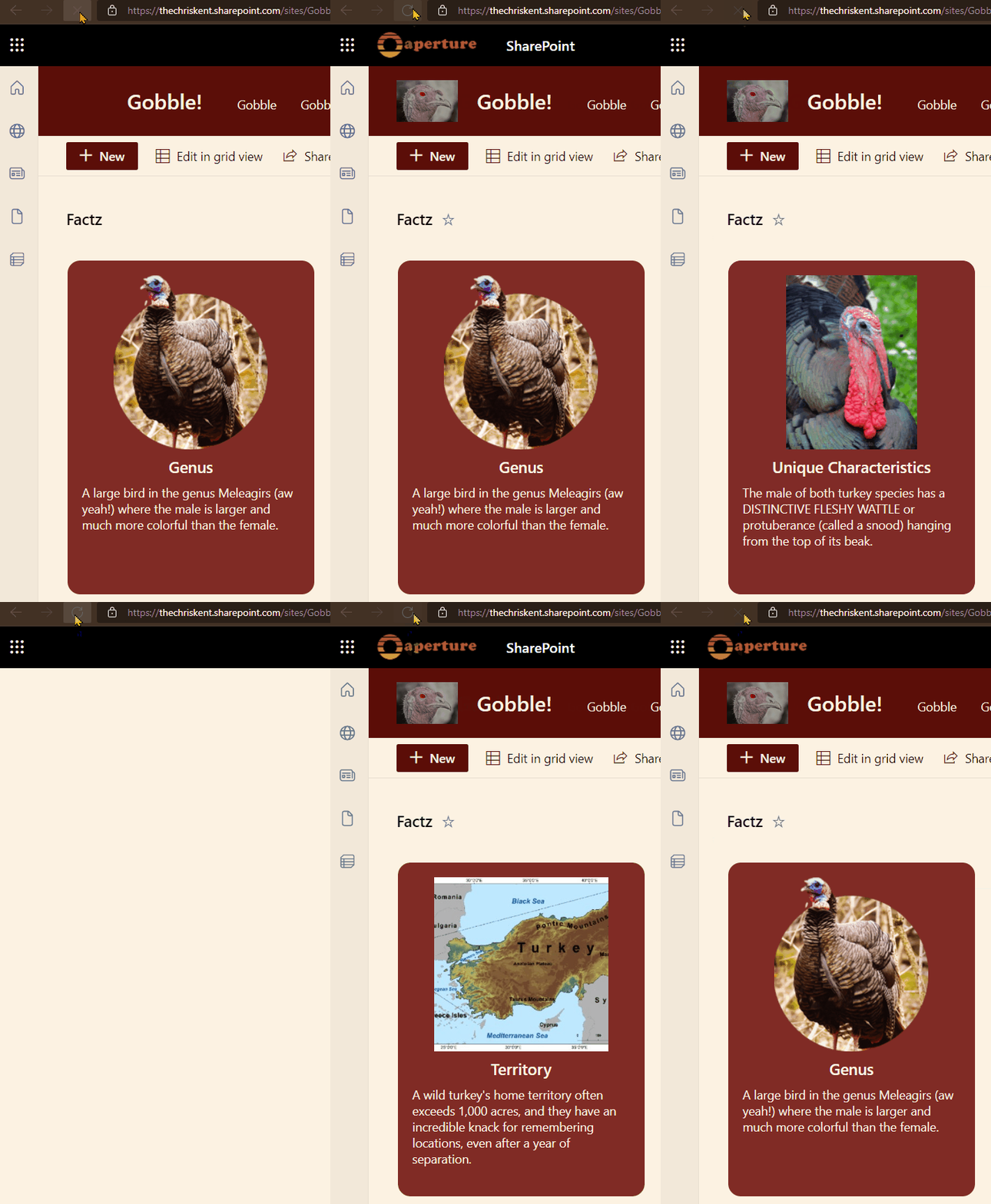
This sample demonstrates utilizing layering to draw all rows on top of each other and then the z-index is set to a randomized value to determine which row to draw on the very top.

Random Item formatting preview
Sample preview · View original animation

Copy. Apply. Make it yours.

Get this format

1 definition

Review the requirements below, then paste this JSON into the matching formatting panel. Show me where.

Use your list's internal column names and replace any tenant-specific URLs or flow IDs. Formatting is presentation, not a way to secure data.

View formatting
Download JSON
{
  "$schema": "https://developer.microsoft.com/json-schemas/sp/v2/row-formatting.schema.json",
  "hideSelection": true,
  "hideColumnHeader": true,
  "rowFormatter": {
    "elmType": "div",
    "attributes": {
      "class": "ms-bgColor-themeDark ms-fontColor-white"
    },
    "style": {
      "display": "flex",
      "flex-direction": "column",
      "border-width": "2px",
      "border-style": "solid",
      "width": "250px",
      "height": "350px",
      "overflow": "hidden",
      "padding": "16px",
      "border-radius": "16px",
      "position": "absolute",
      "z-index": "=Number(@now)%7"
    },
    "children": [
      {
        "elmType": "div",
        "style": {
          "height": "200px",
          "overflow": "hidden",
          "display": "flex",
          "justify-content": "center"
        },
        "children": [
          {
            "elmType": "img",
            "style": {
              "margin": "0 auto",
              "height": "200px"
            },
            "attributes": {
              "src": "=[$Image.serverUrl]+[$Image.serverRelativeUrl]"
            }
          }
        ]
      },
      {
        "elmType": "div",
        "txtContent": "[$Title]",
        "style": {
          "font-size": "18px",
          "font-weight": "600",
          "padding": "8px 0"
        }
      },
      {
        "elmType": "div",
        "txtContent": "[$Details]",
        "style": {
          "font-size": "14px"
        }
      }
    ]
  }
}

From the contributor

How to use this sample

Summary

This sample demonstrates utilizing layering to draw all rows on top of each other and then the z-index is set to a randomized value to determine which row to draw on the very top.

The trick is that the z-index is set using the @now parameter with a modulo operator against the total number of items (7). This number should be updated to match the number of items in the list you are trying to display. However, it can also be dynamic by setting this to a relatively high number.
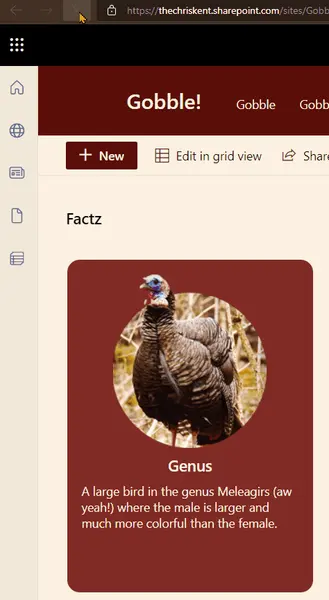
screenshot of the sample

In the above use case, this format has been used to display a random turkey fact! This can easily be added to a page using the list web part and will act as a miniature application.
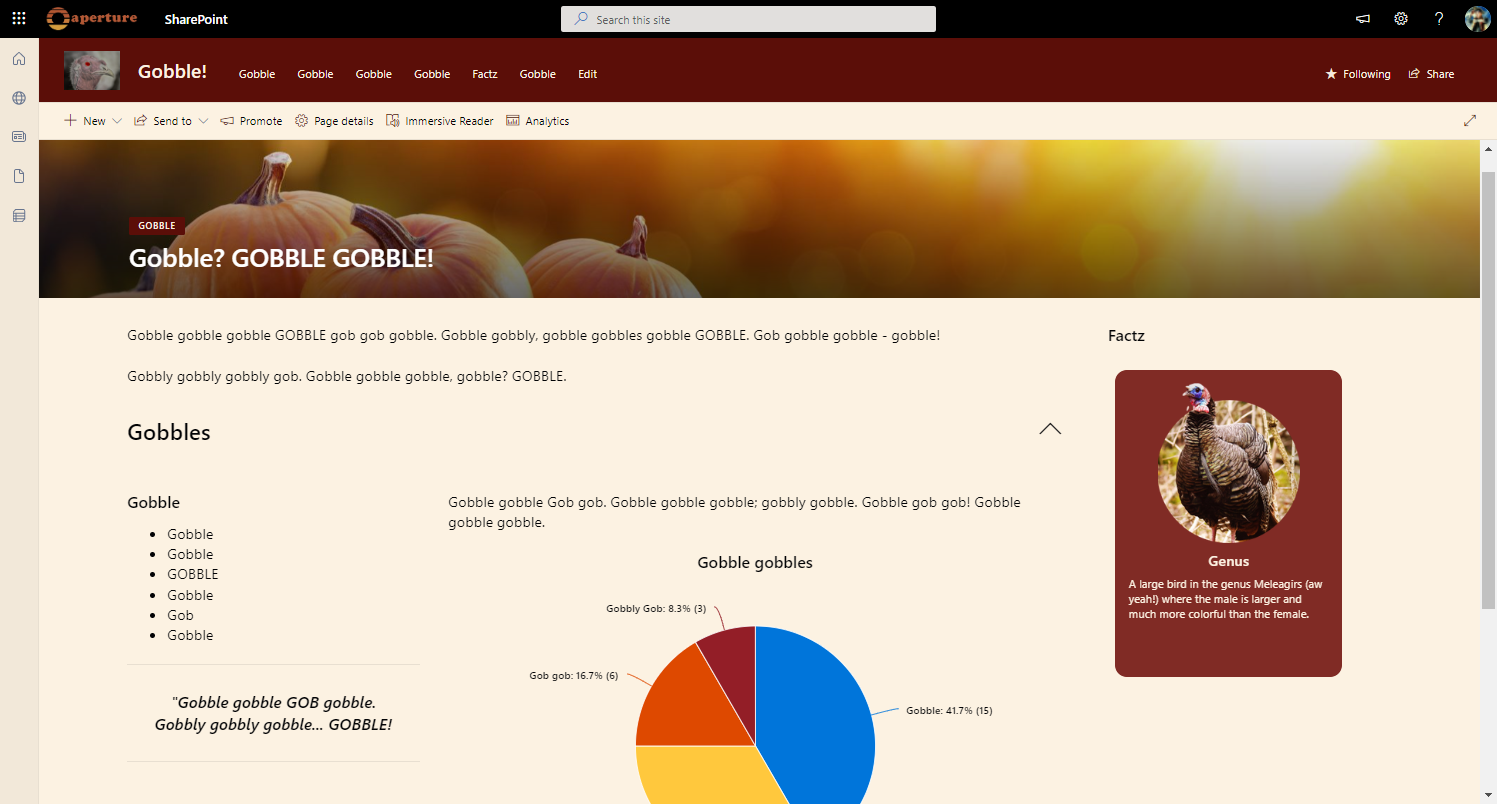
screenshot of the sample on a page

View requirements

Type Internal Name Required
Single line of text Title Yes
Multiple line of text Details Yes
Image Image Yes

Sample

Solution Author(s)
random-item.json Chris Kent

Version history

Version Date Comments
1.0 April 15, 2022 Initial release

Disclaimer

THIS CODE IS PROVIDED AS IS WITHOUT WARRANTY OF ANY KIND, EITHER EXPRESS OR IMPLIED, INCLUDING ANY IMPLIED WARRANTIES OF FITNESS FOR A PARTICULAR PURPOSE, MERCHANTABILITY, OR NON-INFRINGEMENT.