
Prompt
Draft Actionable Tasks from Meeting Summary
Drafts planner tasks and meeting summary from email

- Sample type
- Prompt
- Products
- Microsoft 365 Copilot
- Created
- Updated
Sample documentation
How to use this sample
🚀 Draft Actionable Tasks from Meeting Summary 📄
Summary
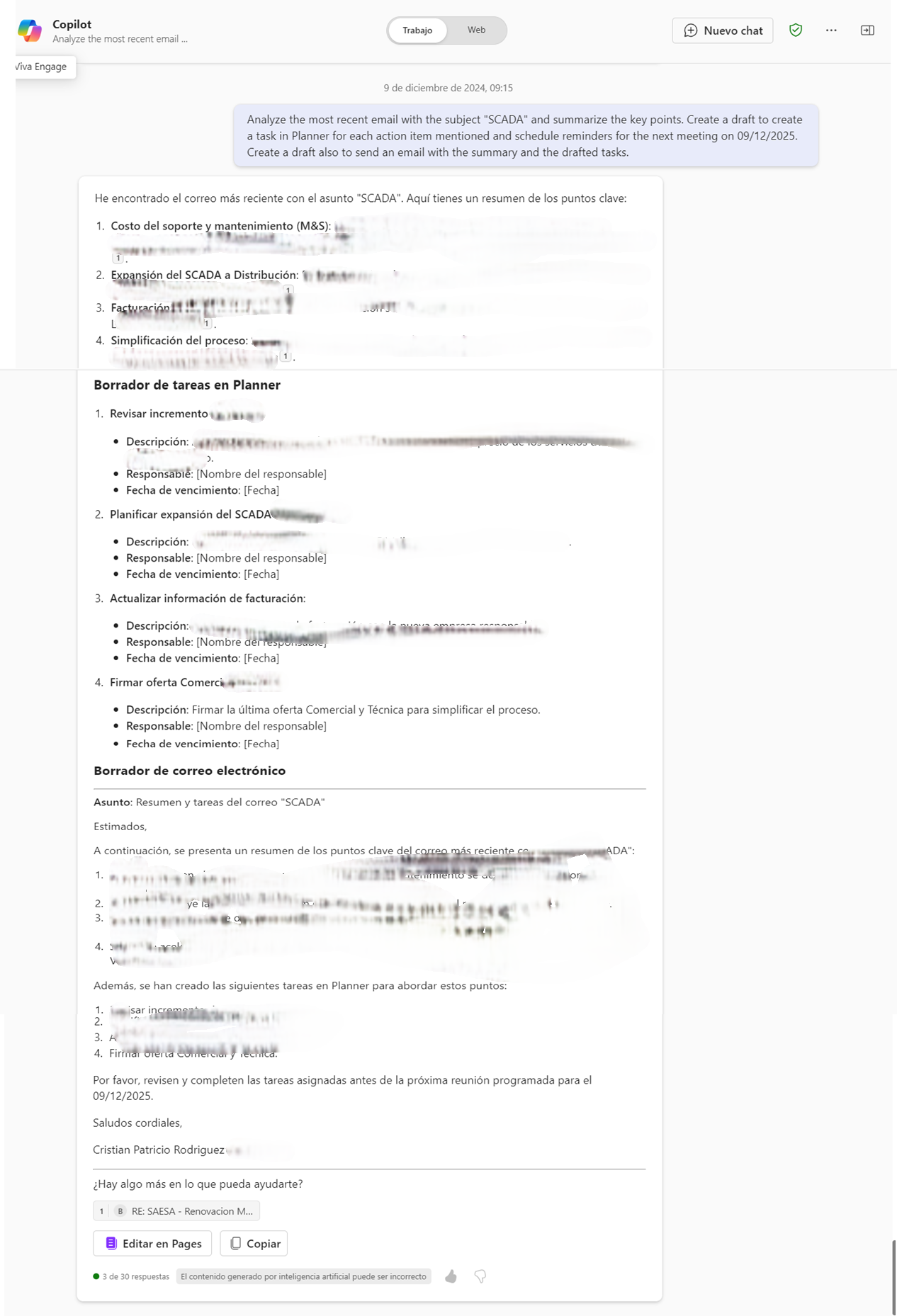
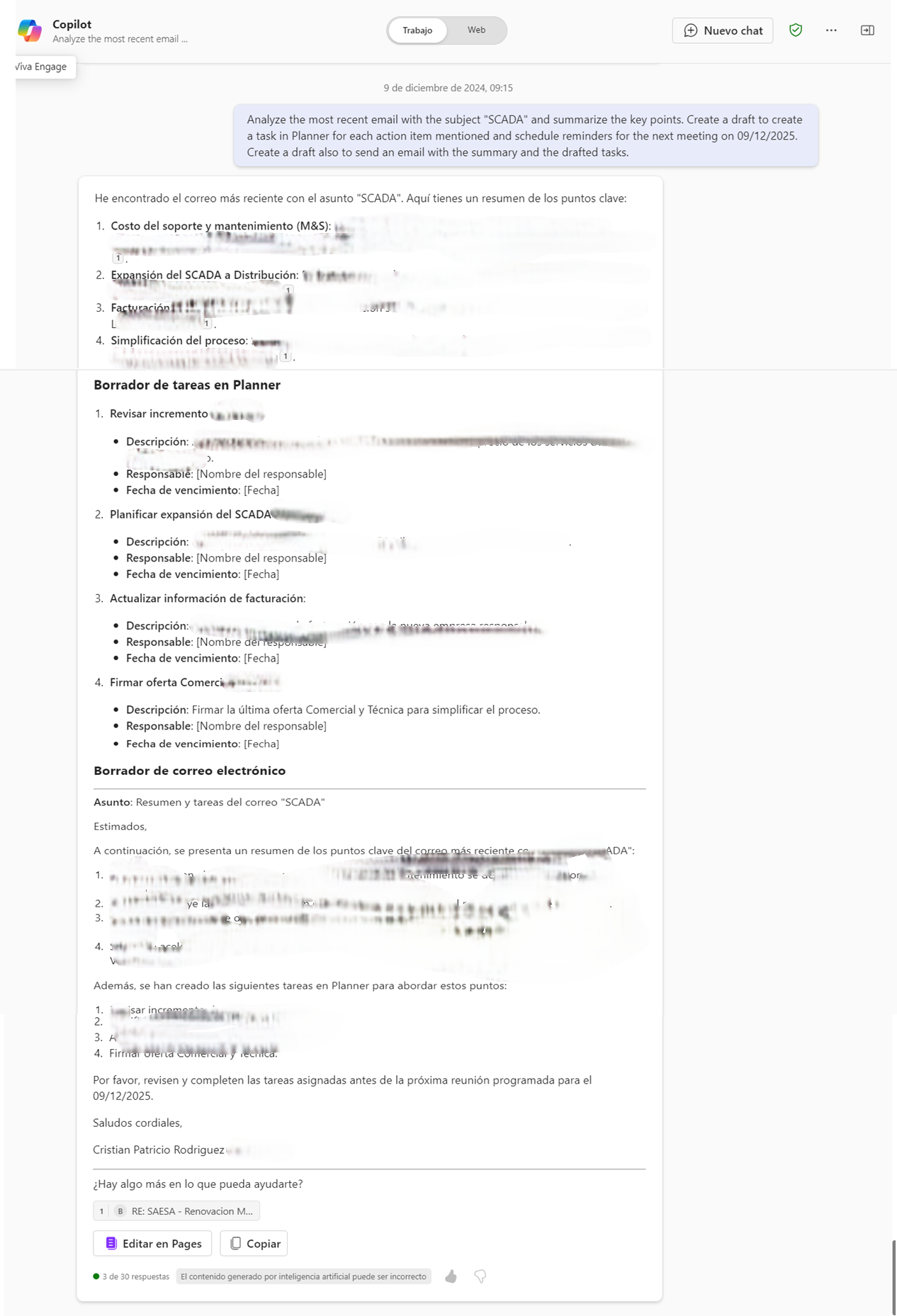
This prompt is designed to help draft meeting summaries by analyzing the latest email related to a meeting and extracting key points. It also creates drafts for actionable tasks in Planner based on the content of the email, schedules reminders, and creates a draft summary email to be sent to attendees. This helps streamline follow-ups and task management post-meetings.
Prompt 💡
Analyze the most recent email with the subject "Meeting Planning" and summarize the key points. Create a draft to create a task in Planner for each action item mentioned and also to schedule their reminders for the next meeting on [date]. Create a draft also to send an email with the summary and the drafted tasks.
Description ℹ️
This prompt will help draft post-meeting actions, saving time and ensuring follow-ups are tracked effectively.
Contributors 👨💻
Version history
| Version | Date | Comments |
|---|---|---|
| 1.0 | Dec 4, 2024 | Initial release |
Instructions 📝
- Ensure you have Copilot for Microsoft 365 enabled in your tenant.
- Open the Microsoft Teams app.
- Access the Copilot app within Teams.
- Paste the prompt in the Copilot app.
Prerequisites
Help
We do not provide direct support for these samples, but the community is always eager to help improve them. Issues and suggestions are managed via GitHub to allow community members to collaborate on solutions.
- To check for issues related to this sample, look at existing issues.
- If you encounter a problem, create a new issue.
- If you have ideas for improvements, feel free to make a suggestion.
Disclaimer
THIS CODE IS PROVIDED AS IS WITHOUT WARRANTY OF ANY KIND, EITHER EXPRESS OR IMPLIED, INCLUDING ANY IMPLIED WARRANTIES OF FITNESS FOR A PARTICULAR PURPOSE, MERCHANTABILITY, OR NON-INFRINGEMENT.
Learn more
References
Background and supporting resources provided by the contributor.