
Prompt
Upcoming Week: Meeting Organization and Task Prep
This prompt helps organize meetings agendas and tasks for the upcoming week

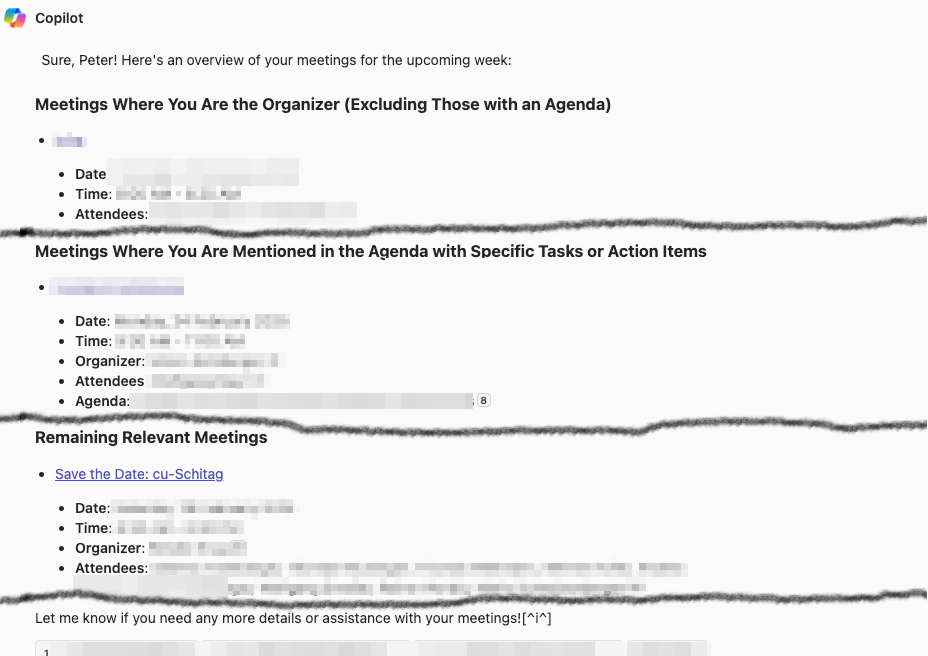
- Sample type
- Prompt
- Products
- Microsoft 365 Copilot
- Created
- Updated
Sample documentation
How to use this sample
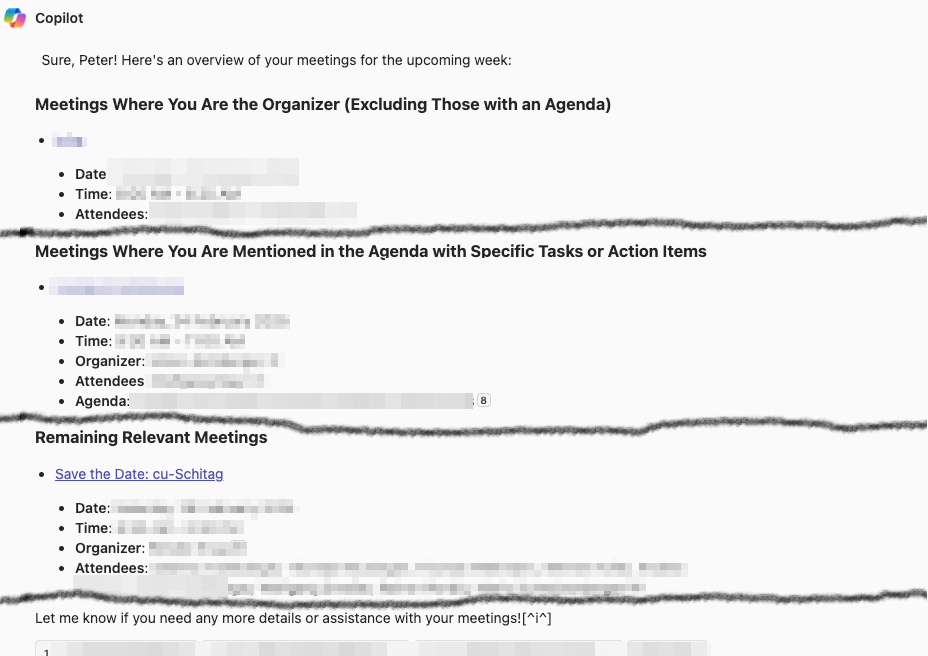
Summary
This prompt requests a structured overview of meetings for the upcoming week, prioritizing those where the user is the organizer without an agenda, followed by meetings where they have assigned tasks, and finally any other relevant meetings. Recurring status meetings are excluded unless they require preparation, and the output should be sorted by category and date.
Prompt💡
Please prepare an overview of my meetings for the upcoming week with the following details: List all meetings where I am the organizer, but exclude those that already have an agenda. Sort these by date. List meetings where I am mentioned in the agenda and have specific tasks or action items to prepare. Sort these after the first category. List any remaining relevant meetings that do not fall into the above categories but may still require my attention. Do not include recurring meetings such as status meetings or routine check-ins unless I have a specific task to prepare. Format the output in a structured way, grouping by category and sorting by date within each category.
Descriptionℹ️
Every Friday, I use this prompt to prepare for the upcoming week by organizing my meetings and tasks efficiently. The prompt generates a structured overview of my meetings, prioritizing:
- Meetings I organize without an agenda (to ensure I set one).
- Meetings where I have assigned tasks (so I can prepare in advance).
This process helps me stay on top of my responsibilities, ensuring that I have clarity on what needs to be done before the week starts.
Contributors 👨💻
Version history
| Version | Date | Comments |
|---|---|---|
| 1.0 | Feb 21, 2025 | Initial release |
Instructions 📝
- Make sure you have Copilot for Microsoft 365 in your tenant
- Open the Microsoft Teams app
- Open the Copilot app within Teams
- Paste the prompt in the Copilot app
Prerequisites
Help
We do not support samples, but this community is always willing to help, and we want to improve these samples. We use GitHub to track issues, which makes it easy for community members to volunteer their time and help resolve issues.
You can try looking at issues related to this sample to see if anybody else is having the same issues.
If you encounter any issues using this sample, create a new issue.
Finally, if you have an idea for improvement, make a suggestion.
Disclaimer
THIS CODE IS PROVIDED AS IS WITHOUT WARRANTY OF ANY KIND, EITHER EXPRESS OR IMPLIED, INCLUDING ANY IMPLIED WARRANTIES OF FITNESS FOR A PARTICULAR PURPOSE, MERCHANTABILITY, OR NON-INFRINGEMENT.
Learn more
References
Background and supporting resources provided by the contributor.