
Prompt
Change Impact Analysis from Meeting Transcripts
A contributed Copilot sample for Change Impact Analysis from Meeting Transcripts.

- Sample type
- Prompt
- Products
- Microsoft 365 Copilot
- Created
- Updated
Sample documentation
How to use this sample
Summary
This prompt helps identify implementation‑relevant change impacts from meeting transcripts or notes. It focuses strictly on explicitly stated or clearly agreed‑upon changes and avoids inference or speculation, making it suitable for delivery, audit, and change‑management scenarios.
Use Cases
This prompt is useful when you need to:
- Identify concrete changes discussed during project or steering committee meetings
- Support change impact assessments for implementation planning
- Produce structured, fact‑based outputs for audit or governance purposes
- Translate meeting discussions into actionable change documentation
Prompt
Identify explicit changes to the following areas:
- Processes
- Roles
- Responsibilities
- Systems
- Timelines
- Deliverables
Only include changes that are relevant to implementation.
Do not infer or speculate. Capture only changes that are explicitly stated or clearly agreed upon.
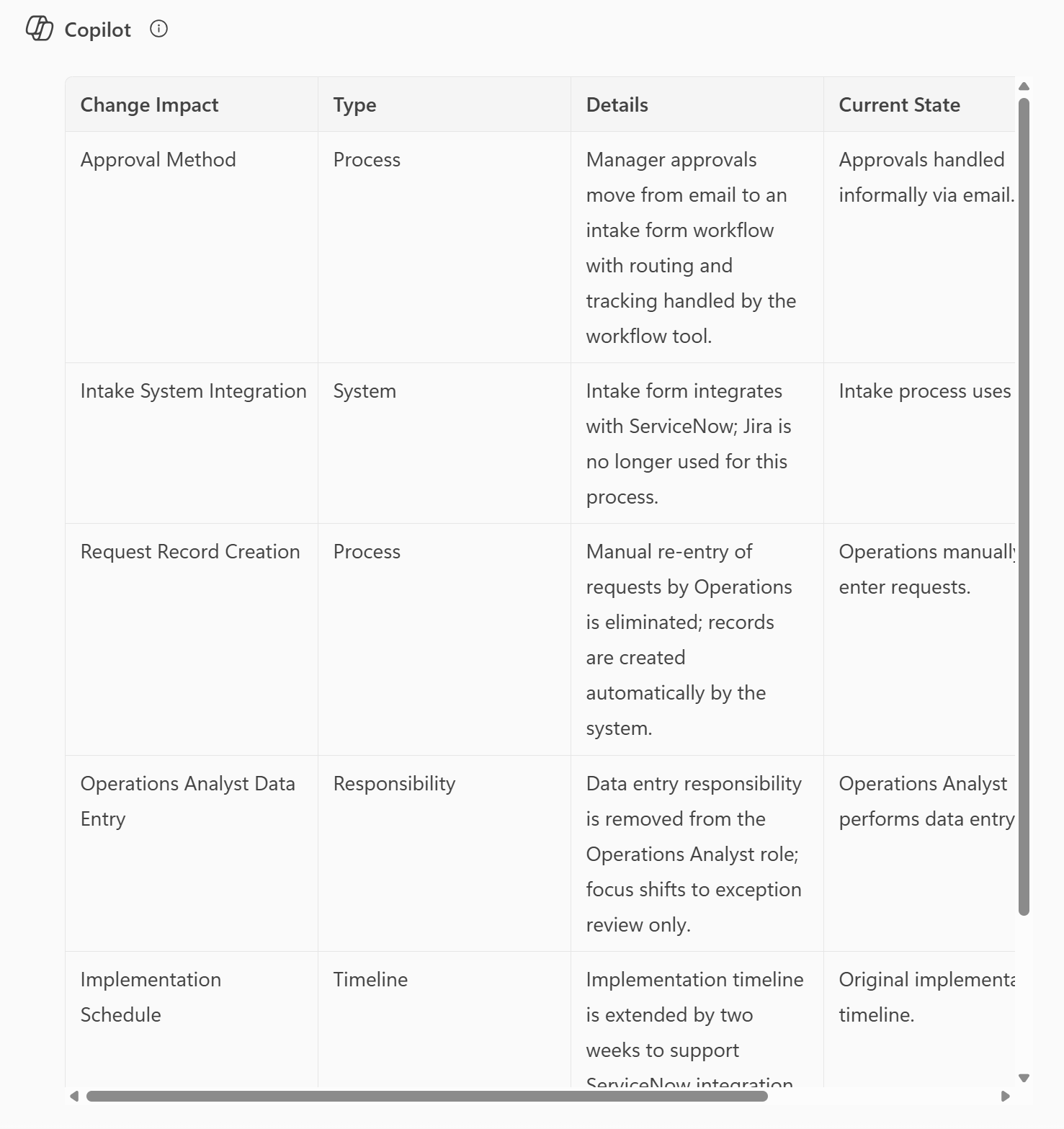
Present the results in a table with the following columns:
Change Impact | Type | Details | Current State | Future State
Definitions:
- Change Impact: The name or topic of the change (for example, “Role Reassignment” or “System Integration”)
- Type: One of the following categories — process, role, responsibility, system, timeline, or deliverable
Formatting rules:
- Use markdown formatting for tables only
- Do not use bullet points, headings, or any formatting outside of the table
General rules:
- Ignore irrelevant or personal discussion
- Be conservative, precise, and fact‑based
- If no change impacts are identified, return exactly:
“No change impacts identified.”
Run this analysis on the following information:
[Paste meeting transcript or notes]
Example
Solution Information
| Folder name | Author |
|---|---|
| m365-change-impacts | Delia Zuniga |