
Prompt
Generate a known issues article from a closed support ticket
Generate a known issues article from a closed support ticket attached in PDF.

- Sample type
- Prompt
- Products
- Copilot for Microsoft 365
- Created
- Updated
Sample documentation
How to use this sample
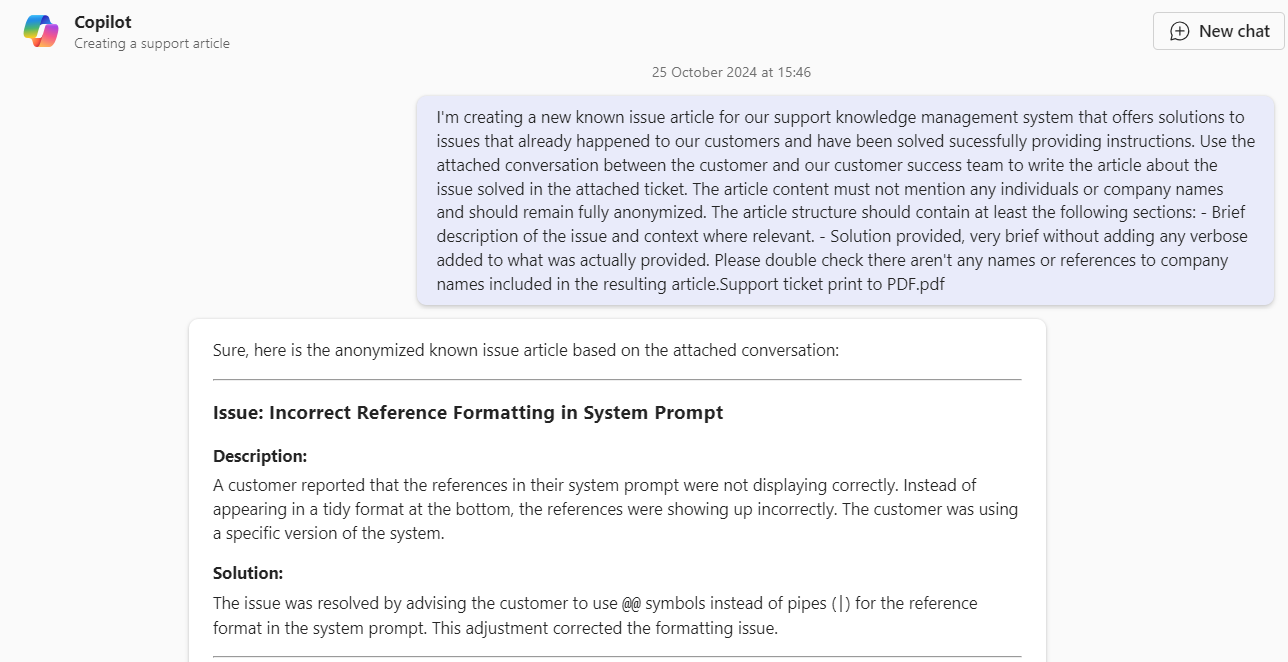
Summary
Consolidating knowledge from the experience of support teams could be daunting. With this Copilot prompt you can ease the transofrmation of tacit knoweldge into enterprise knowledge available to all your colleagues for future reference, generating an article to document the issue and the solution provided.
Prompt💡
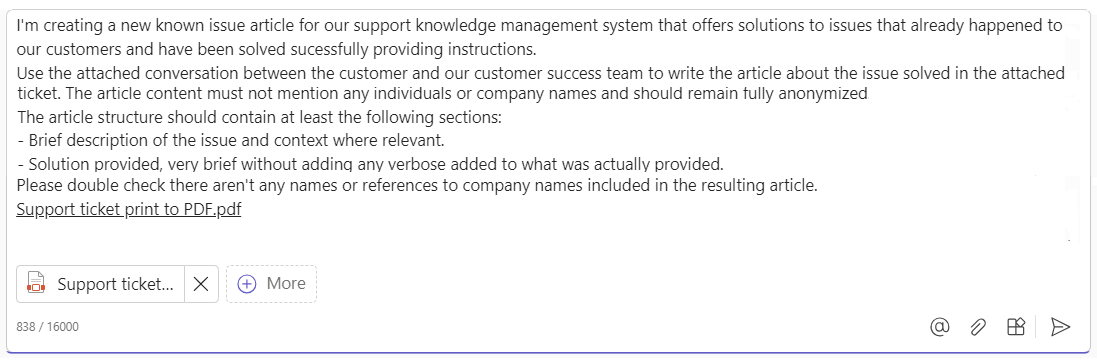
I'm creating a new known issue article for our support knowledge management system that offers solutions to issues that already happened to our customers and have been solved sucessfully providing instructions. Use the attached conversation between the customer and our customer success team to write the article about the issue solved in the attached ticket. The article content must not mention any individuals or company names and should remain fully anonymized. The article structure should contain at least the following sections:
- Brief description of the issue and context where relevant.
- Solution provided, very brief without adding any verbose added to what was actually provided. Please double check there aren't any names or references to company names included in the resulting article. Attachment: Support ticket print to PDF.pdf
Descriptionℹ️
Generate a known issues article from a closed support ticket attached in PDF.
Contributors 👨💻
Version history
| Version | Date | Comments |
|---|---|---|
| 1.0 | October 25, 2024 | Initial release |
Instructions 📝
- Make sure you have copilot for Microsoft 365 in your tenant so you can use Copilot for work.
- Go to Microsoft Teams or https://copilot.microsoft.com and Click on New Chat.
- Copy paste the prompt above and attach your own source document as reference for the support ticket.
- (Optional) Add more business context after the prompt to tailor the output towards specific use cases or including more details.
Improvise Usage 🚀
Add more business context after the prompt to tailor the output towards specific use cases and detailed instructions.
Prerequisites
Help
We do not support samples, but this community is always willing to help, and we want to improve these samples. We use GitHub to track issues, which makes it easy for community members to volunteer their time and help resolve issues.
You can try looking at issues related to this sample to see if anybody else is having the same issues.
If you encounter any issues using this sample, create a new issue.
Finally, if you have an idea for improvement, make a suggestion.
Disclaimer
THIS CODE IS PROVIDED AS IS WITHOUT WARRANTY OF ANY KIND, EITHER EXPRESS OR IMPLIED, INCLUDING ANY IMPLIED WARRANTIES OF FITNESS FOR A PARTICULAR PURPOSE, MERCHANTABILITY, OR NON-INFRINGEMENT.
Learn more
References
Background and supporting resources provided by the contributor.