
Skill
Prompt of the Week Skill
A Cowork skill that provides a curated 'Prompt of the Week' for inspiration and productivity.

- Sample type
- Skill
- Products
- Microsoft Copilot, Cowork
- Created
- Updated
Sample documentation
How to use this sample
A Cowork skill that provides a curated "Prompt of the Week" PowerPoint slide, designed to inspire automation and spark new ideas.
Overview
This skill delivers a weekly prompt designed to spark creativity, learning, or productivity within your team. Each week, a new prompt is featured, encouraging users to explore new ideas, reflect, or take action. Ideal for teams looking to foster engagement and continuous improvement using Microsoft Copilot Cowork.
How to Use
- Copy the Skill: Drop this folder (except the
assetsfolder andREADME.mdfile) into your Copilot Coworkskillsdirectory. For that go to this link. Unzip, delete theassetsfolder andREADME.mdfile and copy the wholeprompt-of-the weekfolder.
Create a subfolder in /Documents/Cowork/skills/ in your personal OneDrive and place the folder inside it (for example, Documents/Cowork/skills/prompt-of-the-week/SKILL.md). Cowork discovers your custom skills automatically at the start of each conversation. You can create up to 50 custom skills.
For more details, see the Copilot Cowork Skills documentation. 2. Activate in Copilot: Follow your organization's process to enable cowork skills in Microsoft Copilot. 3. Prompt Copilot Cowork: Use a natural language command to invoke this skill. For example:
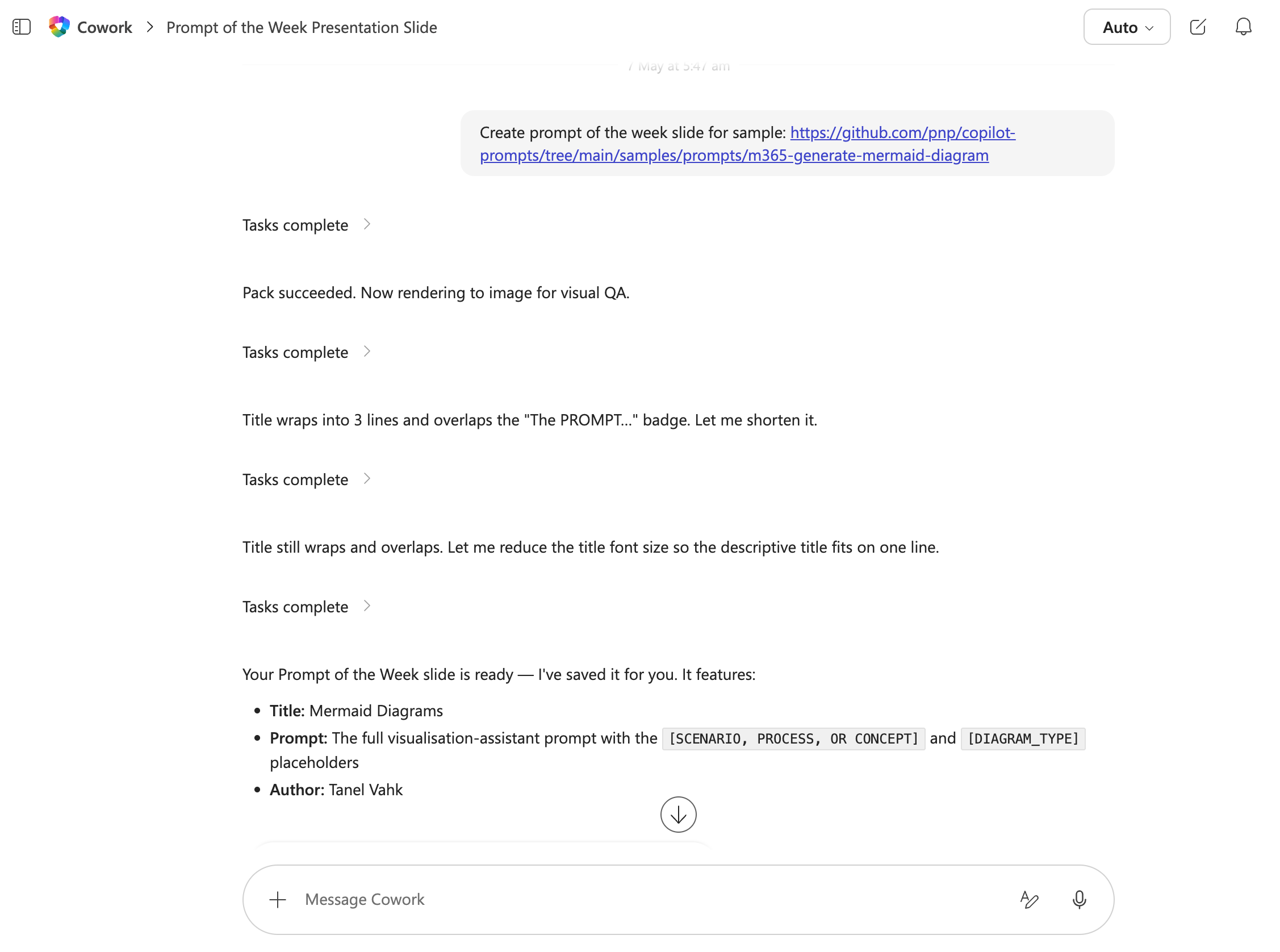
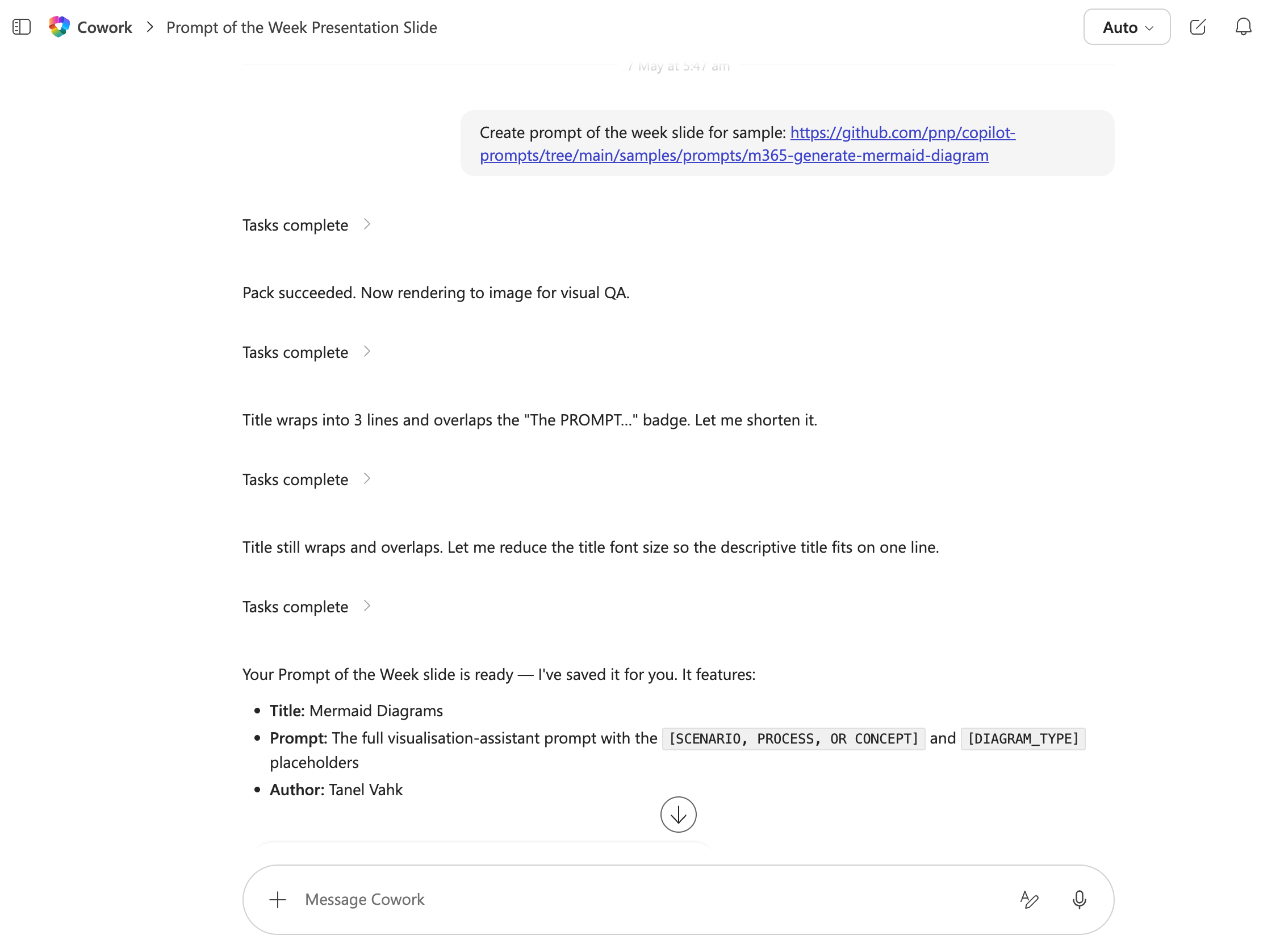
create prompt of the week from sample https://github.com/pnp/copilot-prompts/tree/main/samples/agent-instructions/childrens-book-recommender
- Get Inspired: Each week, access the latest "Prompt of the Week" directly from Copilot to inspire your work and team discussions or give kudos.
References
Learn more
References
Background and supporting resources provided by the contributor.