
A community-built Power Platform sample
Clock Time Picker Component
A re-usable component that allows you to select specific times in HH and hh formats through a user friendly and efficient UX.
 Power Apps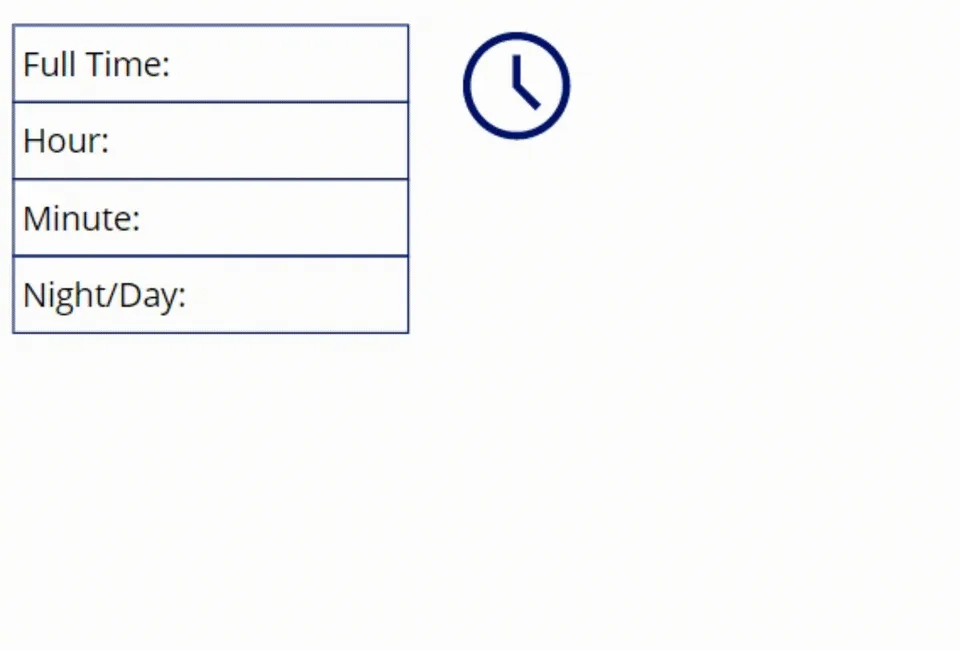
- Last updated
- Jul 15, 2025
- Category
- Canvas apps
- Premium license
- Not required
- Experimental features
- No
A closer look
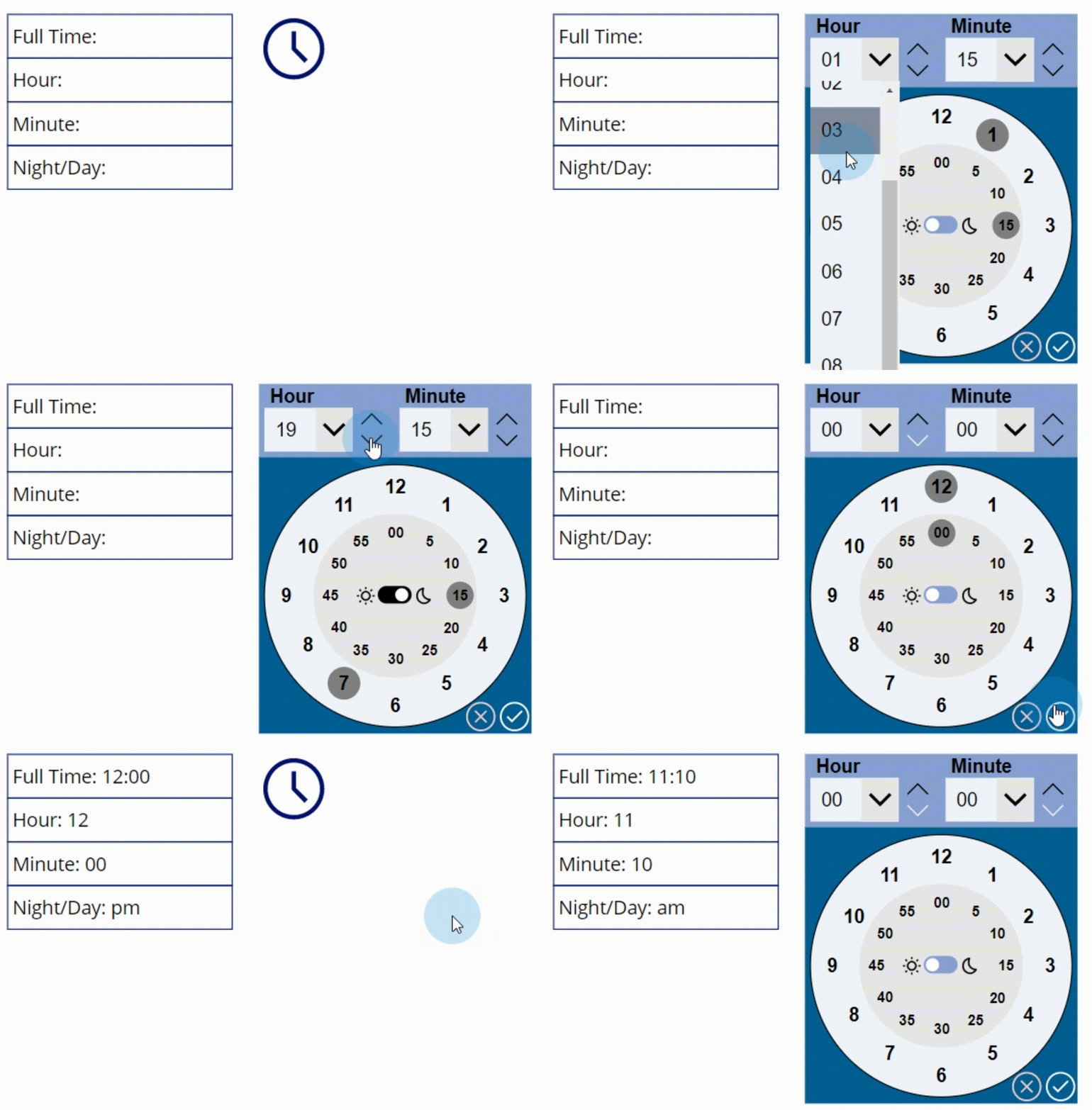
See the sample in action.
From idea to implementation
Make it your own.
Check this sample's prerequisites, permissions, and licensing before importing it. The documentation below comes directly from the sample README.
Summary
A re-usable component that allows you to select times through a user friendly and convenient UI.
Applies to









Compatibility


Contributors
Version history
| Version | Date | Comments |
|---|---|---|
| 1.0 | Dec 1, 2022 | Initial release |
| 2.0 | July 15, 2025 | Migration from powerapps-samples repository with solution repacking by Jan Chlebek |
Prerequisites
Using the component
To use the component in this sample, you'll need to pass the components Output Properties to a local or global variable within the Canvas App.
The component consists of the following Output Properties that can pass through data:
Hour - the selected hour in HH format.
Minute - the selected minute
FullTime - the full time selected in HH:mm format
AMPM - the selected Ante/Post Meridiem
The two Input Properties are:
SaveTime
Close
The pass the selected time from the clock component to a variable within the app, assign a Set() or UpdateContext({}) function to the component Input Property SaveTime. When the Save button is pressed, the selected time will be passed through and the clock will reset.
When the Close button is pressed, the clock will reset.
Minimal path to awesome
Using the solution zip
- Download the
.zipfrom thesolutionfolder - Within Power Apps Studio, import the solution
.zipfile using Solutions > Import Solution and select the.zipfile you just packed.
Using the source code
You can also use the Power Apps CLI to pack the source code by following these steps:
Clone the repository to a local drive
Pack the source files back into a solution
.zipfile:pac solution pack --zipfile pathtodestinationfile --folder pathtosourcefolderMaking sure to replace
pathtosourcefolderto point to the path to this sample'ssourcecodefolder, andpathtodestinationfileto point to the path of this solution's.zipfile (located under thesolutionfolder)Within Power Apps Studio, import the solution
.zipfile using Solutions > Import Solution and select the.zipfile you just packed.
Features
This sample illustrates the following concepts:
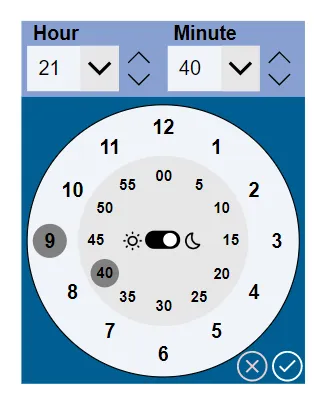
- The ability for users to interact with a clock to select a preferred time
- Allowing for users to select a time by clicking on the clock numbers
- Allowing for users to select a time from the dropdowns
- Allowing for users to select a time by increasing/deacreasing a selected hour and minute
- Allowing for users to select am or pm times
- Save the chosen time through an Output Property
- Reset the times after saved or cleared
Help
We do not support samples, but this community is always willing to help, and we want to improve these samples. We use GitHub to track issues, which makes it easy for community members to volunteer their time and help resolve issues.
If you encounter any issues while using this sample, you can create a new issue.
For questions regarding this sample, create a new question.
Finally, if you have an idea for improvement, make a suggestion.
Disclaimer
THIS CODE IS PROVIDED AS IS WITHOUT WARRANTY OF ANY KIND, EITHER EXPRESS OR IMPLIED, INCLUDING ANY IMPLIED WARRANTIES OF FITNESS FOR A PARTICULAR PURPOSE, MERCHANTABILITY, OR NON-INFRINGEMENT.