
A community-built Power Platform sample
Forem
This sample shows how you can use the Forem (Independent Publisher) connector.
 Power Apps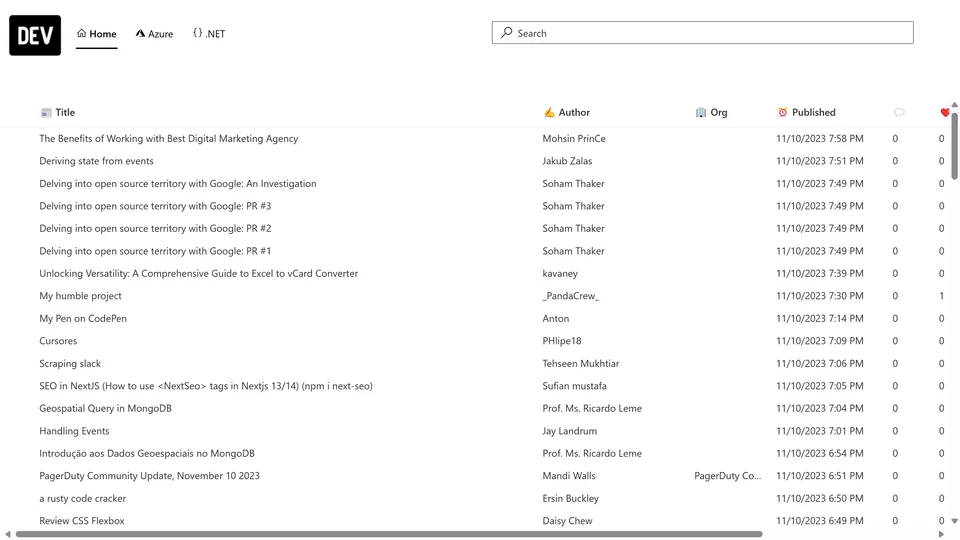
- Last updated
- Nov 10, 2023
- Category
- Canvas apps
- Premium license
- Required
- Experimental features
- No
From idea to implementation
Make it your own.
Check this sample's prerequisites, permissions, and licensing before importing it. The documentation below comes directly from the sample README.
Summary
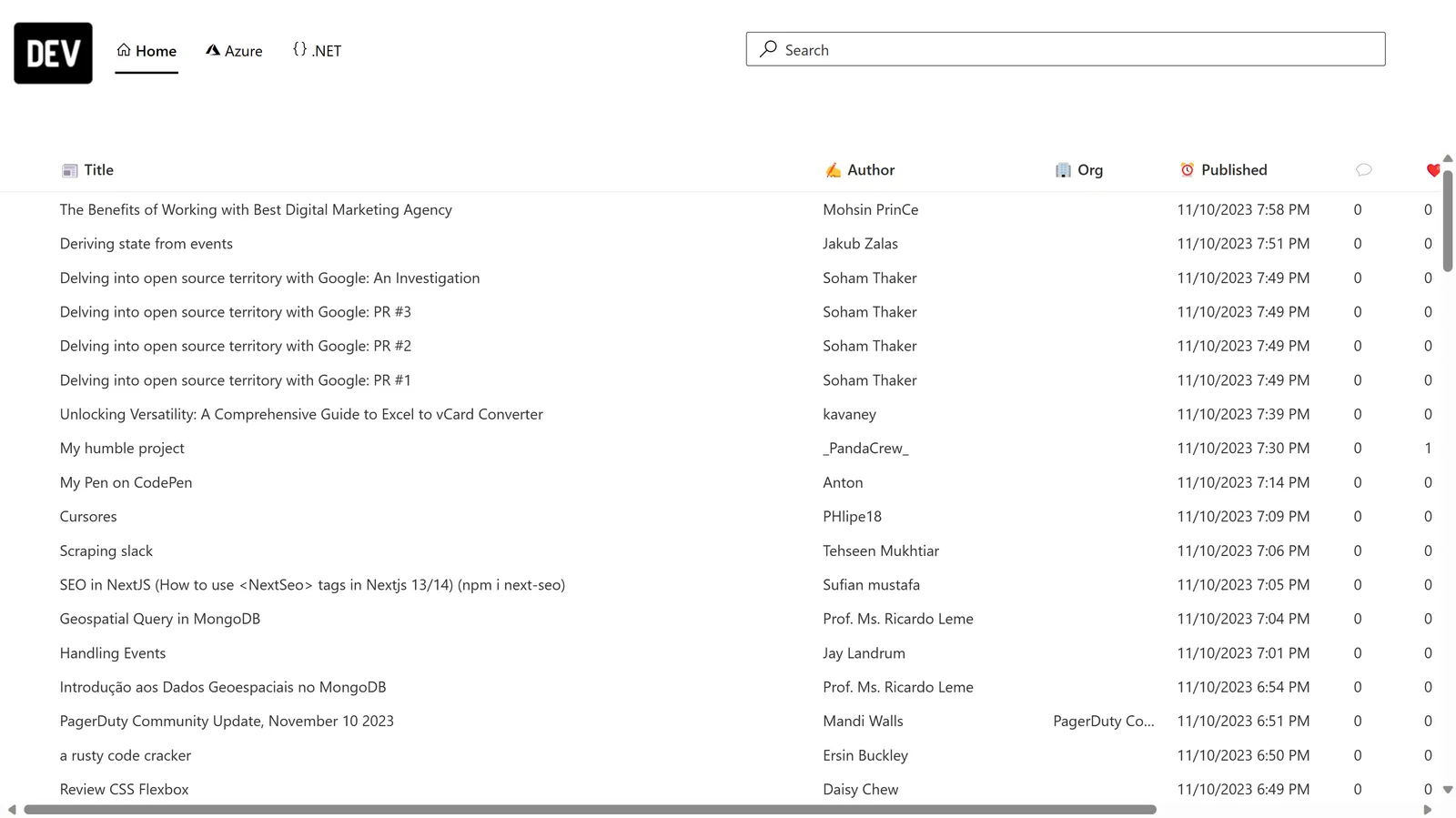
This sample shows how you can use the Forem (Independent Publisher) connector. In this case it shows the latest posts, posts about Azure and posts about .NET. In this example I used DevTo as the Forem instance. The sample also uses the Creator Kit - so make sure to install that before importing this sample!
Applies to









Compatibility


Contributors
Version history
| Version | Date | Comments |
|---|---|---|
| 1.0 | November 10, 2023 | Initial release |
Prerequisites
- Install the Creator Kit before installing this solution
- When prompted to connect to the Forem (Independent Publisher) connector, use dev.to as hostname for Dev.To and enter the API key (Which you can generate in the extension section in the settings on Dev.To).
Minimal path to awesome
Using the solution zip
- Download the
.zipfrom thesolutionfolder - Within Power Apps Studio, import the solution
.zipfile using Solutions > Import Solution and select the.zipfile you just packed. - Open the app in edit mode and make sure the data source Forem (Independent Publisher) is connected correctly.
Using the source code
You can also use the Power Apps CLI to pack the source code by following these steps:
Clone the repository to a local drive
Pack the source files back into a solution
.zipfile:pac solution pack --zipfile pathtodestinationfile --folder pathtosourcefolder --processCanvasAppsMaking sure to replace
pathtosourcefolderto point to the path to this sample'ssourcecodefolder, andpathtodestinationfileto point to the path of this solution's.zipfile (located under thesolutionfolder)Within Power Apps Studio, import the solution
.zipfile using Solutions > Import Solution and select the.zipfile you just packed.
Help
We do not support samples, but this community is always willing to help, and we want to improve these samples. We use GitHub to track issues, which makes it easy for community members to volunteer their time and help resolve issues.
If you encounter any issues while using this sample, you can create a new issue.
For questions regarding this sample, create a new question.
Finally, if you have an idea for improvement, make a suggestion.
Disclaimer
THIS CODE IS PROVIDED AS IS WITHOUT WARRANTY OF ANY KIND, EITHER EXPRESS OR IMPLIED, INCLUDING ANY IMPLIED WARRANTIES OF FITNESS FOR A PARTICULAR PURPOSE, MERCHANTABILITY, OR NON-INFRINGEMENT.