
A community-built Power Platform sample
Incident Reporting Canvas Application
The Incident Reporting Canvas Application is a powerful tool designed to streamline incident reporting and enhance data collection.
 Power Apps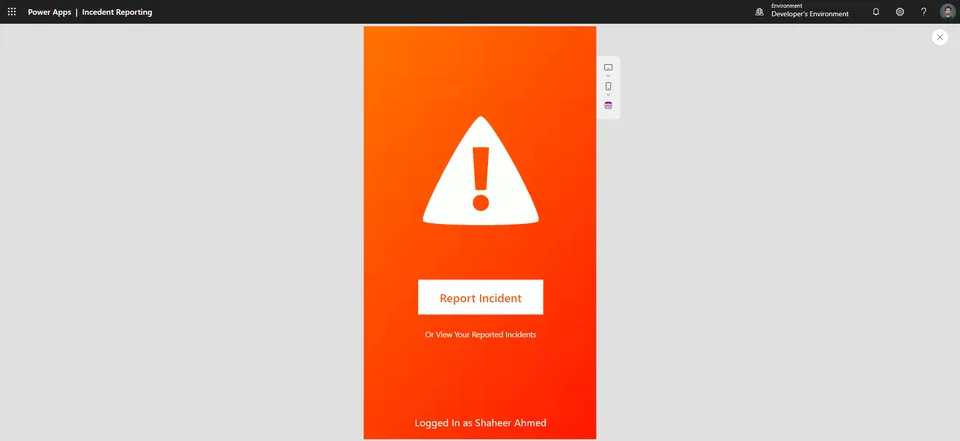
- Last updated
- Sep 25, 2023
- Category
- Power Apps, Canvas apps
- Premium license
- Required
- Experimental features
- No
From idea to implementation
Make it your own.
Check this sample's prerequisites, permissions, and licensing before importing it. The documentation below comes directly from the sample README.
Summary
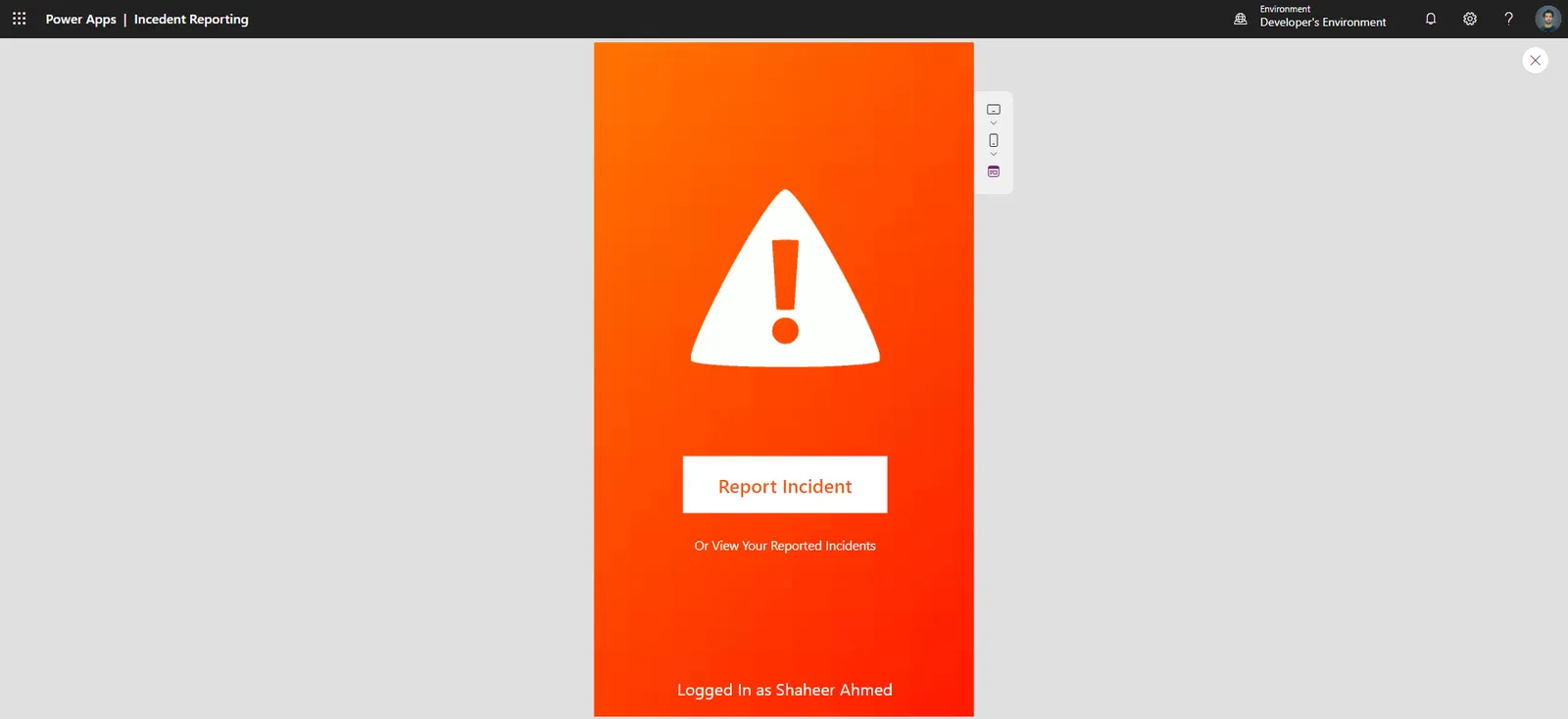
The Incident Reporting Canvas Application is a powerful tool designed to streamline incident reporting and enhance data collection. With its unique and visually appealing phone layout UI/UX, this application provides an efficient and user-friendly solution for reporting and managing incidents. Seamlessly integrated with SharePoint, it allows users to upload incident images and related data securely.
Applies to

Compatibility

Contributors
Version history
| Version | Date | Comments |
|---|---|---|
| 1.0 | September 25, 2023 | Initial release |
Prerequisites
Before using this application, ensure you have the following:
- A SharePoint site with the required permissions.
- A SharePoint list named "IncidentReports" with the following columns:
- Title (Single line of text, Required)
- Description (Multiple lines of text, Optional)
- IncidentImage (Image, Optional)
- IncidentType (Choice, Required)
- IncidentDate (Date and Time, Required)
- Two connection references:
- Outlook (for notification emails)
- Dataverse (for data storage)
- Two environment variables for SharePoint site and list URLs.
- An Automate flow for assigning incidents to the team.
- A Model-Driven App for management.
Solution Components
The following solution components are used in this sample:
- Incident Reporting Canvas App (Canvas app)
- SharePoint Integration (Connection)
- Dataverse Integration (Connection)
- Outlook Integration (Connection)
- Environment Variables (Power Apps)
- Automate Flow (Power Automate)
- Model-Driven App (Power Apps)
Data Sources
Incident Reports List
This SharePoint list contains incident report data, including incident details and uploaded images.
| Type | Internal Name | Required |
|---|---|---|
| Single line of text | Title | Yes |
| Multiple lines of text | Description | No |
| Image | IncidentImage | No |
| Choice | IncidentType | Yes |
| Date and Time | IncidentDate | Yes |
Minimal Path to Awesome
- Download the solution
.zipfrom thesolutionfolder. - Within https://make.powerapps.com, import the
.zipfile via Solutions > Import solution > Browse and select the.zipfile you just downloaded. - Follow the on-screen instructions to deploy the application.
- Access the Incident Reporting Canvas App and start reporting incidents.
Using the Source Code
You can also use the Power Apps CLI to pack the source code by following these steps:
- Clone the repository to a local drive.
- Pack the source files back into
.zipfile:pac solution pack --folder pathtosourcefolder --zipfile pathtosolution --processCanvasApps
Making sure to replace pathtosourcefolder to point to the path to this sample's sourcecode folder, and pathtodestinationfile to point to the path of this solution's .zip file (located under the solution folder)
Features
This sample illustrates the following concepts:
- Streamlined incident reporting process
- Visually appealing phone layout UI/UX
- Seamless integration with SharePoint for data storage
- Real-time collaboration and notifications
- Customizable reporting forms
- Data analytics for incident insights
Help
We do not support samples, but this community is always willing to help, and we want to improve these samples. We use GitHub to track issues, which makes it easy for community members to volunteer their time and help resolve issues.
If you encounter any issues while using this sample, you can create a new issue.
For questions regarding this sample, create a new question.
Finally, if you have an idea for improvement, make a suggestion.
Disclaimer
THIS CODE IS PROVIDED AS IS WITHOUT WARRANTY OF ANY KIND, EITHER EXPRESS OR IMPLIED, INCLUDING ANY IMPLIED WARRANTIES OF FITNESS FOR A PARTICULAR PURPOSE, MERCHANTABILITY, OR NON-INFRINGEMENT.