
A reusable Power Platform snippet
Multiple Topics Matched (Topic)
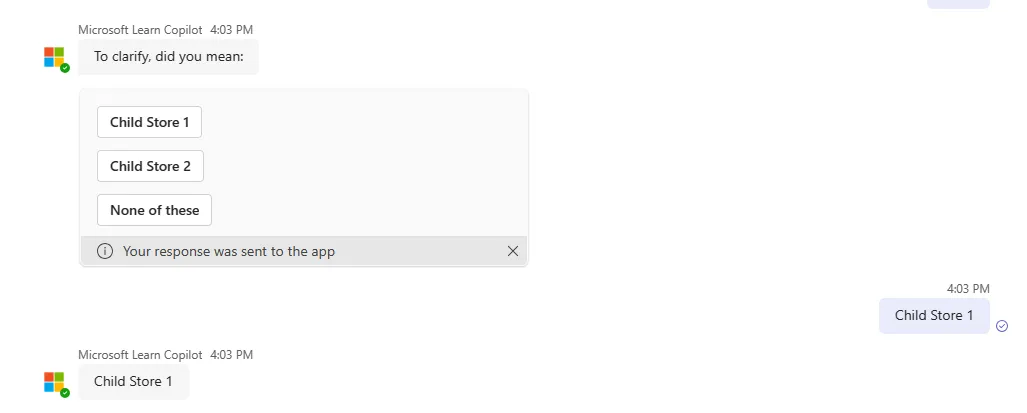
This is a snippet that demonstrates how you can provide the user of your copilot the option to select a topic when multiple topics are triggered.
 Copilot Studio
- Last updated
- May 7, 2024
- Category
- Community snippet
From idea to implementation
Make it your own.
Check this snippet's prerequisites, permissions, and licensing before using it. The documentation below comes directly from the snippet README.
This is a snippet that demonstrates how you can provide the user of your copilot the option to select a topic when multiple topics are triggered. In this topic, an adaptive card will be sent to the user, so that the user can select the topic they want to trigger.
Authors
| Snippet | Author(s) |
|---|---|
| Multiple Topics Matched (Topic) | Henry Jammes (@HenryJammes) |
Minimal path to awesome
Open a copilot in Copilot Studio.
Select Generative AI.
Scroll down to the Use AI features in your copilot section and select the toggle in the Boost conversational coverage with generative answers to turn that feature on.
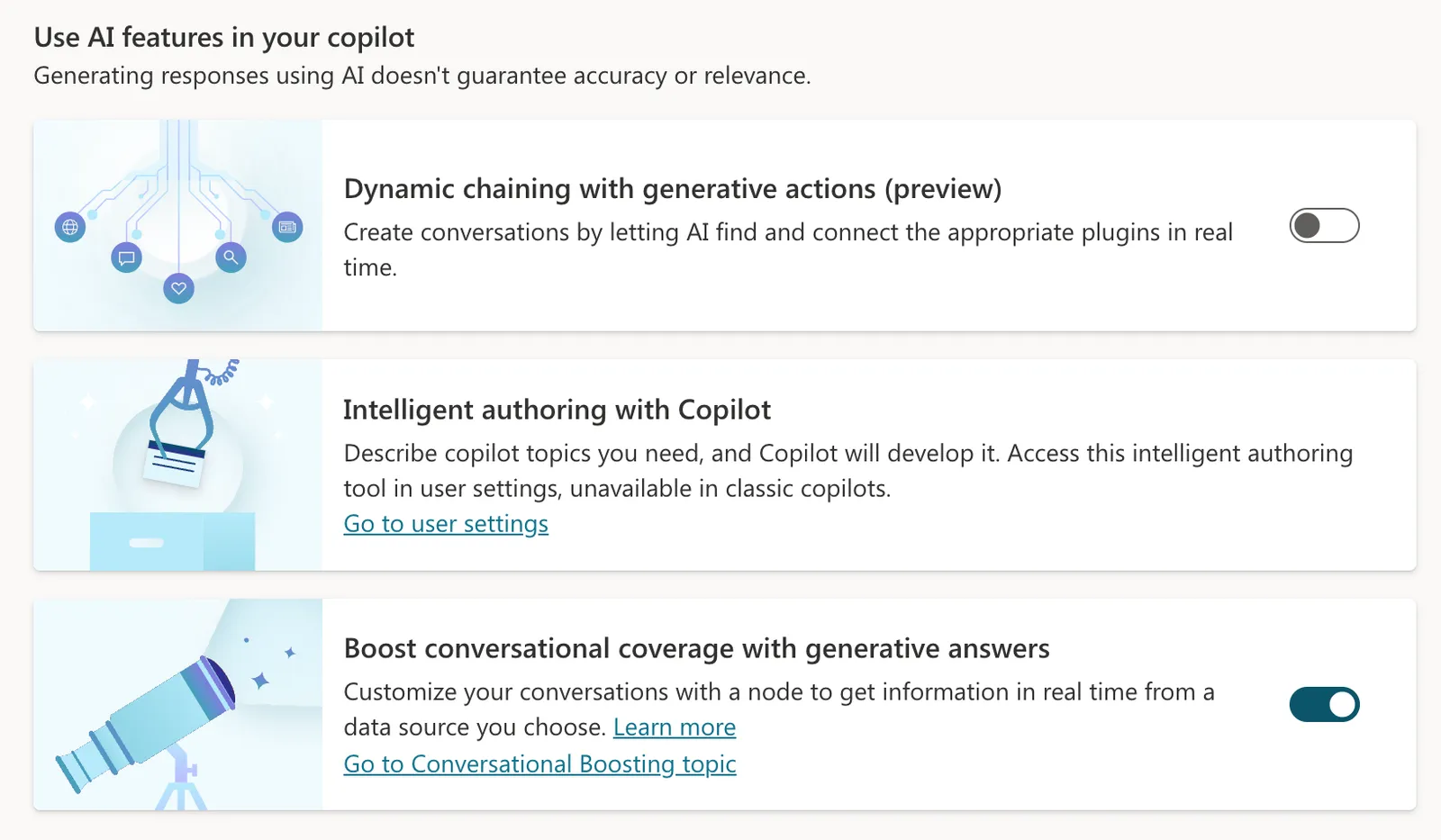
Select Save at the top.
Select Topics.
Select System.
Select the Multiple Topics Matched topic by selecting the name.
Select the ... in the upper right corner and select Open code editor.
At the bottom line of the code editor, you should see the internal name of the copilot. Copy the internal name of the copilot and save it temporarily in a place where you can easily copy it from later on (for instance in notepad).
NOTE: only copy the part before
.topic.Fallback.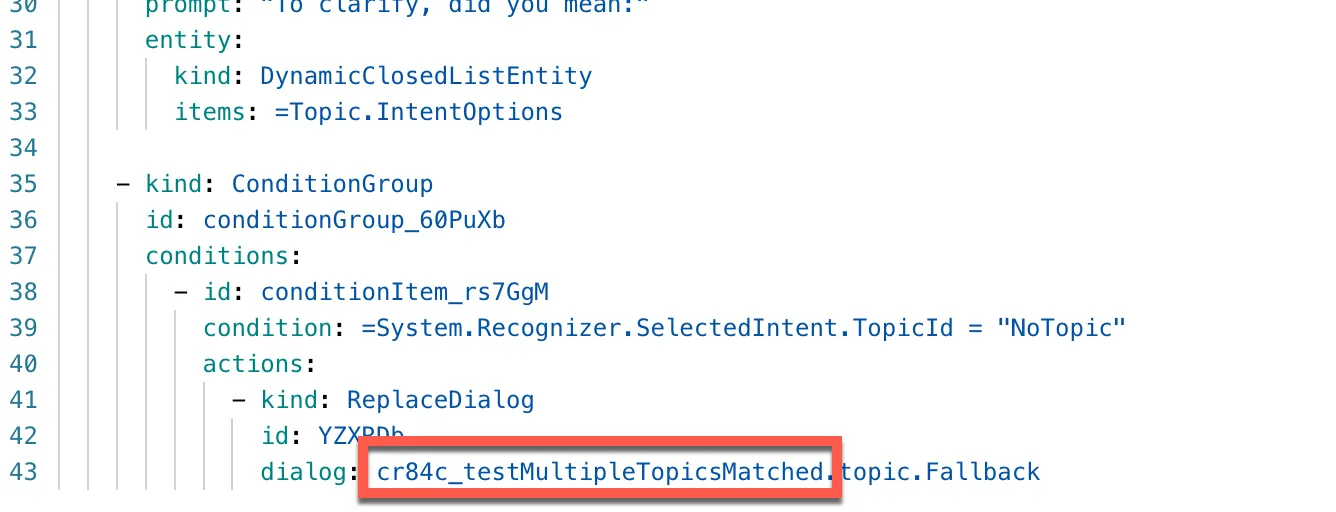
Paste the contents of the YAML-file inside the code editor.
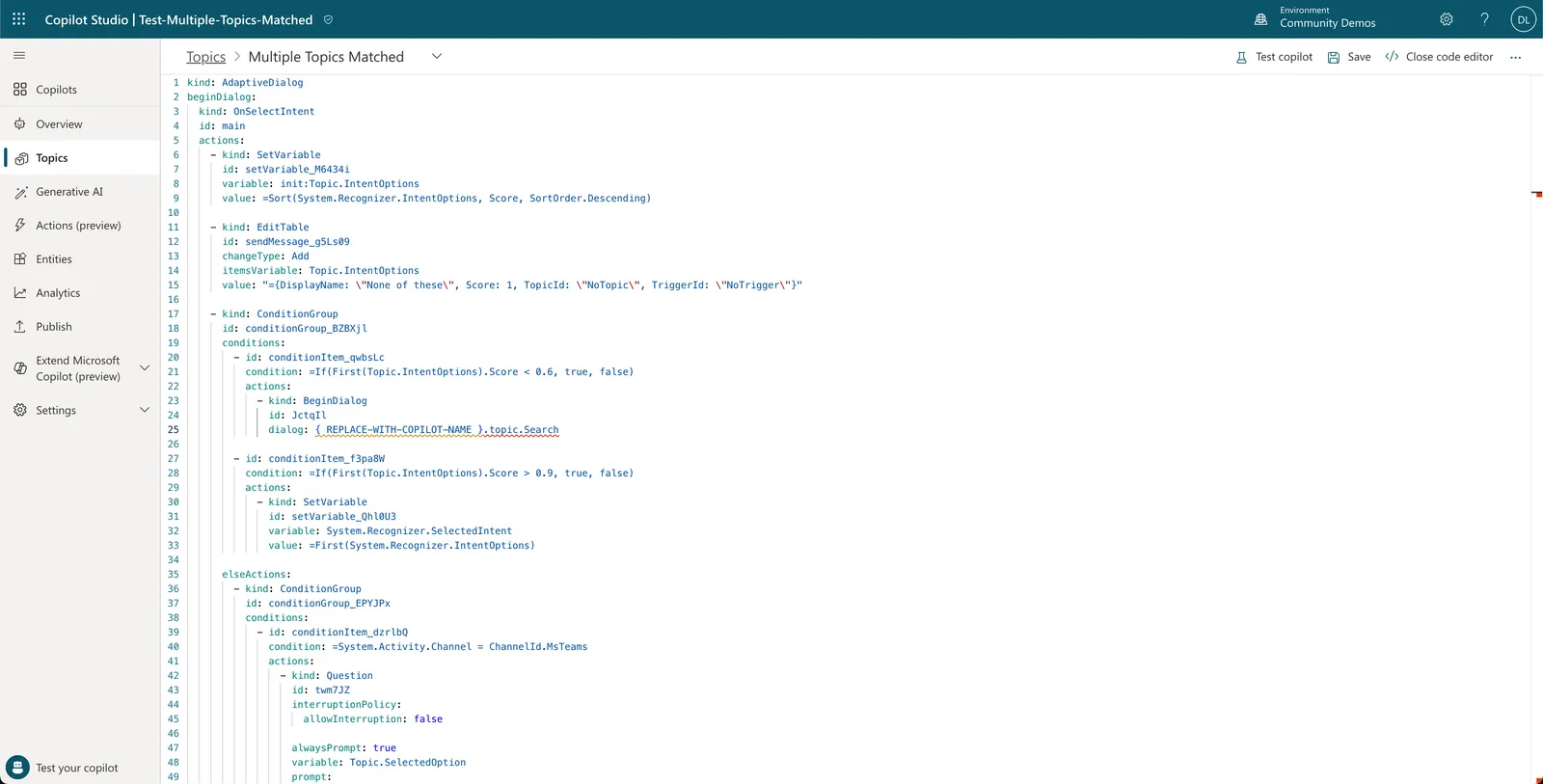
Replace { REPLACE-WITH-COPILOT-NAME } on line 26 with the internal name of your copilot we just copied to notepad.
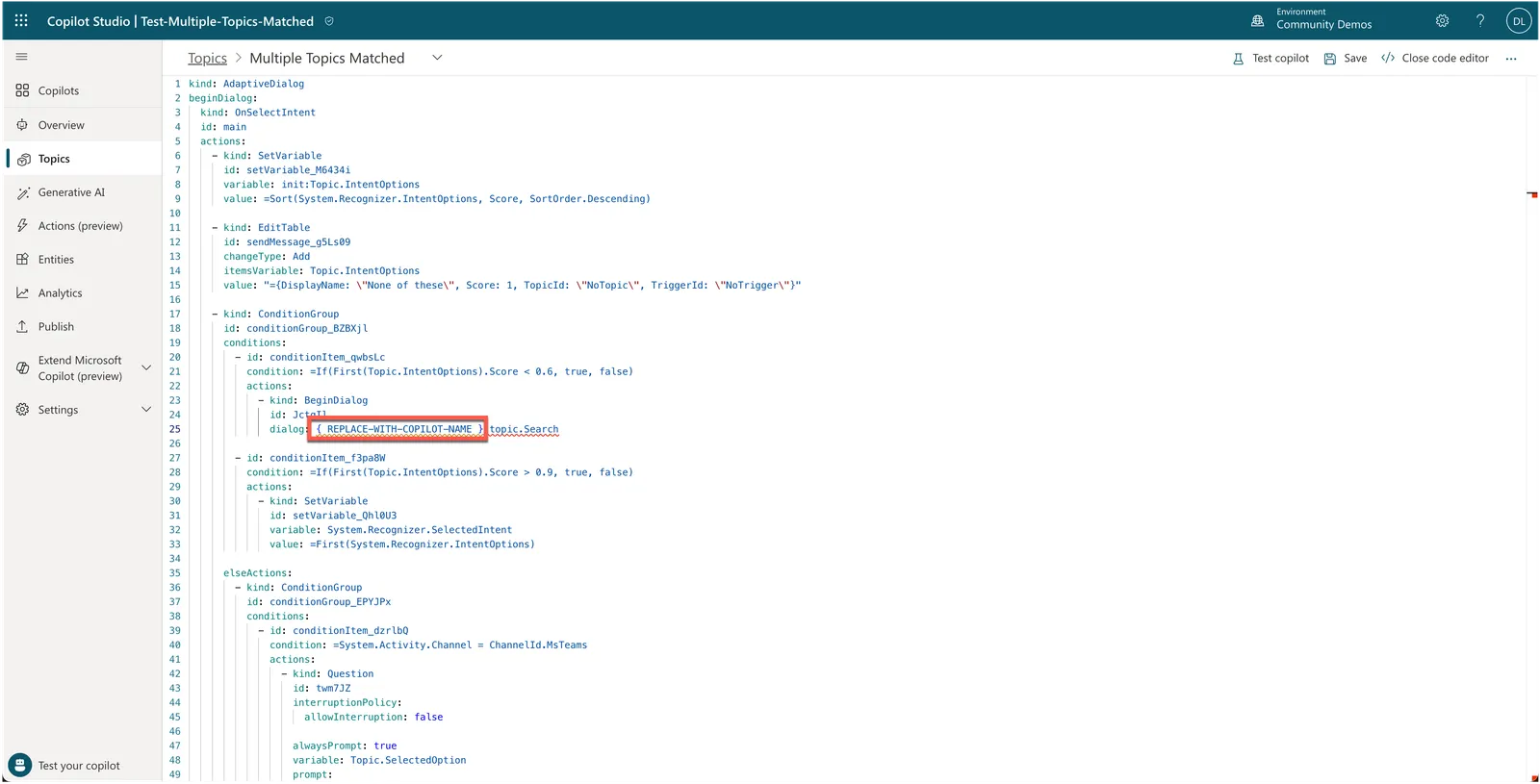
Replace { REPLACE-WITH-COPILOT-NAME } on line 145 with the internal name of your copilot we just copied to notepad as well.
Select Save to save the Multiple Topics Matched topic.
Disclaimer
THIS CODE IS PROVIDED AS IS WITHOUT WARRANTY OF ANY KIND, EITHER EXPRESS OR IMPLIED, INCLUDING ANY IMPLIED WARRANTIES OF FITNESS FOR A PARTICULAR PURPOSE, MERCHANTABILITY, OR NON-INFRINGEMENT.