
A reusable Power Platform snippet
Animated Accordions
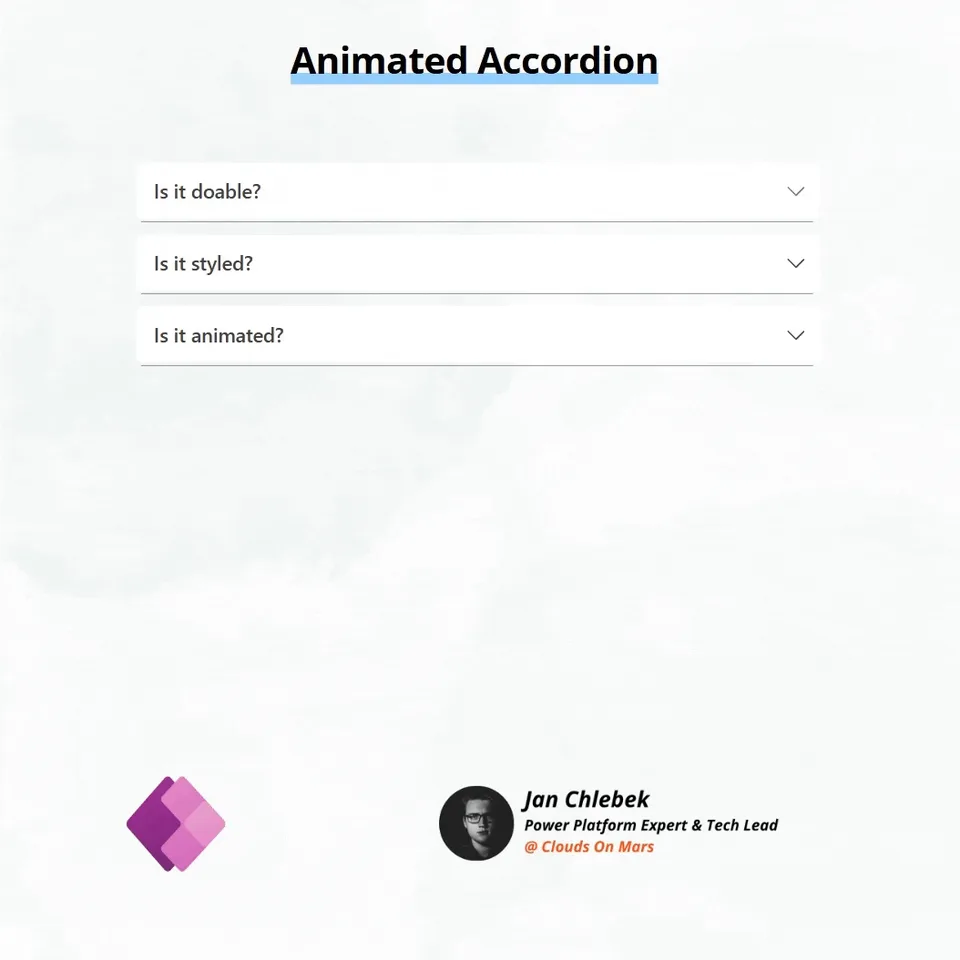
Animated accordion component implemented using native components in Power Apps Canvas.
 Power Apps
- Last updated
- May 22, 2025
- Category
- Community snippet
A closer look
See the snippet in action.
From idea to implementation
Make it your own.
Check this snippet's prerequisites, permissions, and licensing before using it. The documentation below comes directly from the snippet README.
Animated accordion component implemented using native components in Power Apps Canvas. Great for FAQs, navigation menus, interactive forms, and any other foldable UI objects that require content organization.
[!WARNING] All native Power Apps snippets offer limited performance in Studio mode. If you see any performance issues, test via published app/player mode first!
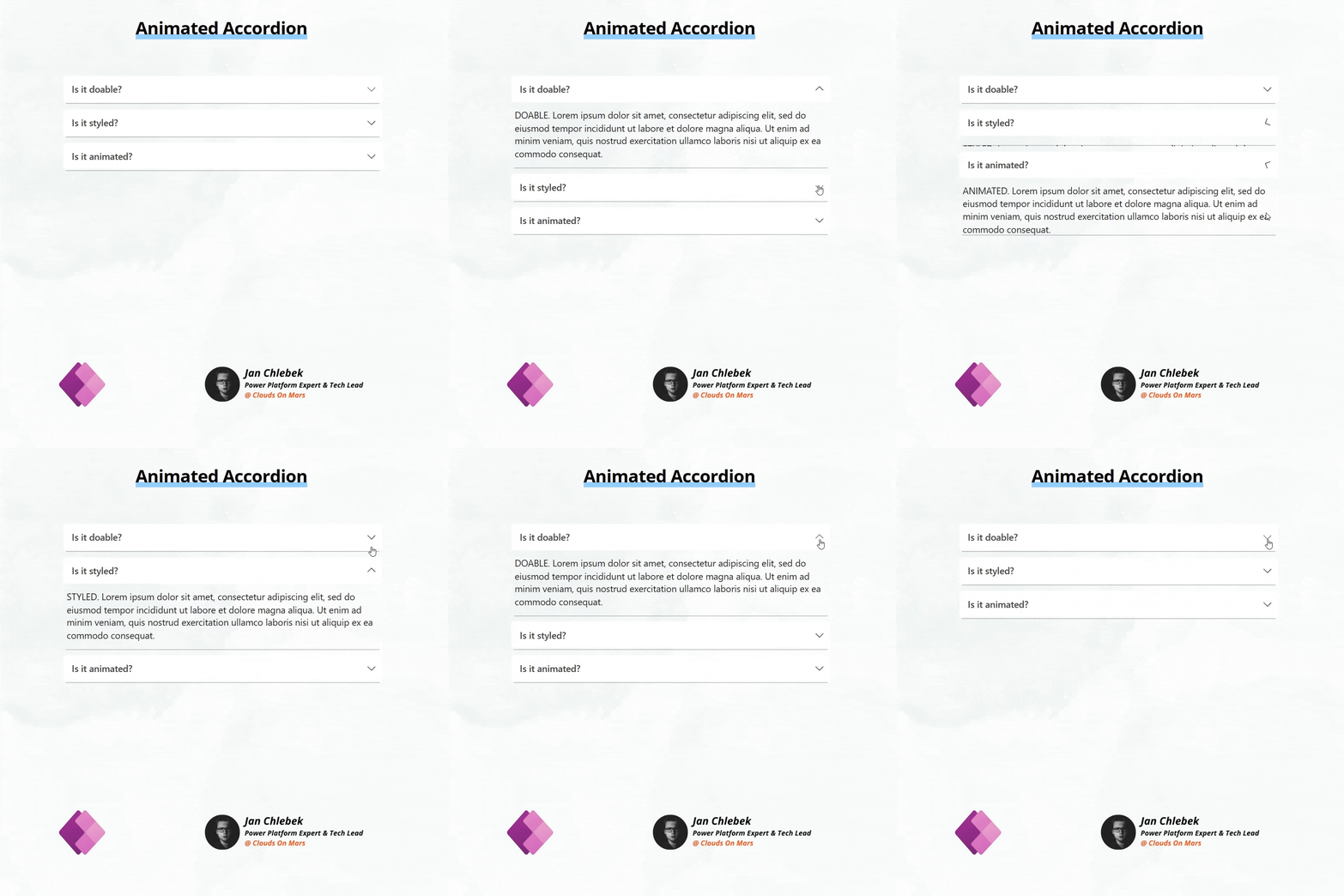
Animated Accordion
Basic accordion dedicated to FAQ content. Row items are dynamically generated on Gallery items, all content is passed directly to text fields.
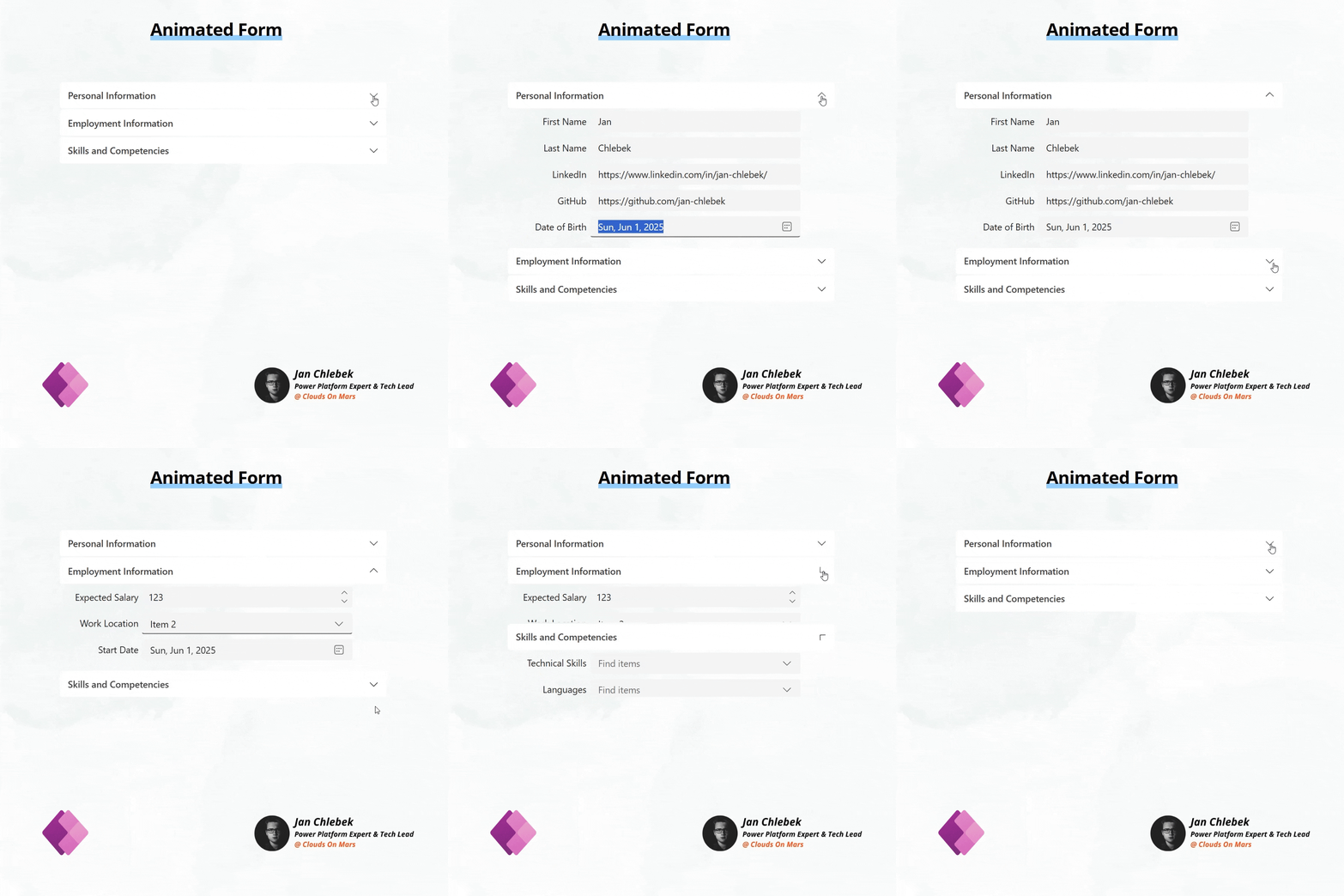
Animated Form
Manually built container set, inspired on top of the idea of an animated accordion. It can scale to any number of items. Great for building forms and menus.
Authors
| Author | Socials |
|---|---|
| Jan Chlebek | LinkedIn - (GitHub ) |
Minimal path to awesome
- Open your Power App in edit mode
- Copy the contents of either the animated-accordion.pa.yaml or animated-form.pa.yaml depending on your preference
- Right-click on the screen where you want to add the snippet and select
Paste
Disclaimer
THIS CODE IS PROVIDED AS IS WITHOUT WARRANTY OF ANY KIND, EITHER EXPRESS OR IMPLIED, INCLUDING ANY IMPLIED WARRANTIES OF FITNESS FOR A PARTICULAR PURPOSE, MERCHANTABILITY, OR NON-INFRINGEMENT.