
A reusable Power Platform snippet
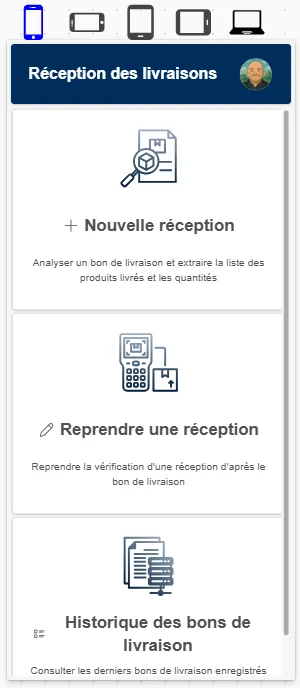
Form Factor selector
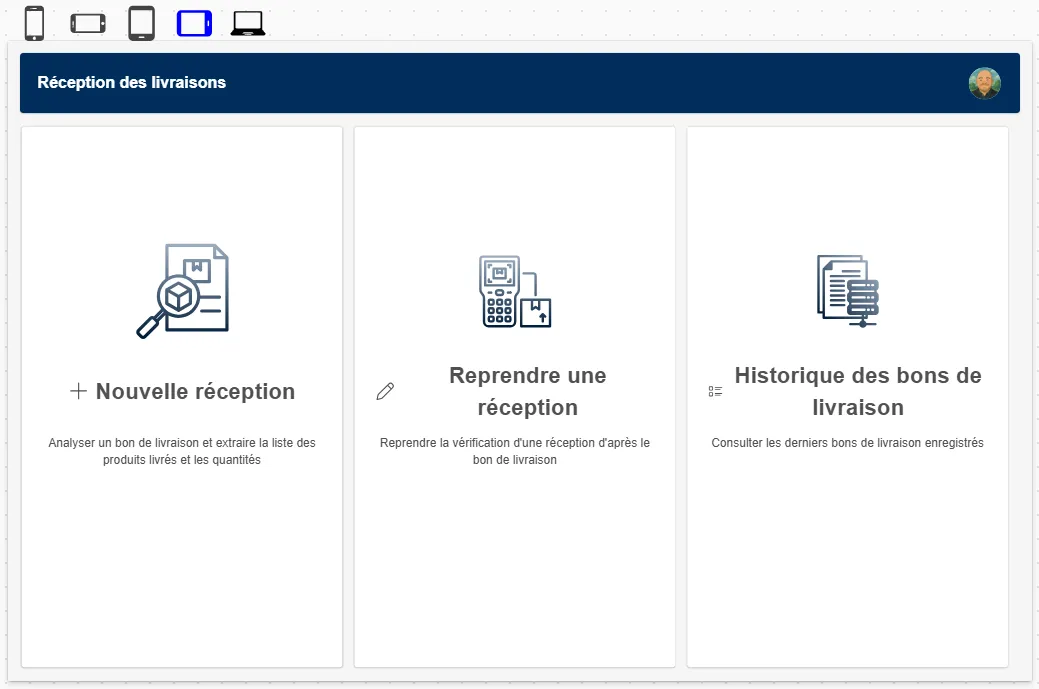
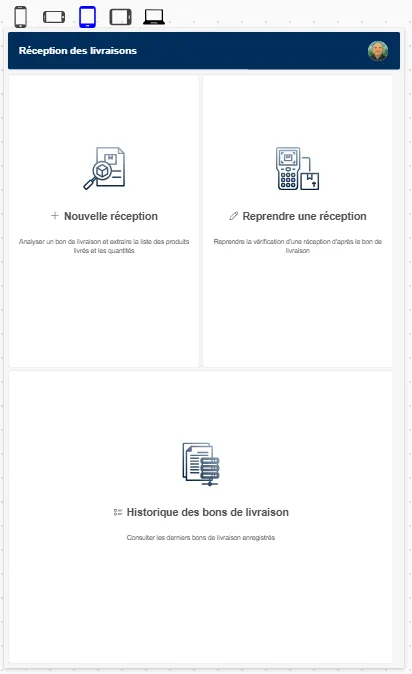
Allows you to change the form factor in edit mode
 Power Apps
- Last updated
- Jul 13, 2025
- Category
- Community snippet
From idea to implementation
Make it your own.
Check this snippet's prerequisites, permissions, and licensing before using it. The documentation below comes directly from the snippet README.
Form factor selection in editor
Allow you to change the form factor in edit mode, helping you to design responsive applications
Authors
| Snippet | Author |
|---|---|
| David Zoonekyndt | GitHub (LinkedIn ) |
Minimal path to awesome
- Open your canvas app in Power Apps
- Copy the contents of the YAML-file
- Click on the three dots of the screen where you want to add the snippet and select "Paste"
⚠️⚠️⚠️ Important:
Set Gallery.Y to -Self.Height
You need to replace for every screen the following properties, otherwise screen will not be affected by your formfactor selection:
Width
Replace:
Max(App.Width, App.MinScreenWidth)
by:
Coalesce(vFormFactor.Width,Max(App.Width, App.MinScreenWidth))
Height
Replace:Max(App.Height, App.MinScreenHeight)
by:
Coalesce(vFormFactor.Height,Max(App.Height, App.MinScreenHeight))
Code
Disclaimer
THIS CODE IS PROVIDED AS IS WITHOUT WARRANTY OF ANY KIND, EITHER EXPRESS OR IMPLIED, INCLUDING ANY IMPLIED WARRANTIES OF FITNESS FOR A PARTICULAR PURPOSE, MERCHANTABILITY, OR NON-INFRINGEMENT.