
A reusable Power Platform snippet
N-Line HTML Text Truncation
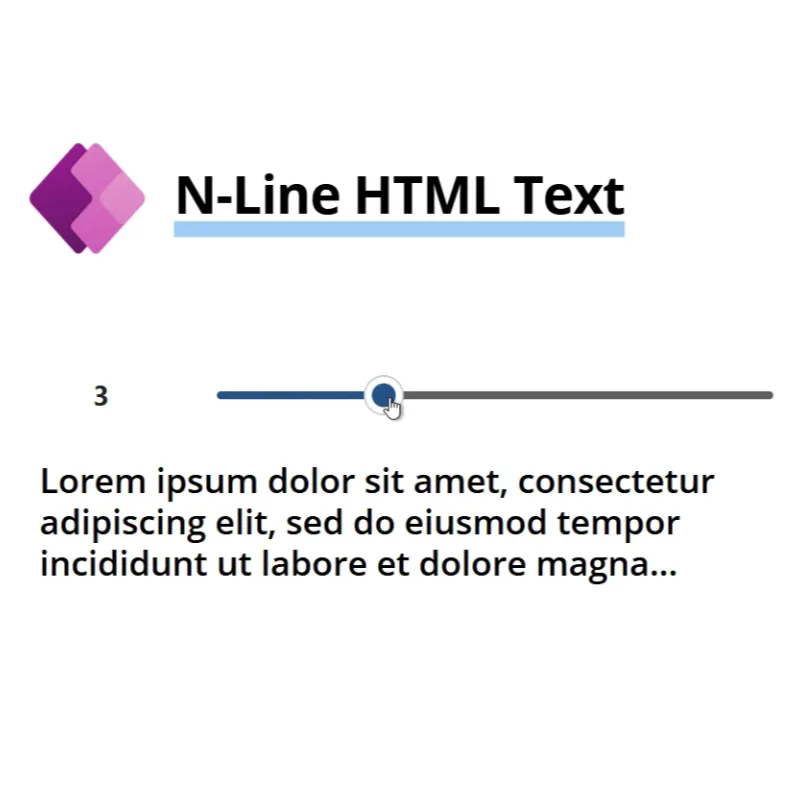
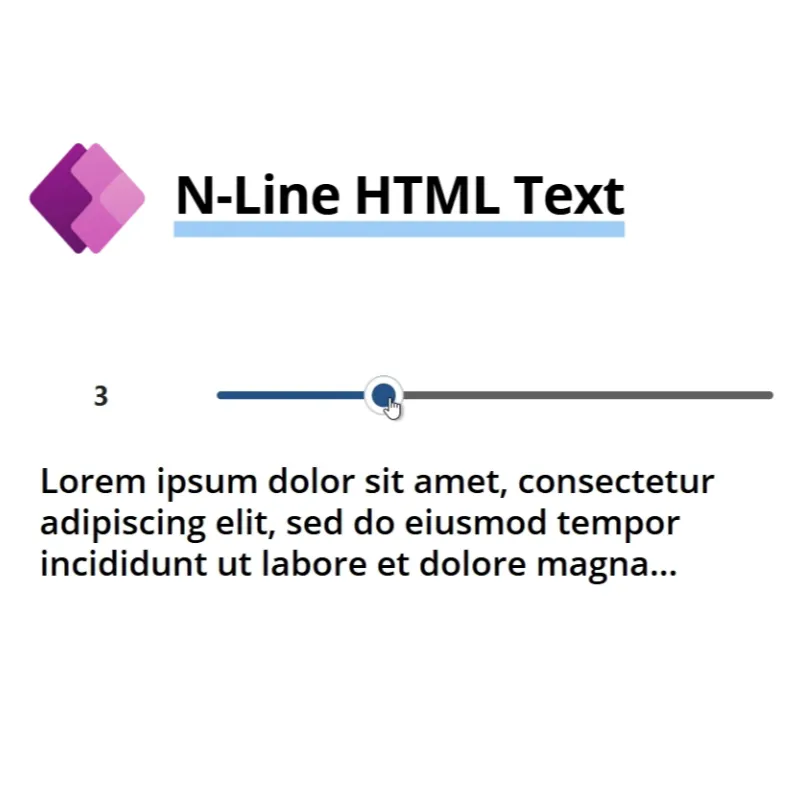
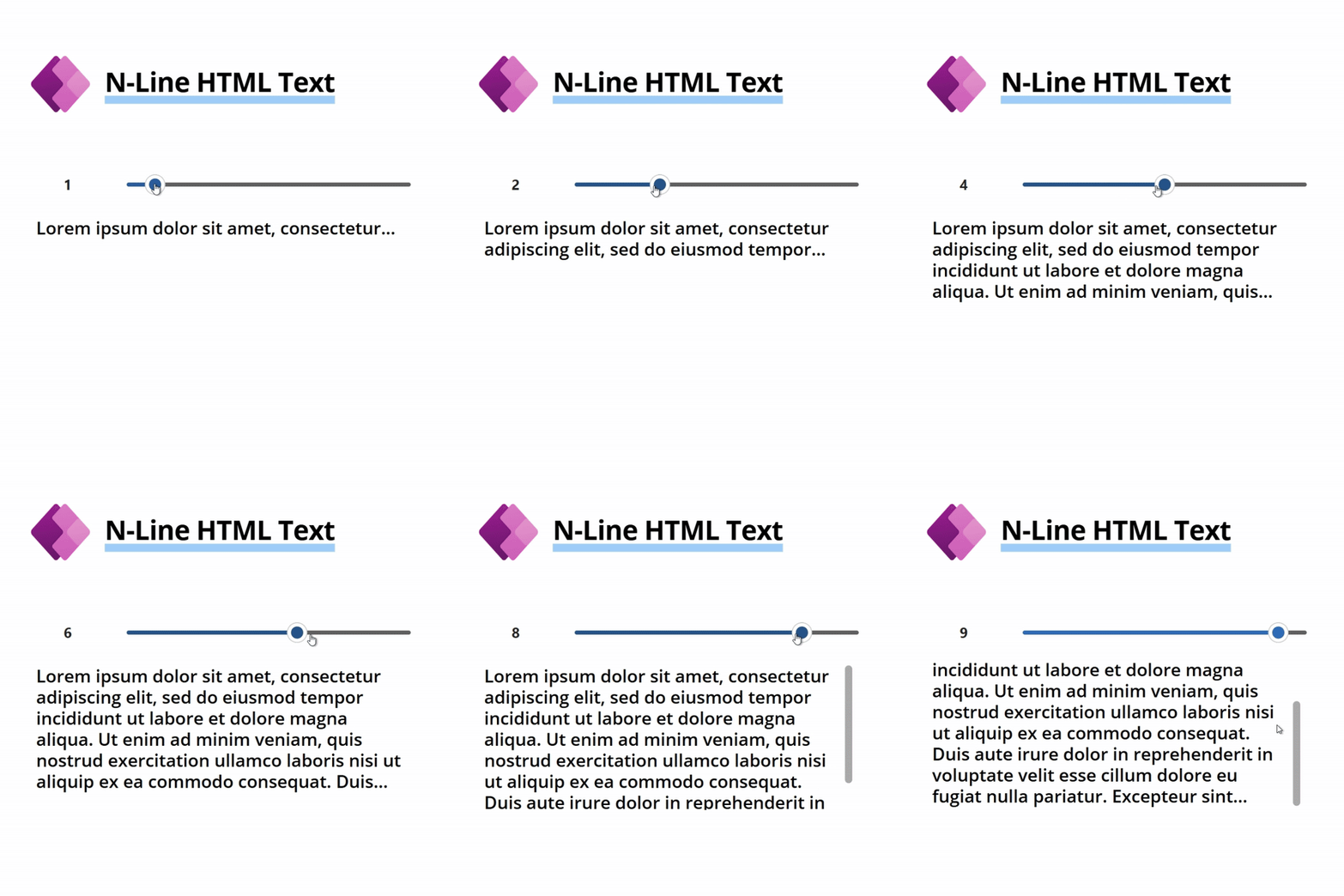
This code snippet provides a solution to dynamically truncate HTML text in a Power Apps Canvas app based on the desired number of lines (n).
 Power Apps
- Last updated
- May 15, 2025
- Category
- Community snippet
From idea to implementation
Make it your own.
Check this snippet's prerequisites, permissions, and licensing before using it. The documentation below comes directly from the snippet README.
This code snippet provides a solution to dynamically truncate HTML text in a Power Apps Canvas app based on the desired number of lines (n). It maintains the integrity of the HTML structure, ensuring that truncated content doesn’t cause formatting issues.
Use Cases:
- Displaying previews of long text content (e.g., blog posts, comments).
- Enhancing user interfaces with concise, readable snippets.
- Avoiding clutter in data-heavy applications.
Authors
| Author | Socials |
|---|---|
| Jan Chlebek | LinkedIn - GitHub |
Minimal path to awesome
Variant 1 - UDF Component
- Open your Power App in edit mode
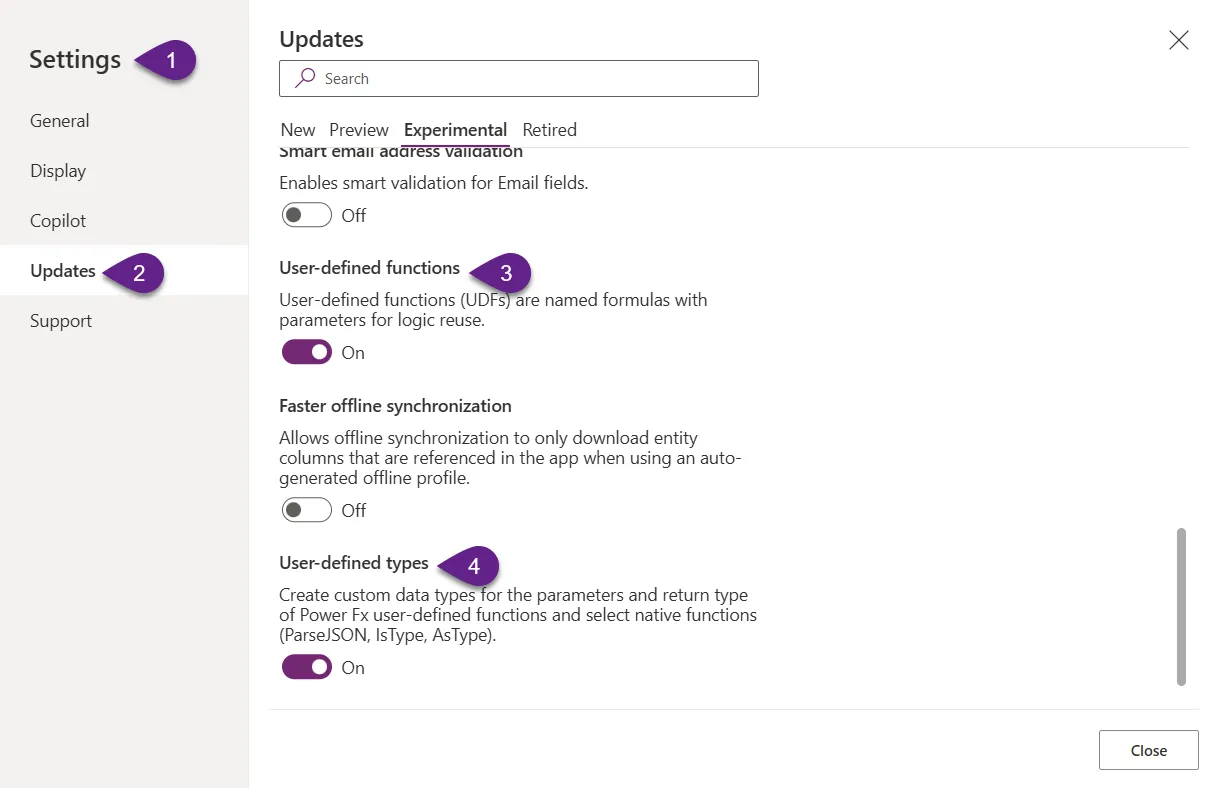
- Make sure that UDF features are enable in your Canvas Apps Studio
- User-defined functions
- User-defined types
- Copy the contents of the udfNLineHTMLText.fx
- Add the copied code into
Formulaproperty on theApplevel - Use with HTML control with HTMLText property :=
udfNLineHTMLText(Text: Your Text, Number: Amount of lines, Number: Control Width), exampleudfNLineHTMLText("Lorem ipsum", 1, Self.Width)
Variant 2 - Standalone Component
- Open your Power App in edit mode
- Copy the contents of the udfNLineHTMLText.pa.yaml
- Right-click on the screen where you want to add the snippet and select
Paste
Disclaimer
THIS CODE IS PROVIDED AS IS WITHOUT WARRANTY OF ANY KIND, EITHER EXPRESS OR IMPLIED, INCLUDING ANY IMPLIED WARRANTIES OF FITNESS FOR A PARTICULAR PURPOSE, MERCHANTABILITY, OR NON-INFRINGEMENT.