
 Preview unavailable
The idea behind the sample
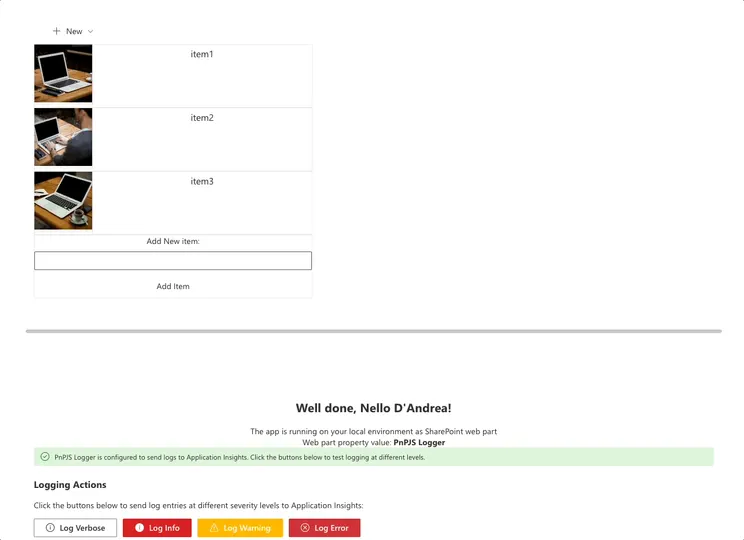
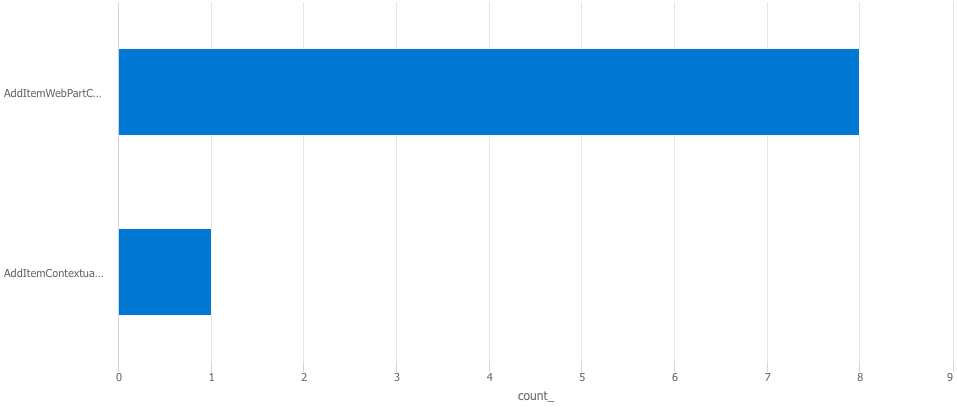
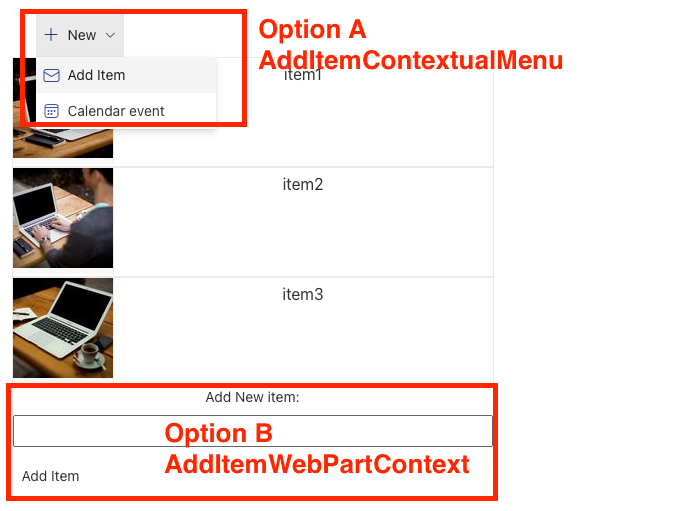
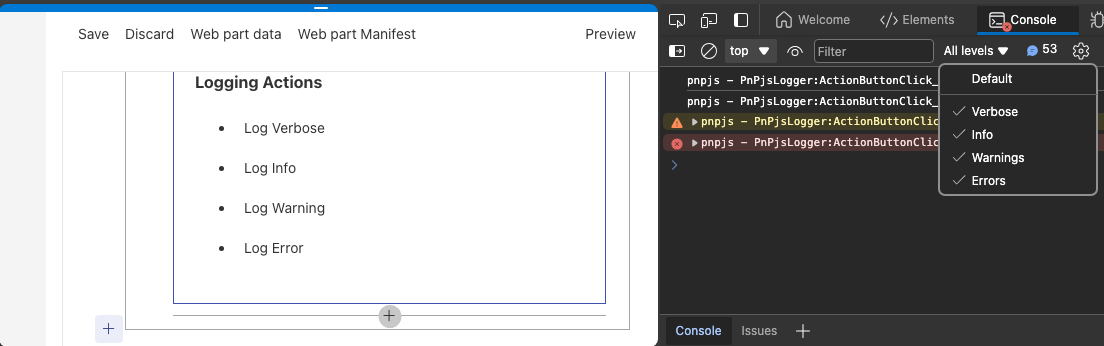
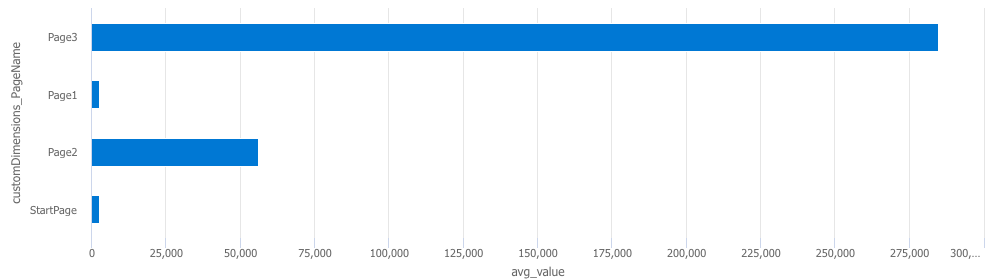
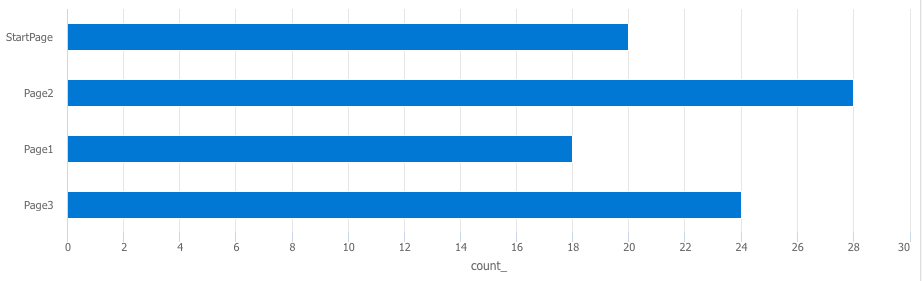
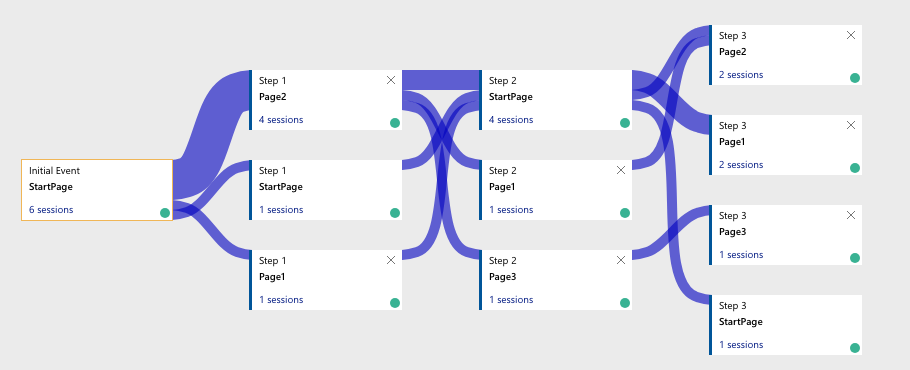
Three educational web parts demonstrating different Application Insights scenarios: AB Testing with event tracking, Page Navigation with user flow analysis, and PnPJS Logger integration. Each web part provides real-time visual feedback showing tracked events, logs, and page views as they're sent to Azure Application Insights.
Key Features: Easy property pane configuration (no code changes needed), instant visual feedback with success/warning banners, real-time displays of tracked data within the web part, color-coded severity levels for logs, and comprehensive Azure Portal query examples.
Perfect for learning Application Insights, testing telemetry scenarios, demonstrating analytics capabilities, and understanding event tracking implementation.
Make it your own
Start with the author's setup instructions, explore the implementation, and adapt the pattern to your environment. Sample code stays in its original repository, together with its requirements, license and contribution history.
Read the source documentationA closer look
 Preview unavailable
 Preview unavailable
 Preview unavailable
 Preview unavailable
 Preview unavailable
 Preview unavailable
Keep exploring
- Build your first SharePoint client-side web part — Client-side web parts are client-side components that run in the context of a SharePoint page. Client-side web parts can be deployed to SharePoint environments that support the SharePoint Framework. You can also use modern JavaScript web frameworks, tools, and libraries to build them.
- Using single part app pages in SharePoint Online — Single part app pages provide a capability to host SharePoint Framework web parts or Microsoft Teams applications in SharePoint Online with a locked layout. End users cannot modify or configure the page that is using the Single Part App Page layout.
- PNPJS Understanding the Logging Framework — The logging framework is centered on the Logger class to which any number of listeners can be subscribed. Each of these listeners will receive each of the messages logged. Each listener must implement the ILogListener interface
- Application Insights — Application Insights provides many experiences to enhance the performance, reliability, and quality of your applications.
