
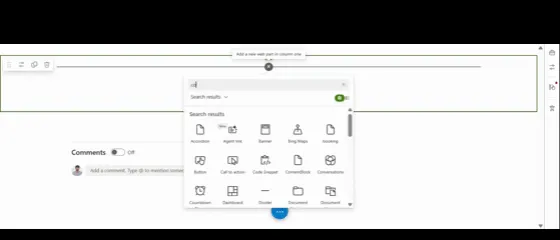
 Preview unavailable
The idea behind the sample
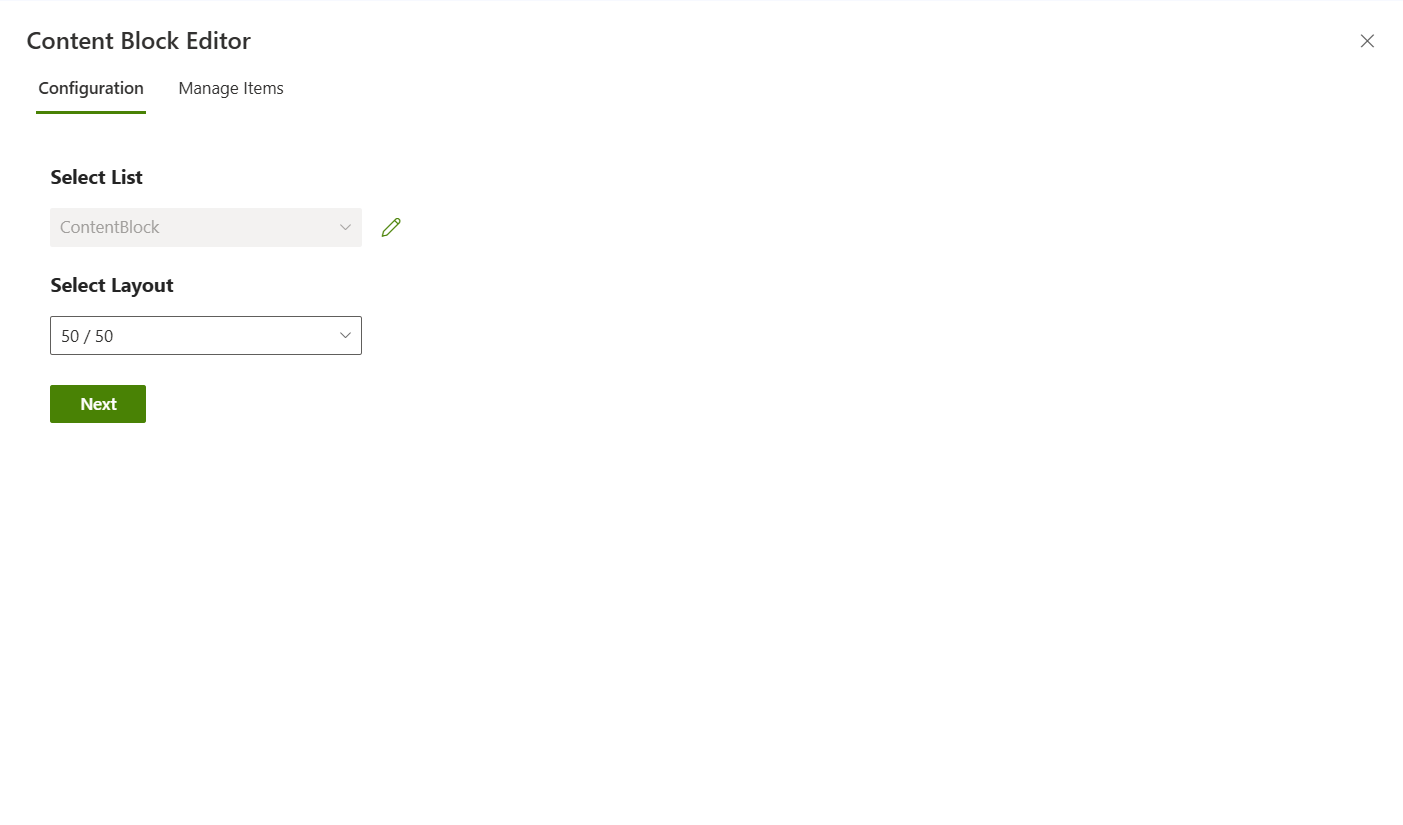
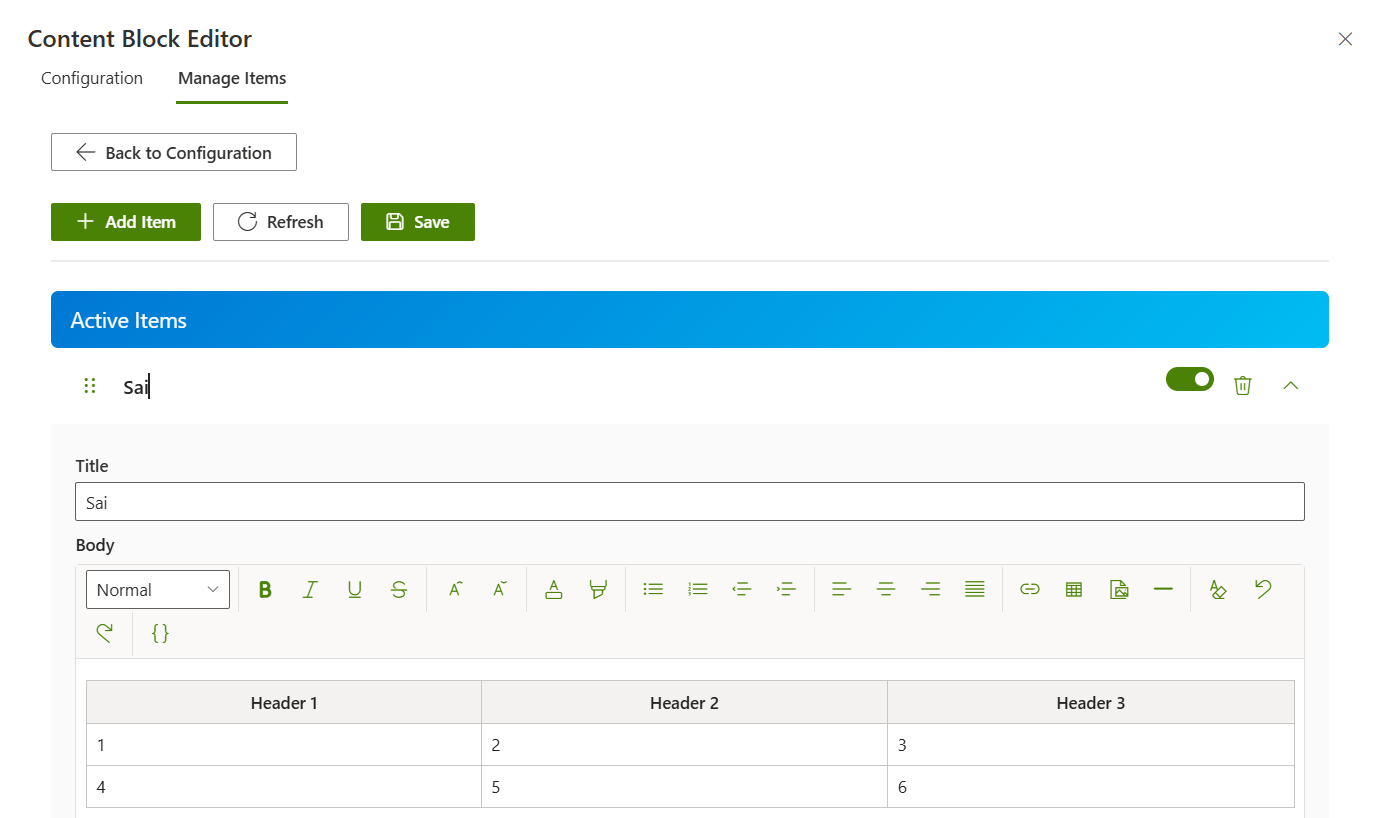
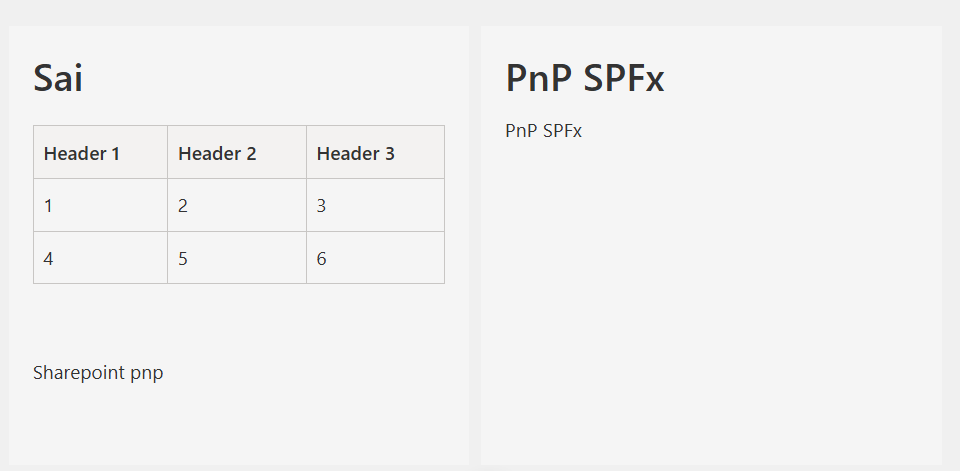
A dynamic SharePoint Framework (SPFx) web part that displays content in a flexible two-panel layout with comprehensive rich text editing capabilities. Features include drag-and-drop reordering with @dnd-kit, active/inactive content management for visibility control, direct image uploads to SharePoint SiteAssets, and three configurable layouts (50/50, 75/25, 25/75). The custom rich text editor provides full HTML formatting, table insertion, image management with SharePoint integration, source code editing mode, and content sanitization for security. Perfect for creating engaging content sections, feature comparisons, or structured information displays on SharePoint pages.
Make it your own
Start with the author's setup instructions, explore the implementation, and adapt the pattern to your environment. Sample code stays in its original repository, together with its requirements, license and contribution history.
Read the source documentationA closer look
 Preview unavailable
 Preview unavailable
 Preview unavailable
 Preview unavailable
Keep exploring
- Build your first SharePoint client-side web part — Client-side web parts are client-side components that run in the context of a SharePoint page. Client-side web parts can be deployed to SharePoint environments that support the SharePoint Framework. You can also use modern JavaScript web frameworks, tools, and libraries to build them.
- Using PnP JS with SharePoint Framework — Learn how to use PnP JS library in your SharePoint Framework solutions for modern SharePoint REST API interactions.
- Fluent UI React Components — Fluent UI React is a collection of robust React-based components designed to make it simple for you to create consistent web experiences using the Fluent Design Language.
- DnD Kit - Modern drag and drop toolkit for React — A lightweight, performant, accessible and extensible drag & drop toolkit for React.
- Working with Lists and Items using PnP JS — Learn how to work with SharePoint lists and list items using the PnP JS library.
