
 Preview unavailable
The idea behind the sample
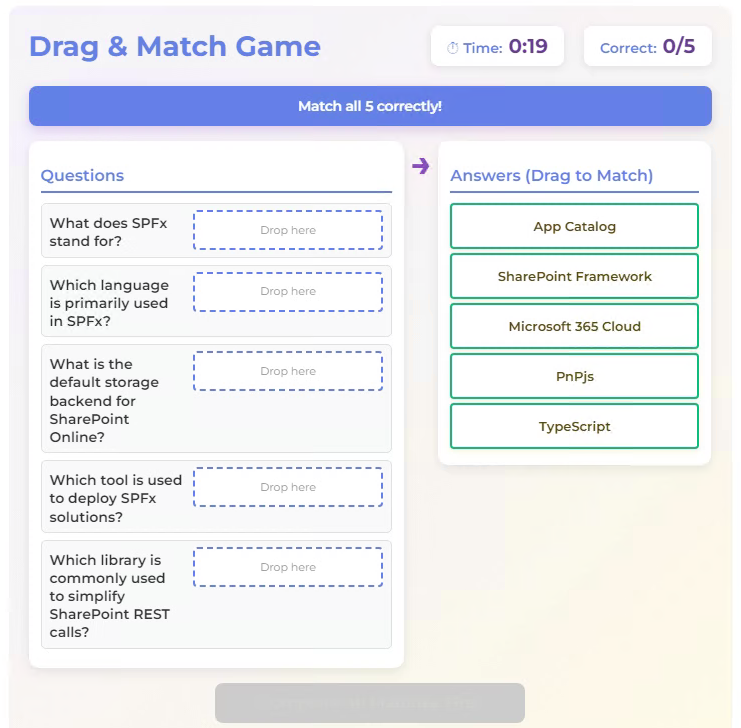
This web part provides an engaging drag-and-drop game where users match questions with their correct answers. Features include a countdown timer, instant visual feedback, time-based bonus scoring, and rewards for the first 100 completers. Each user can play only once, and all scores are saved to a SharePoint list for leaderboard tracking.
Make it your own
Start with the author's setup instructions, explore the implementation, and adapt the pattern to your environment. Sample code stays in its original repository, together with its requirements, license and contribution history.
Read the source documentationA closer look
 Preview unavailable
Keep exploring
- Build your first SharePoint client-side web part — Client-side web parts are client-side components that run in the context of a SharePoint page. Client-side web parts can be deployed to SharePoint environments that support the SharePoint Framework. You can also use modern JavaScript web frameworks, tools, and libraries to build them.
- Supporting section backgrounds — Starting with SharePoint Framework v1.8, web parts can be made aware of any section backgrounds and use these colors to improve the appearance of a web part when hosted in a section with a different background.
- Building Microsoft Teams Tabs using SharePoint Framework — Starting with SharePoint Framework v1.8, you can build tabs for Microsoft Teams with the SharePoint Framework tooling and use SharePoint as a host for your solutions. As part of the SharePoint Framework v1.10 you can also publish your solution as Microsoft Teams personal app.
View 1 source metadata note
- thumbnails[1].alt: Replace generic alt text with a description of the sample.
