
 Preview unavailable
The idea behind the sample
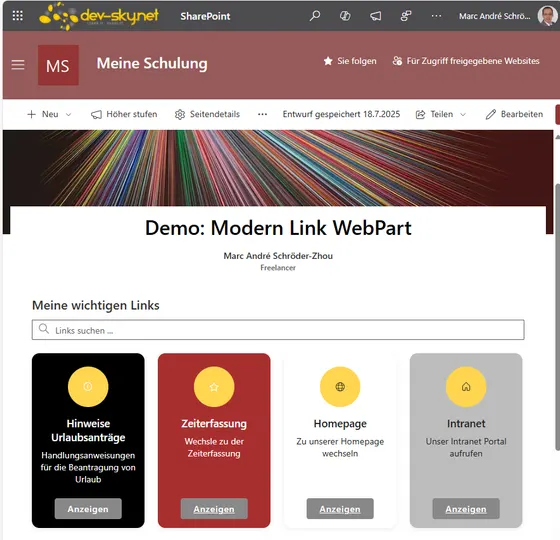
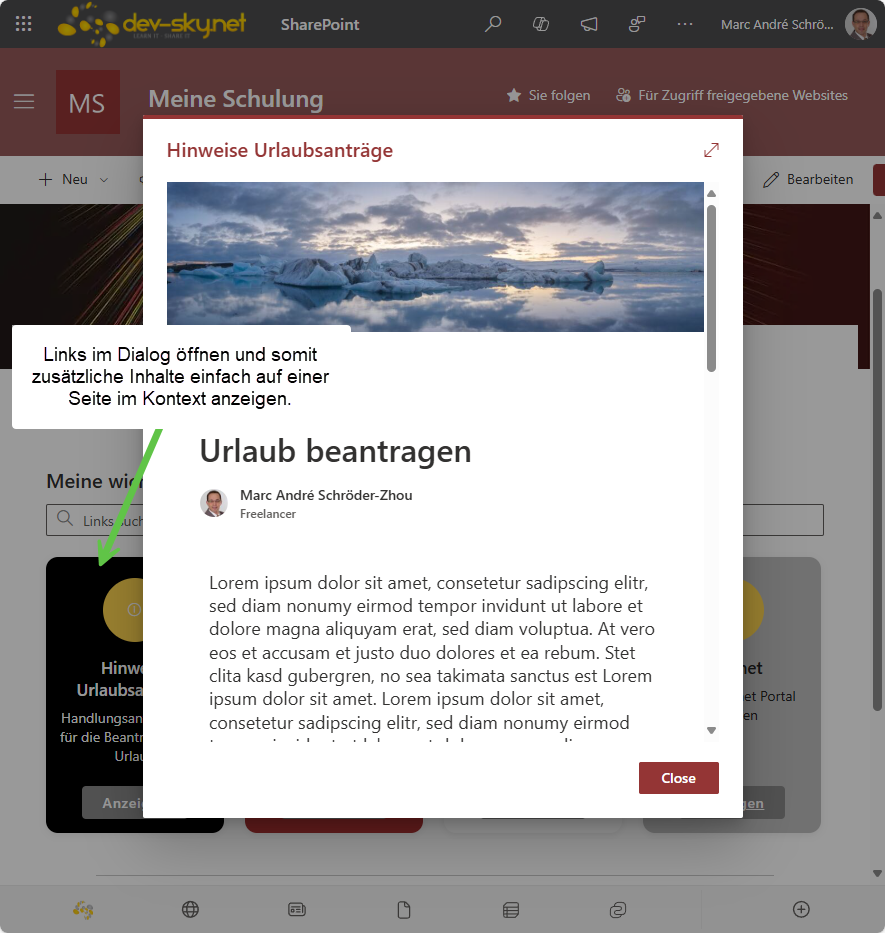
A modern, customizable web part for managing and displaying links in various layouts in SharePoint and Teams. Modern Link Presenter is a flexible SharePoint Framework (SPFx) web part that allows users to manage and present collections of links in various modern layouts. Features include: configurable link properties (title, URL, icon, description, summary, color, target, display format), multiple output formats (simple links, links with icons, inline tiles, and rich tile layouts), individual color and display customization per link, search and filter functionality, and support for opening links in new tabs, within the same tab, or in a modal dialog. The tile layout offers additional customization such as tile size, mouseover effects, and button text. The web part is fully localizable, supports accessibility, and is ideal for creating modern dashboards, resource panels, or curated link collections in SharePoint Online and Microsoft Teams.
Make it your own
Start with the author's setup instructions, explore the implementation, and adapt the pattern to your environment. Sample code stays in its original repository, together with its requirements, license and contribution history.
Read the source documentationA closer look
 Preview unavailable
Keep exploring
- Build your first SharePoint client-side web part — Client-side web parts are client-side components that run in the context of a SharePoint page. Client-side web parts can be deployed to SharePoint environments that support the SharePoint Framework. You can also use modern JavaScript web frameworks, tools, and libraries to build them.
View 2 source metadata notes
- thumbnails[0].alt: Replace generic alt text with a description of the sample.
- thumbnails[1].alt: Replace generic alt text with a description of the sample.
