
 Preview unavailable
The idea behind the sample
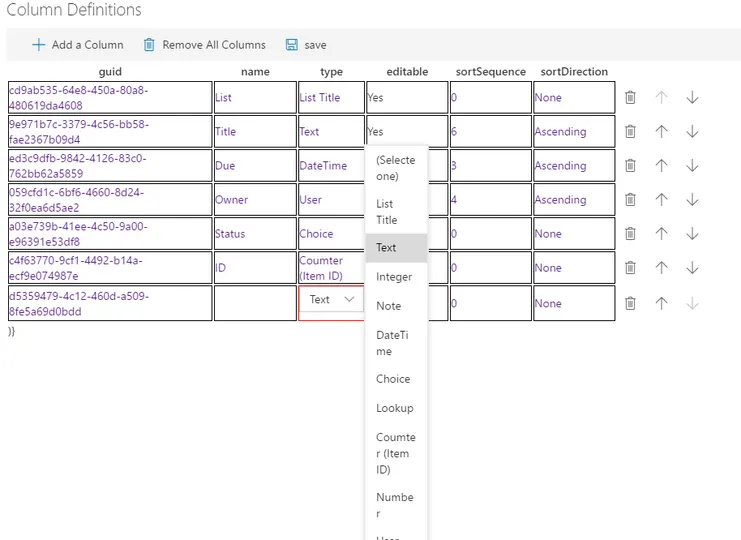
React-multilist-grid is an SPFX web part that uses React, Office-UI-Fabric, and Redux to let users edit list data from lists that reside in multiple webs and multiple sites in a single grid, similar to Quick Edit mode. The lists do not to be of the same type – you just need to create column mappings to tell the web part which fields to show in which columns of the grid.
Make it your own
Start with the author's setup instructions, explore the implementation, and adapt the pattern to your environment. Sample code stays in its original repository, together with its requirements, license and contribution history.
Read the source documentationKeep exploring
- Build your first SharePoint client-side web part — Client-side web parts are client-side components that run in the context of a SharePoint page. Client-side web parts can be deployed to SharePoint environments that support the SharePoint Framework. You can also use modern JavaScript web frameworks, tools, and libraries to build them.
View 1 source metadata note
- metadata.SPFX-VERSION: Package ranges cannot prove the installed SPFx version.
