
 Preview unavailable
The idea behind the sample
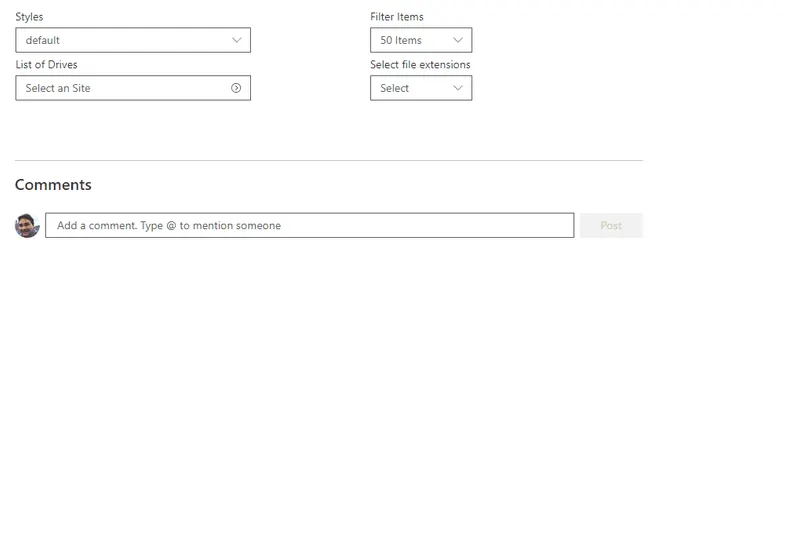
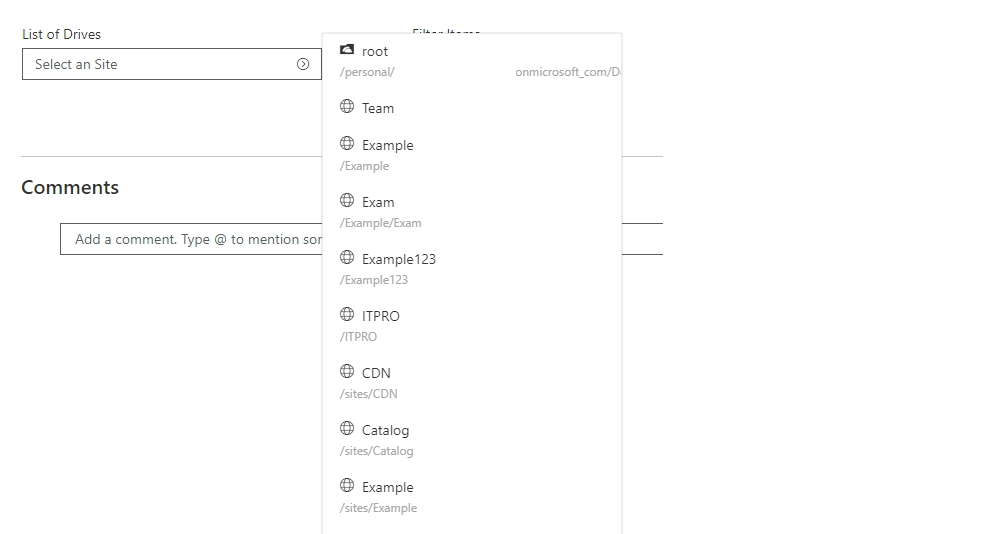
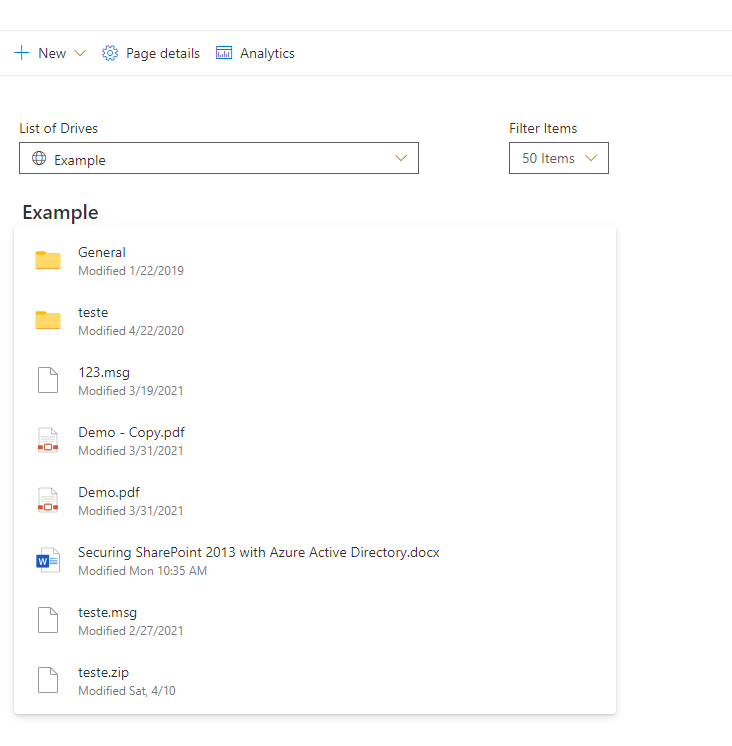
This sample access drives from OneDrive and navigate between his content using Graph OneDrive and Site API and Microsoft Graph Toolkit React controls with the addition of new FileList control.
This new control provides the ability to retrieve the Drive Library with associated Files and folders making easier to develop and navigate between tenant content and access to file.
Make it your own
Start with the author's setup instructions, explore the implementation, and adapt the pattern to your environment. Sample code stays in its original repository, together with its requirements, license and contribution history.
Read the source documentationA closer look
 Preview unavailable
 Preview unavailable
Keep exploring
- Build your first SharePoint client-side web part — Client-side web parts are client-side components that run in the context of a SharePoint page. Client-side web parts can be deployed to SharePoint environments that support the SharePoint Framework. You can also use modern JavaScript web frameworks, tools, and libraries to build them.
