
 Preview unavailable
The idea behind the sample
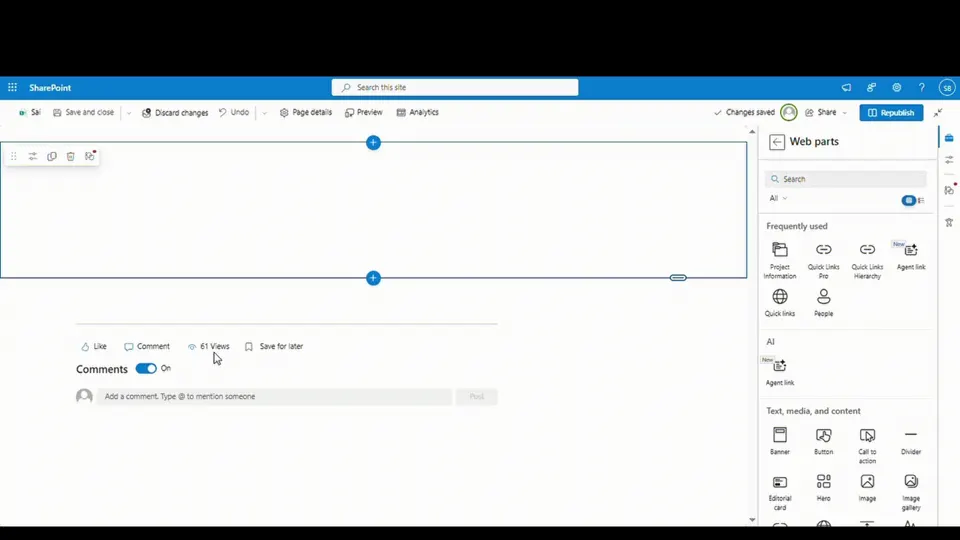
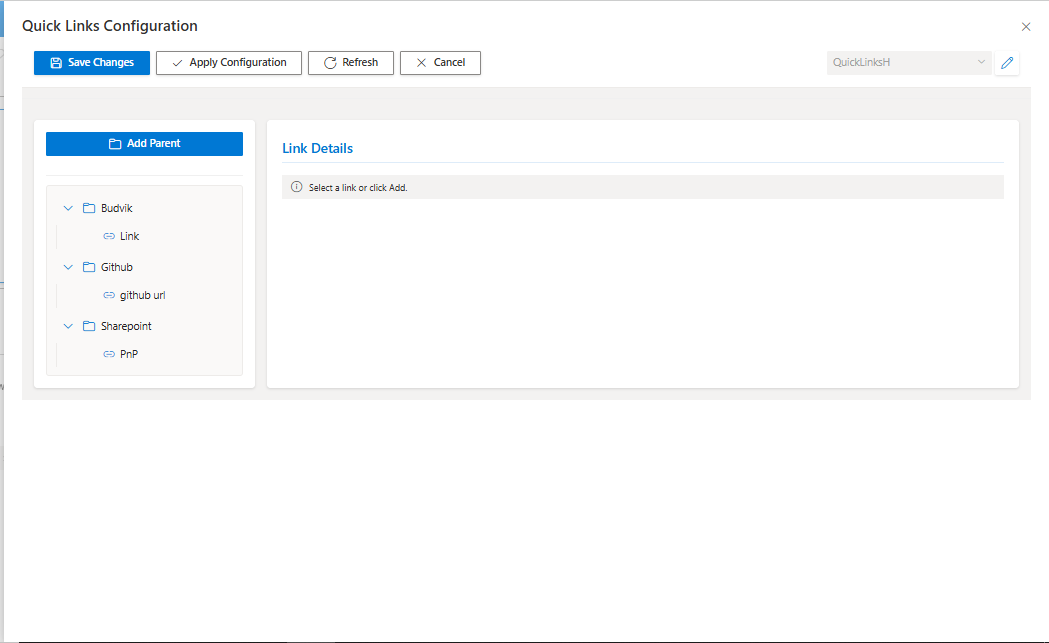
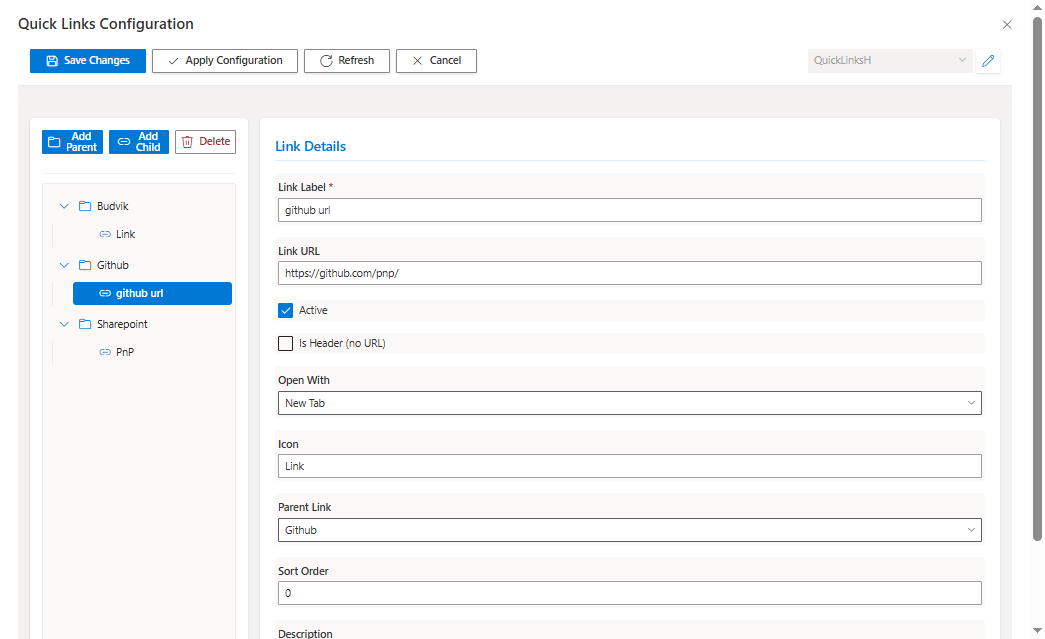
A modern SharePoint Framework (SPFx) web part that provides hierarchical quick links management with collapsible tree navigation and inline CRUD operations. Content authors can organize and manage navigational links in unlimited parent-child relationships directly from the page using a comprehensive configuration panel. Features include visual tree editor, headers/folders support, active/inactive toggles, custom Fluent UI icons, multiple list support, and responsive design. The web part eliminates the need to navigate to list settings, providing an intuitive interface for managing complex link hierarchies.
Make it your own
Start with the author's setup instructions, explore the implementation, and adapt the pattern to your environment. Sample code stays in its original repository, together with its requirements, license and contribution history.
Read the source documentationA closer look
 Preview unavailable
 Preview unavailable
 Preview unavailable
Keep exploring
- Build your first SharePoint client-side web part — Client-side web parts are client-side components that run in the context of a SharePoint page. Client-side web parts can be deployed to SharePoint environments that support the SharePoint Framework. You can also use modern JavaScript web frameworks, tools, and libraries to build them.
- Using PnP JS with SharePoint Framework — Learn how to use PnP JS library in your SharePoint Framework solutions for modern SharePoint REST API interactions.
- Fluent UI React Components — Fluent UI React is a collection of robust React-based components designed to make it simple for you to create consistent web experiences using the Fluent Design Language.
- SharePoint Lookup Fields — Learn how to work with lookup columns in SharePoint, including self-referencing lookups for hierarchical data structures.
