
 Preview unavailable
The idea behind the sample
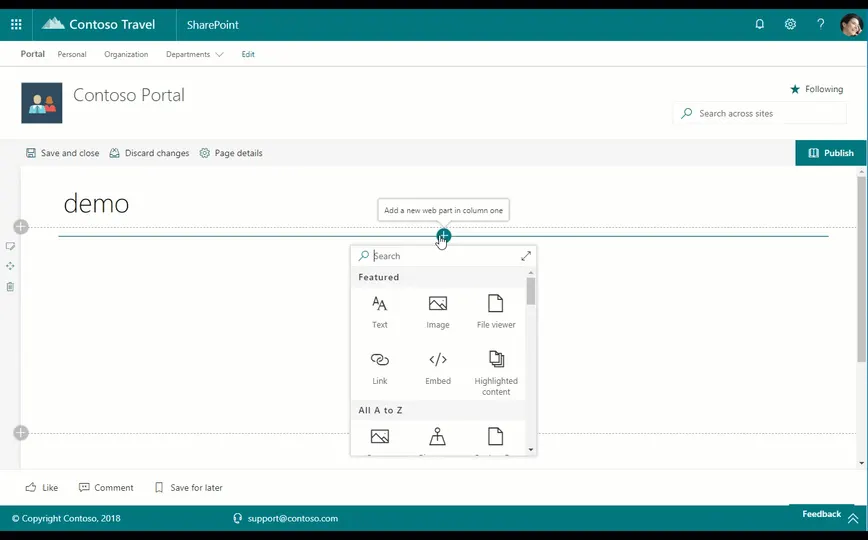
This web part provides you the ability to display a list of a particular user's recently visited sites on a web page. The web part will display up to the first 30 (thirty) recently visited sites at a time. This web part is powered by the Microsoft Graph and currently requires that the Office 365 tenant be configured for targeted release for all users.
Make it your own
Start with the author's setup instructions, explore the implementation, and adapt the pattern to your environment. Sample code stays in its original repository, together with its requirements, license and contribution history.
Read the source documentationKeep exploring
- Build your first SharePoint client-side web part — Client-side web parts are client-side components that run in the context of a SharePoint page. Client-side web parts can be deployed to SharePoint environments that support the SharePoint Framework. You can also use modern JavaScript web frameworks, tools, and libraries to build them.
View 4 source metadata notes
- gallery.componentTypes: Repository-family fallback used; no classifiable component manifest found.
- metadata.SPFX-VERSION: Legacy major.minor version accepted for filtering; supply a patch version for reproducibility.
- metadata.SPFX-VERSION: No comparable SPFx package dependency found.
- thumbnails[0].url: External repository image is HTTPS but is not part of the collected source trees.
