
 Preview unavailable
The idea behind the sample
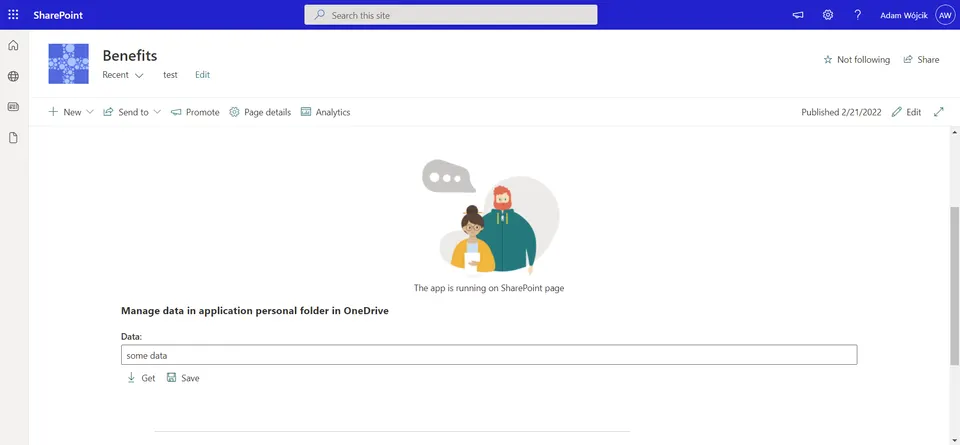
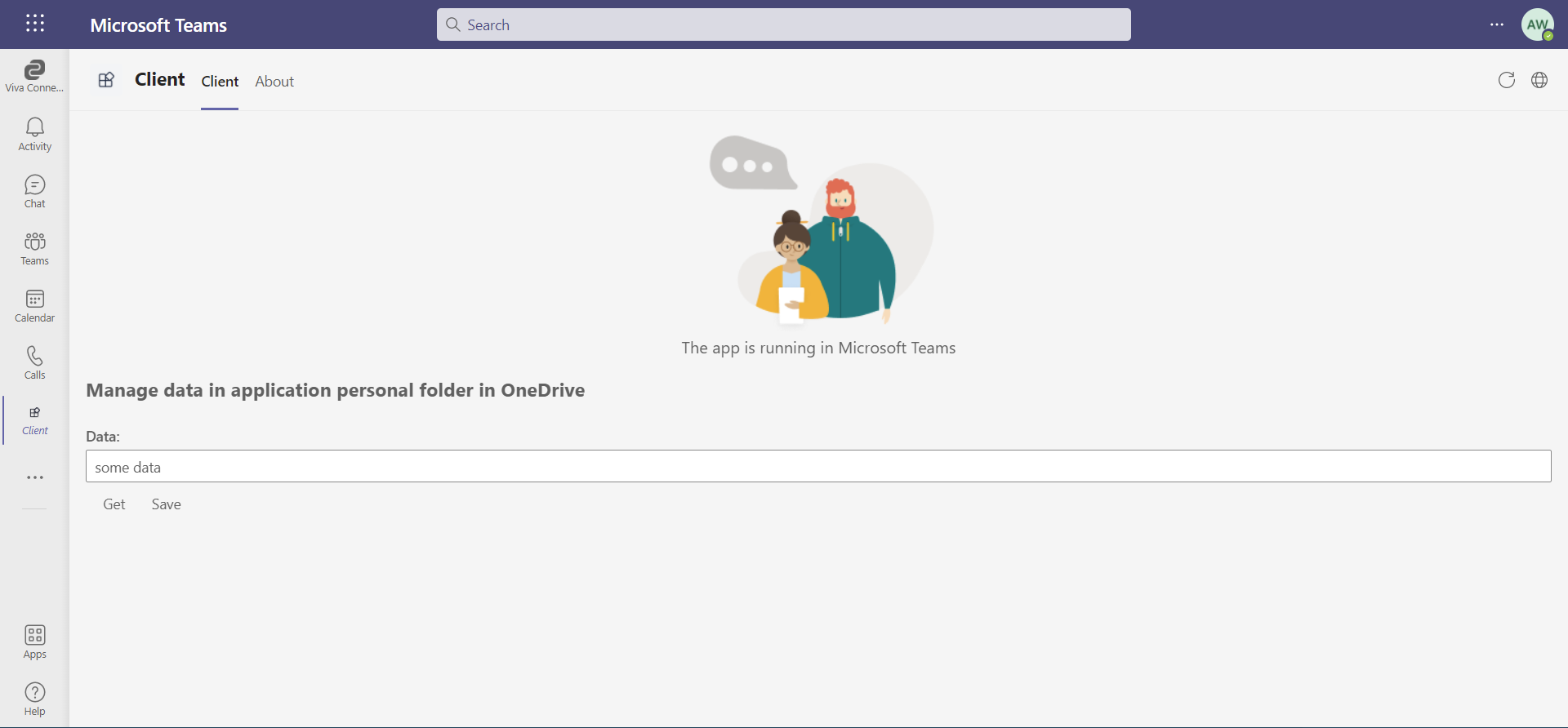
This solution shows how to manage data stored in user application's personal folder in OneDrive which is one of many good methods to store application data/configuration which may be easily used in apps added to SharePoint page or Teams. The solution is built of two compontents.
SPFx library which provides the functionality to manage data saved to OneDrive application personal folder and SFIx webpart component which is a very simple solution that uses the library and gets or saves data.
Make it your own
Start with the author's setup instructions, explore the implementation, and adapt the pattern to your environment. Sample code stays in its original repository, together with its requirements, license and contribution history.
Read the source documentationA closer look
 Preview unavailable
Keep exploring
- Build your first SharePoint client-side web part — Client-side web parts are client-side components that run in the context of a SharePoint page. Client-side web parts can be deployed to SharePoint environments that support the SharePoint Framework. You can also use modern JavaScript web frameworks, tools, and libraries to build them.
View 3 source metadata notes
- metadata.SPFX-VERSION: Legacy major.minor version accepted for filtering; supply a patch version for reproducibility.
- metadata.SPFX-VERSION: Package ranges cannot prove the installed SPFx version.
- thumbnails[1].order: Preview order is duplicated.
