
 Preview unavailable
The idea behind the sample
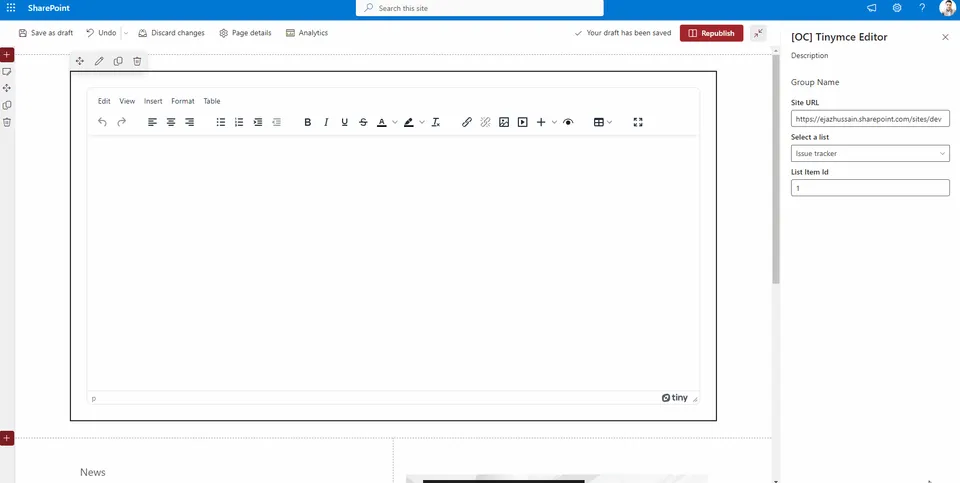
An example of integrating SharePoint lists with TinyMCE editors can be found in this sample. The web part allows users to insert column data from associated SharePoint lists using a split button on the toolbar. An editor preview plugin for TinyMce was developed in order to be able to preview changes before they are saved.
Make it your own
Start with the author's setup instructions, explore the implementation, and adapt the pattern to your environment. Sample code stays in its original repository, together with its requirements, license and contribution history.
Read the source documentationKeep exploring
- Build your first SharePoint client-side web part — Client-side web parts are client-side components that run in the context of a SharePoint page. Client-side web parts can be deployed to SharePoint environments that support the SharePoint Framework. You can also use modern JavaScript web frameworks, tools, and libraries to build them.
View 1 source metadata note
- thumbnails[0].alt: Replace generic alt text with a description of the sample.
