
 Preview unavailable
The idea behind the sample
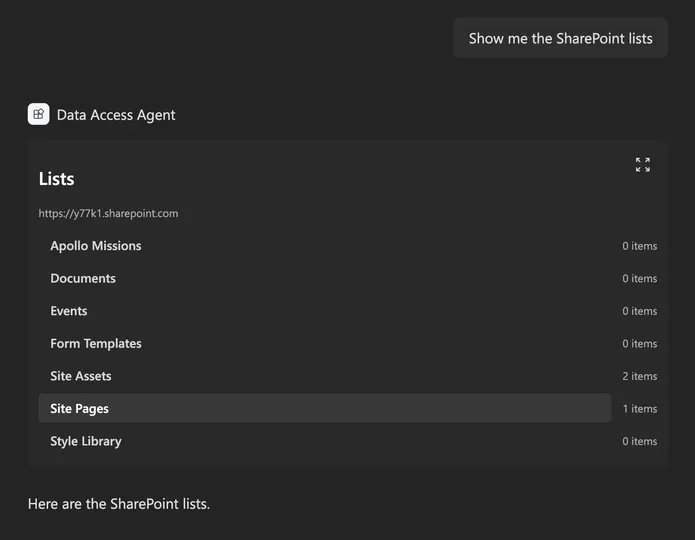
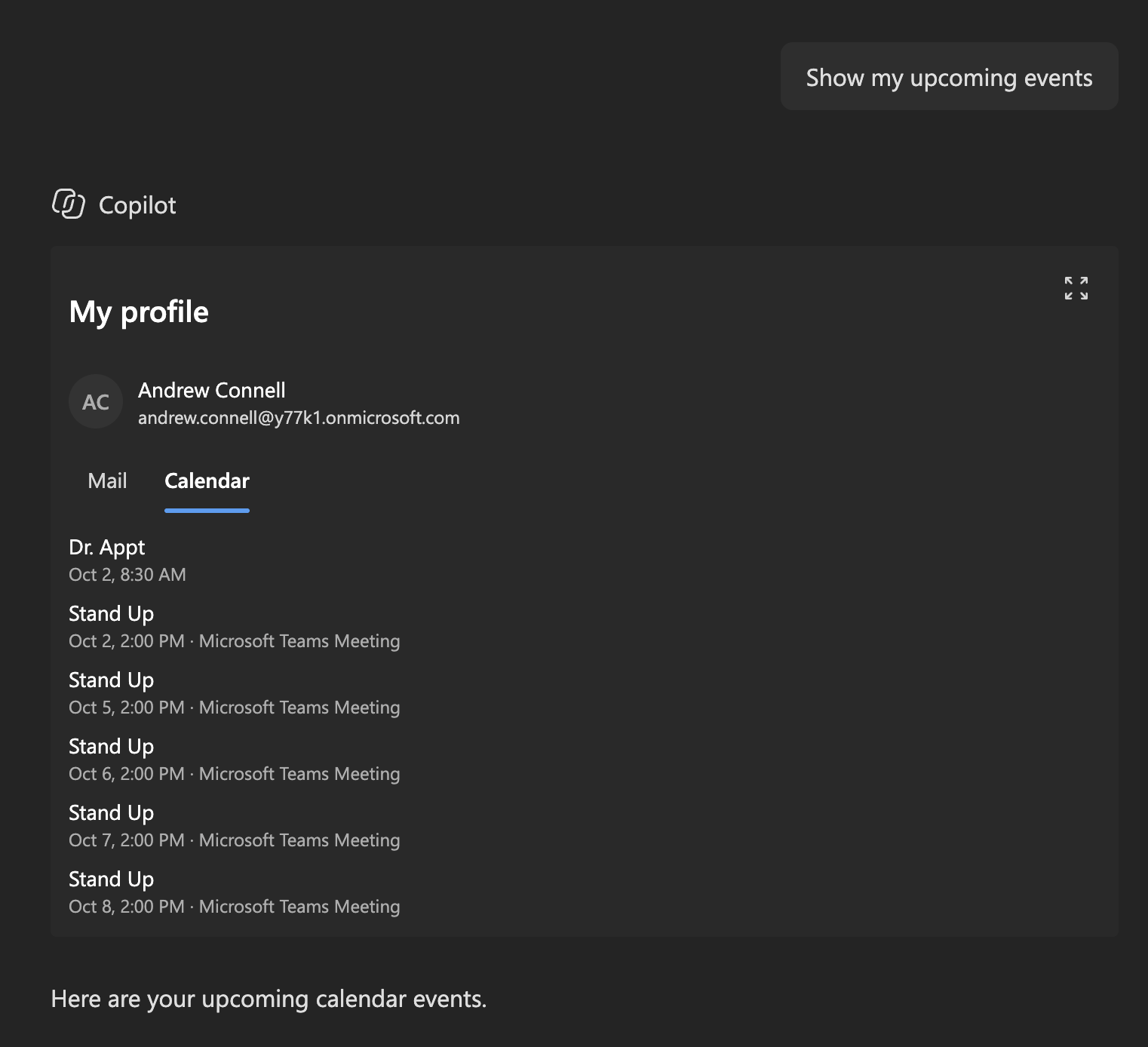
The finished solution for the article Access data from a Copilot UX component. One declarative agent has two Copilot UX components. SharePointLists uses spHttpClient to show the lists and libraries on a SharePoint site and the items in a selected list. MyProfile uses msGraphClientFactory to show the signed-in user's profile, recent email, and calendar events for the next 7 days.
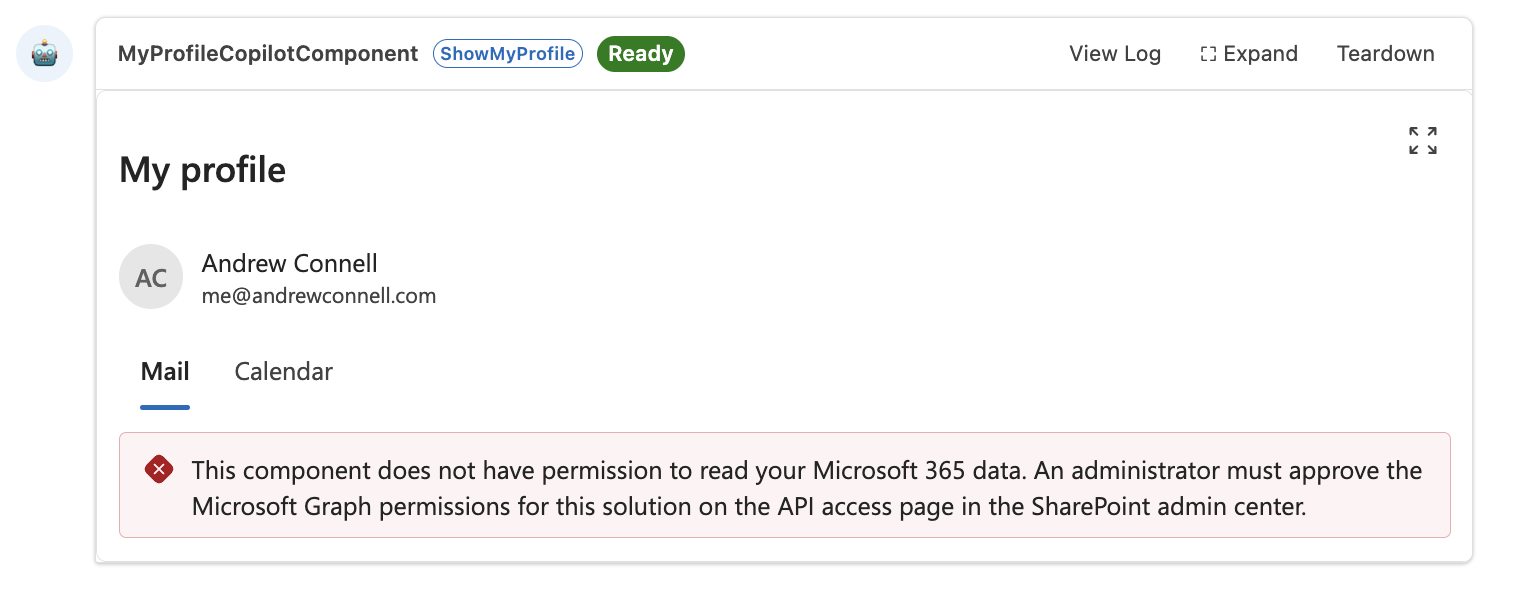
Both components load data in the view so they render right away with a loading state, show a message when a Microsoft Graph permission isn't approved, and follow the Copilot light and dark themes. All code runs in the browser; the solution package is the only thing to deploy.
Make it your own
Start with the author's setup instructions, explore the implementation, and adapt the pattern to your environment. Sample code stays in its original repository, together with its requirements, license and contribution history.
Read the source documentationA closer look
 Preview unavailable
 Preview unavailable
Keep exploring
- Access data from a Copilot UX component — Call the SharePoint REST API and Microsoft Graph from a Copilot UX component.
- Build your first SharePoint Copilot App — Create a SharePoint Copilot App with SPFx, test it in the Copilot Workbench, and use it in Microsoft 365 Copilot.
- Overview of the SharePoint Framework — The SharePoint Framework (SPFx) is a page and web part model that provides full support for client-side SharePoint development.
