
 Preview unavailable
The idea behind the sample
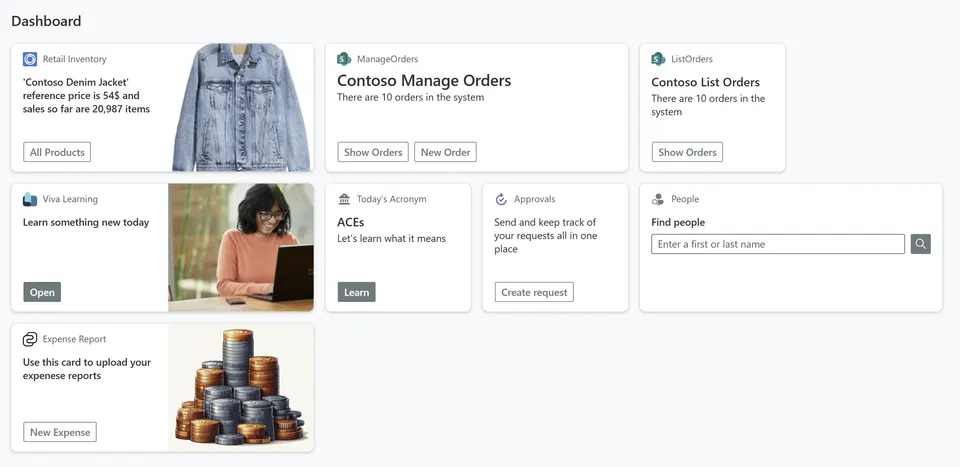
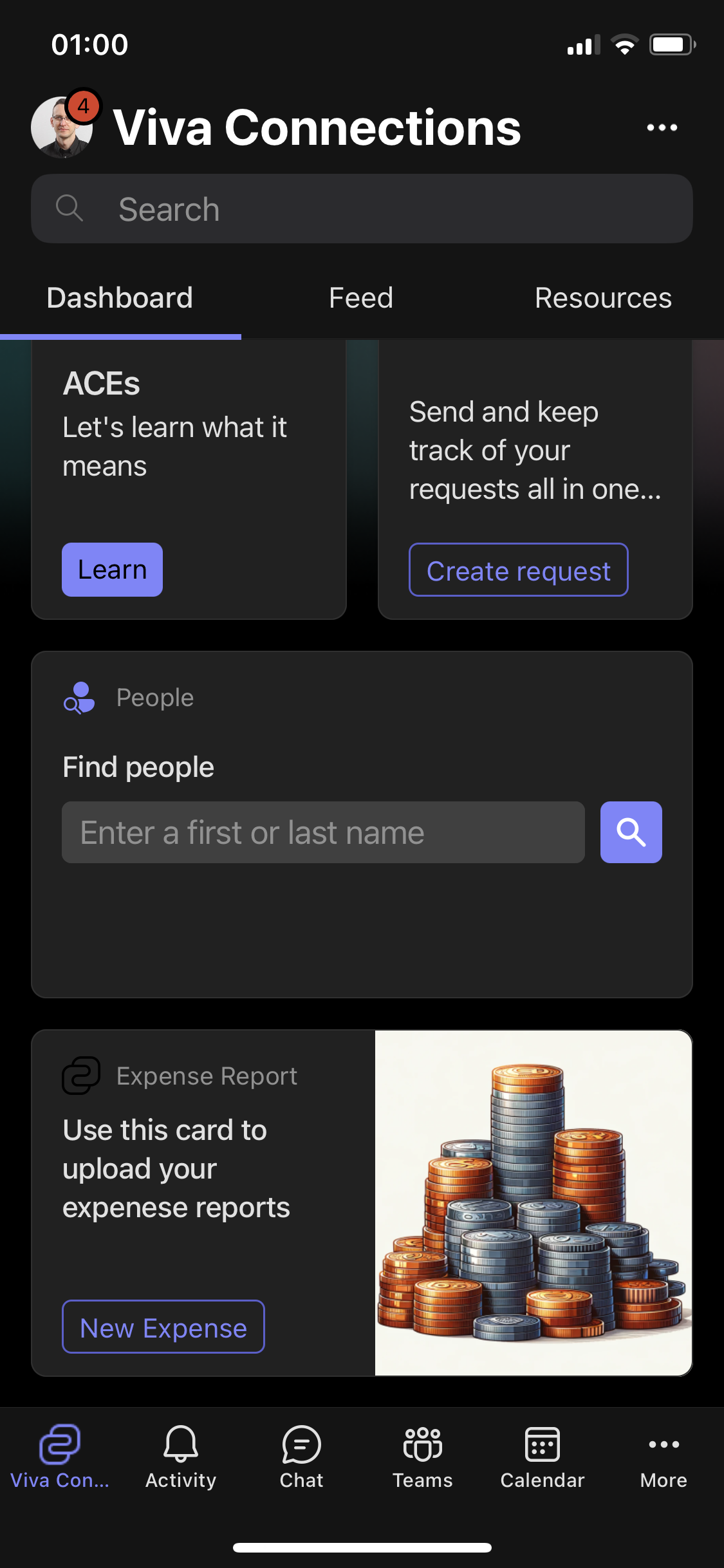
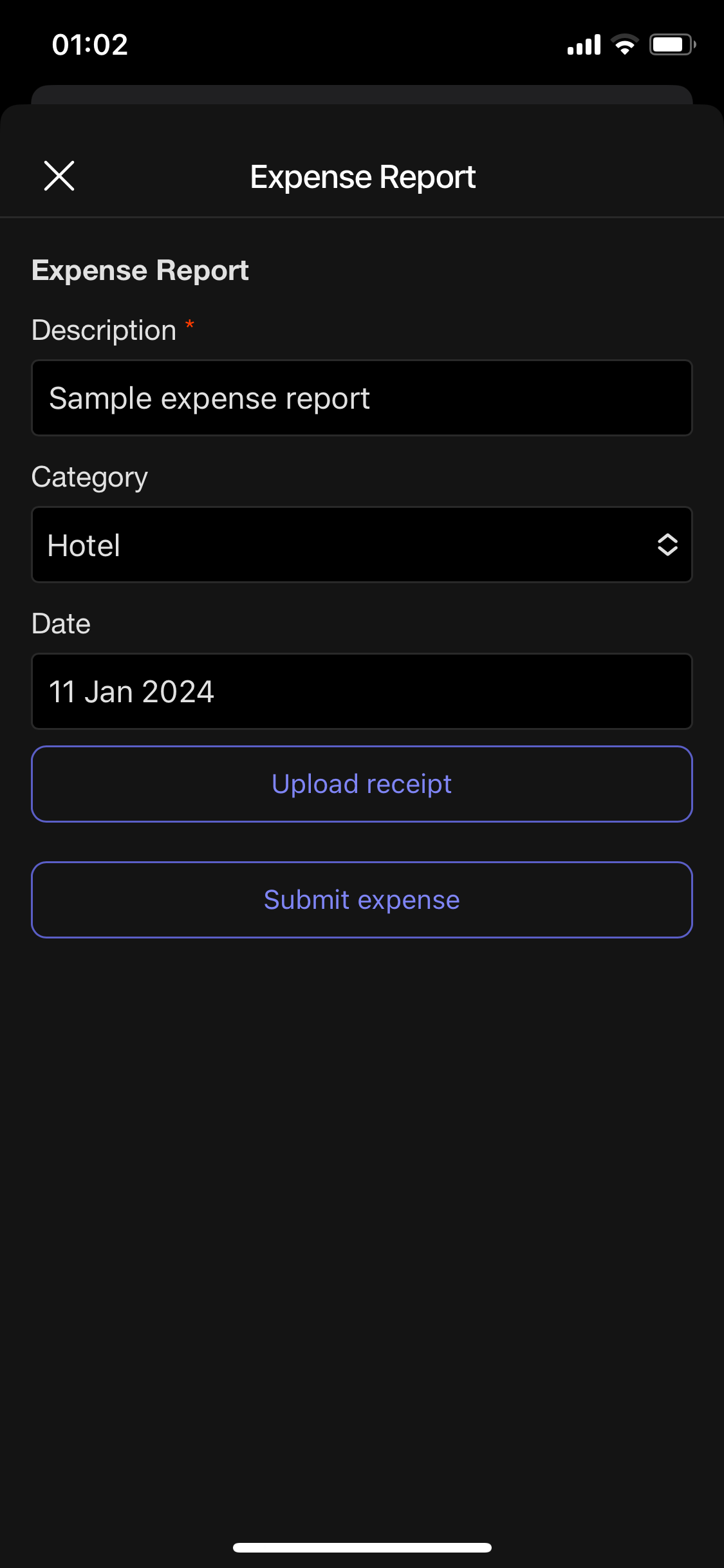
This is a sample end-to-end application, to see how to create a Microsoft Viva Connections Adaptive Card Extension for expense reports that uploads receipts via Microsoft Graph through a back-end Azure Function secured with Microsoft Entra ID.
Make it your own
Start with the author's setup instructions, explore the implementation, and adapt the pattern to your environment. Sample code stays in its original repository, together with its requirements, license and contribution history.
Read the source documentationA closer look
 Preview unavailable
 Preview unavailable
Keep exploring
- Getting started with SharePoint Framework — Introduction about how to develop Microsoft 365 extensions using SharePoint Framework.
- Build your first SharePoint Adaptive Card Extension — Learn how to develop your first Adaptive Card Extension (ACE) using SharePoint Framework (SPFx).
- Use Microsoft Graph in your solution — Learn how to consume Microsoft Graph using SharePoint Framework (SPFx).
- Microsoft 365 Patterns and Practices — Guidance, tooling, samples and open-source controls for your Microsoft 365 development.
View 1 source metadata note
- downloadUrl: No download link; derive one explicitly in the future gallery.
