
From the contributor
How to use this sample
Summary
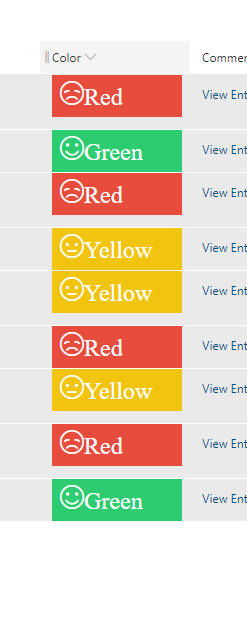
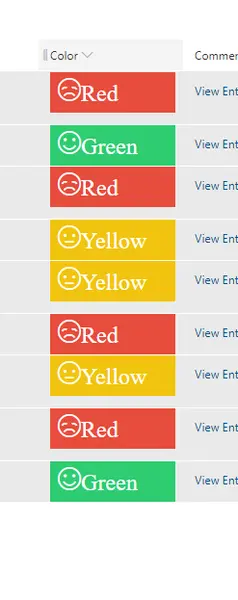
This sample displays smiley faces (emojis) based on color. The format will add a smiley face (icon) which comes from Fluent UI. If the value is Green then the icon will be Emoji2, if the value is Yellow then the icon will be EmojiNeutral, if the value is Red the icon will be EmojiDisappointed.
Sample can be extended to different colors based on your requirements.
View requirements
- This format can be applied to a Choice, Single line of text column
Sample
| Solution | Author(s) |
|---|---|
| color-based-smiley-face.json | Siddharth Vaghasia |
Version history
| Version | Date | Comments |
|---|---|---|
| 1.0 | June 16, 2019 | Initial release |
Disclaimer
THIS CODE IS PROVIDED AS IS WITHOUT WARRANTY OF ANY KIND, EITHER EXPRESS OR IMPLIED, INCLUDING ANY IMPLIED WARRANTIES OF FITNESS FOR A PARTICULAR PURPOSE, MERCHANTABILITY, OR NON-INFRINGEMENT.
Additional notes
This sample uses icons from the Office UI Fabric
An additional version using Abstract Tree Syntax (AST) is also provided for environments where the Excel-style expressions are not supported.