
Back to column formats
Column formattingSharePoint Online

Image Lightbox

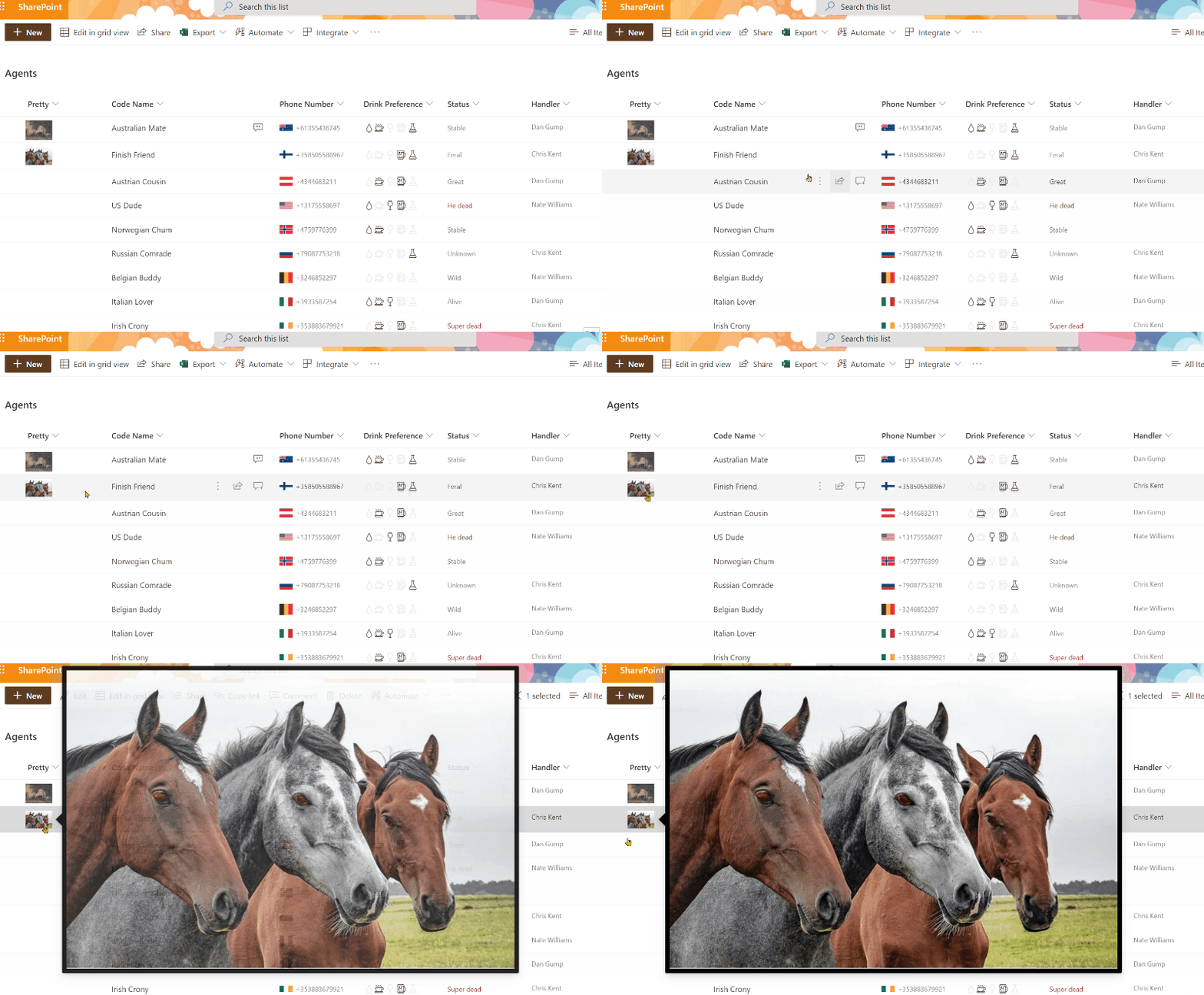
This sample demonstrates showing the full size image in a lightbox (hover card) rather than opening this image in a new window.
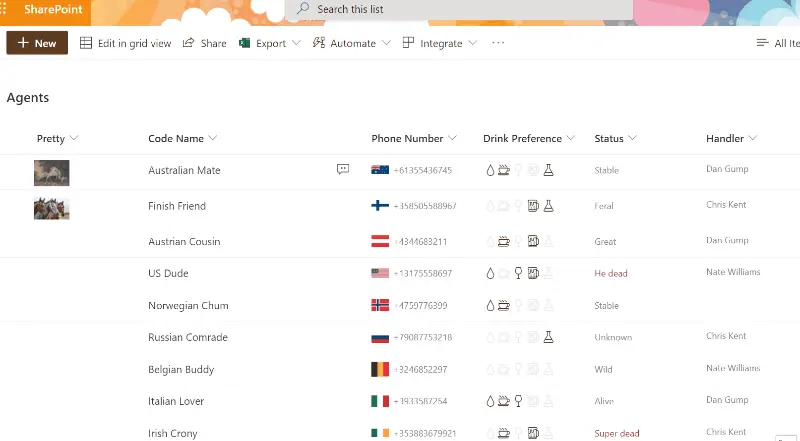
Image Lightbox formatting preview
Sample preview · View original animation

Copy. Apply. Make it yours.

Get this format

2 definitions

Review the requirements below, then paste this JSON into the matching formatting panel. Show me where.

Use your list's internal column names and replace any tenant-specific URLs or flow IDs. Formatting is presentation, not a way to secure data.

Column formatting
Download JSON
{
  "$schema": "https://developer.microsoft.com/json-schemas/sp/v2/column-formatting.schema.json",
  "elmType": "div",
  "style": {
    "display": "=if(@currentField,'block','none')",
    "max-width": "64px",
    "max-height": "64px",
    "overflow": "hidden",
    "margin": "8px auto -3px -4px",
    "cursor": "pointer"
  },
  "attributes": {
    "title": "@currentField.fileName"
  },
  "children": [
    {
      "elmType": "img",
      "attributes": {
        "src": "=getThumbnailImage(@currentField, 64, 64)"
      },
      "customCardProps": {
        "formatter": {
          "elmType": "div",
          "style": {
            "padding": "8px",
            "background-color": "black"
          },
          "children": [
            {
              "elmType": "img",
              "attributes": {
                "src": "=getThumbnailImage(@currentField, ceiling(@window.innerWidth*.5), ceiling(@window.innerHeight*.5))",
                "title": "@currentField.fileName"
              },
              "style": {
                "background-color": "#e6e6e6"
              }
            },
            {
              "elmType": "a",
              "attributes": {
                "iconName": "OpenInNewWindow",
                "href": "=getThumbnailImage(@currentField, 3000, 2000)",
                "target": "_blank",
                "class": "ms-bgColor-black ms-fontColor-white ms-fontColor-themeLight--hover",
                "title": "Open in New Window"
              },
              "style": {
                "font-size": "18px",
                "text-decoration": "none",
                "position": "absolute",
                "right": "2px",
                "bottom": "2px",
                "padding": "8px"
              }
            }
          ]
        },
        "openOnEvent": "click",
        "directionalHint": "rightCenter",
        "isBeakVisible": true,
        "beakStyle": {
          "backgroundColor": "black"
        }
      }
    }
  ]
}

From the contributor

How to use this sample

Summary

This sample demonstrates showing the full size image in a lightbox (hover card) rather than opening this image in a new window.

screenshot of the sample

Taking it further

An additional format (image-lightbox-advanced.json) is provided which demonstrates the same lightbox effects but dynamically scales the lightbox image based on the window size (50% of the rendered inner width/height). This format also adds a link in the bottom right corner of the hoverbox to open the image in a new window (matches the standard Image display behavior).
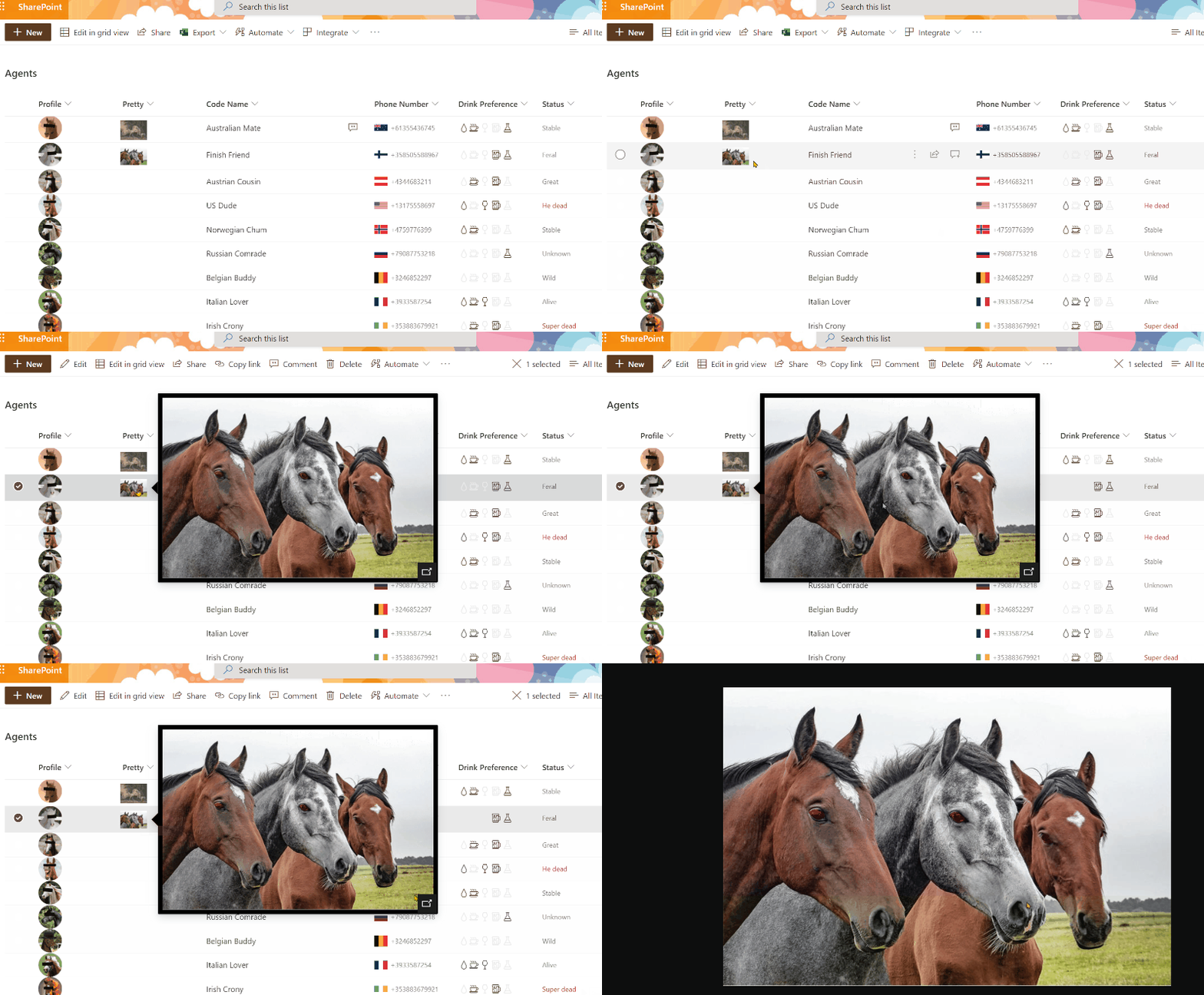
screenshot of the advanced sample

View requirements

  • This format can be applied to any image column type (Note: this sample does not work with the Picture column type)

Sample

Solution Author(s)
image-lightbox.json João Ferreira
image-lightbox-advanced.json Chris Kent

Version history

Version Date Comments
1.0 February 10, 2020 Initial release
1.1 July 8, 2021 Added advanced format
1.2 October 26, 2023 Updated samples to use getThumbnailImage

Disclaimer

THIS CODE IS PROVIDED AS IS WITHOUT WARRANTY OF ANY KIND, EITHER EXPRESS OR IMPLIED, INCLUDING ANY IMPLIED WARRANTIES OF FITNESS FOR A PARTICULAR PURPOSE, MERCHANTABILITY, OR NON-INFRINGEMENT.