
From the contributor
How to use this sample
Summary
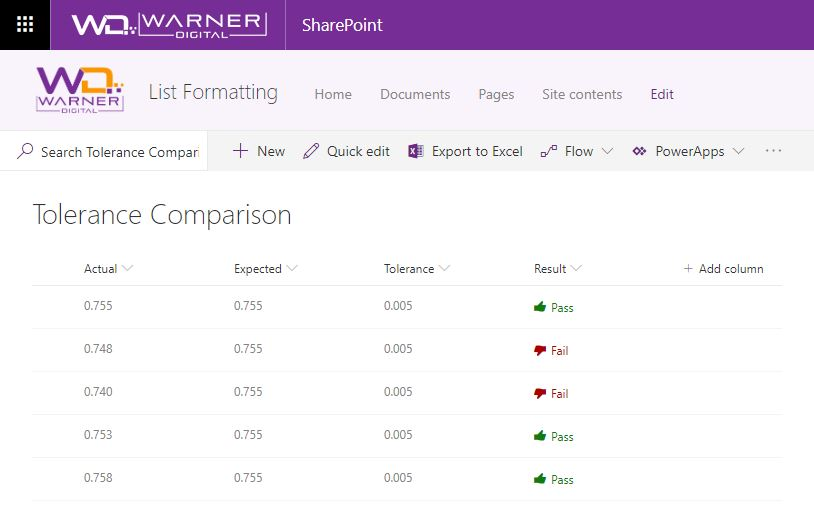
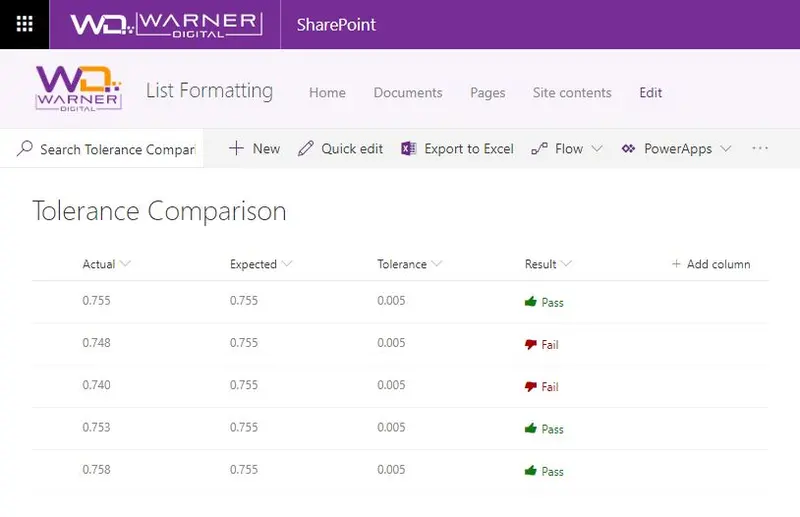
Display if a value is within the expected tolerance.
To determine success, the column formatting definition subtracts the "Actual" value from the "Expected" value and applies the "abs()" operator to retrieve the absolute value. The result is compared to the "Tolerance" column value to determine pass or fail.
A Fluent UI icon is also applied to provide visual indicators of Pass or Fail.
Screenshot
Column Types
The columns used in this sample were created as "Number" column types.
View requirements
- This format uses operators only available in SharePoint Online and cannot be used in SharePoint 2019
Sample
| Solution | Author(s) |
|---|---|
| number-abs-tolerance-comparison.json | David Warner II |
Version history
| Version | Date | Comments |
|---|---|---|
| 1.0 | March 8, 2019 | Initial release |
Disclaimer
THIS CODE IS PROVIDED AS IS WITHOUT WARRANTY OF ANY KIND, EITHER EXPRESS OR IMPLIED, INCLUDING ANY IMPLIED WARRANTIES OF FITNESS FOR A PARTICULAR PURPOSE, MERCHANTABILITY, OR NON-INFRINGEMENT.