
From the contributor
How to use this sample
Summary
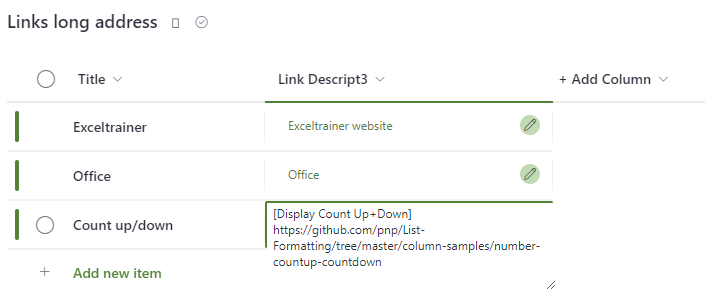
The default hyperlink column has a limited number of characters that can be used, and this will get you into trouble when linking to, for example, OneNote pages or any other link with a lot of parameters.
Using the following code, you can easily turn a “multiple lines of text” column into a useful list with hyperlinks.
View requirements
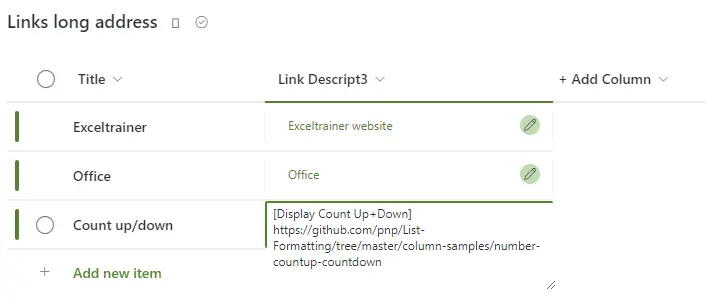
- This format can be applied to a Multi lines of text column
- Links can to be introduced with an alternative text by preceding them with square brackets, for example, [List Formatting Samples]https://pnp.github.io/List-Formatting/
Sample
| Solution | Author(s) |
|---|---|
| text-hyperlink-long-addresses.json | Geert de Kooter |
Version history
| Version | Date | Comments |
|---|---|---|
| 1.0 | January 23, 2023 | Initial release |
Disclaimer
THIS CODE IS PROVIDED AS IS WITHOUT WARRANTY OF ANY KIND, EITHER EXPRESS OR IMPLIED, INCLUDING ANY IMPLIED WARRANTIES OF FITNESS FOR A PARTICULAR PURPOSE, MERCHANTABILITY, OR NON-INFRINGEMENT.
Additional notes
- None