
Back to view formats
View formattingSharePoint Online

Disable default click action on a tile list view

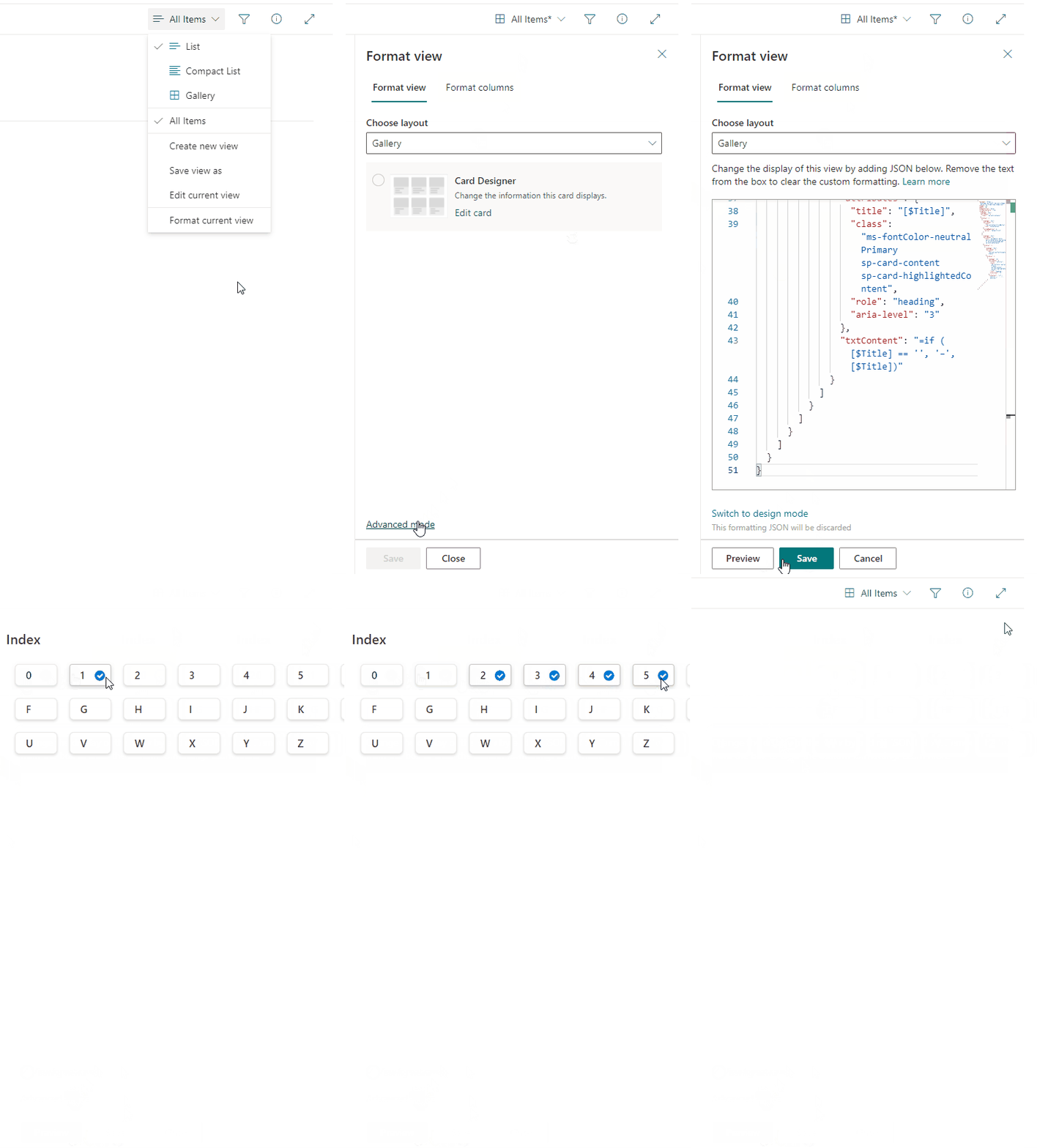
The sample list of items in a tile view where default click action is disabled. When item is clicked it is selected only.
Disable default click action on a tile list view formatting preview
Sample preview · View original animation

Copy. Apply. Make it yours.

Get this format

1 definition

Review the requirements below, then paste this JSON into the matching formatting panel. Show me where.

Use your list's internal column names and replace any tenant-specific URLs or flow IDs. Formatting is presentation, not a way to secure data.

View formatting
Download JSON
{
  "$schema": "https://developer.microsoft.com/json-schemas/sp/v2/tile-formatting.schema.json",
  "height": 42,
  "width": 70,
  "hideSelection": false,
  "fillHorizontally": true,
  "formatter": {
    "elmType": "div",
    "attributes": {
      "class": "sp-card-container"
    },
    "children": [
      {
        "elmType": "div",
        "attributes": {
          "class": "sp-card-defaultClickButton",
          "role": "presentation"
        }
      },
      {
        "elmType": "div",
        "attributes": {
          "class": "ms-bgColor-white sp-css-borderColor-neutralLight sp-card-borderHighlight sp-card-subContainer"
        },
        "children": [
          {
            "elmType": "div",
            "attributes": {
              "class": "sp-card-lastTextColumnContainer"
            },
            "children": [
              {
                "elmType": "p",
                "attributes": {
                  "title": "[$Title]",
                  "class": "ms-fontColor-neutralPrimary sp-card-content sp-card-highlightedContent",
                  "role": "heading",
                  "aria-level": "3"
                },
                "txtContent": "=if ([$Title] == '', '–', [$Title])"
              }
            ]
          }
        ]
      }
    ]
  }
}

From the contributor

How to use this sample

Summary

The sample list of items in a tile view where default click action is disabled. When item is clicked it is selected only.

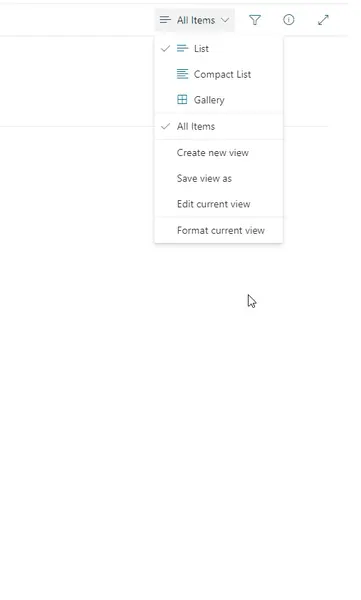
screenshot of the sample

[!NOTE]

  • The list shown above is not part of this sample. It's just a sample list where this format was applied.
  • When you single-click, the item is selected, but when you double-click, the list form opens.

View requirements

None

Sample

Solution Author(s)
disable-click-action.json Michal Ziemba

Version history

Version Date Comments
1.0 April 8, 2022 Initial release
1.1 February 27, 2024 Fixed so that the list form does not appear after a click.

Disclaimer

THIS CODE IS PROVIDED AS IS WITHOUT WARRANTY OF ANY KIND, EITHER EXPRESS OR IMPLIED, INCLUDING ANY IMPLIED WARRANTIES OF FITNESS FOR A PARTICULAR PURPOSE, MERCHANTABILITY, OR NON-INFRINGEMENT.


Additional notes

Any potential additional notes to get included in the readme around the sample with additional pictures etc.

  • Adjust the "height", "width" paramters to your individual needs or remove them to get a standard size of a tile.