
From the contributor
How to use this sample
Summary
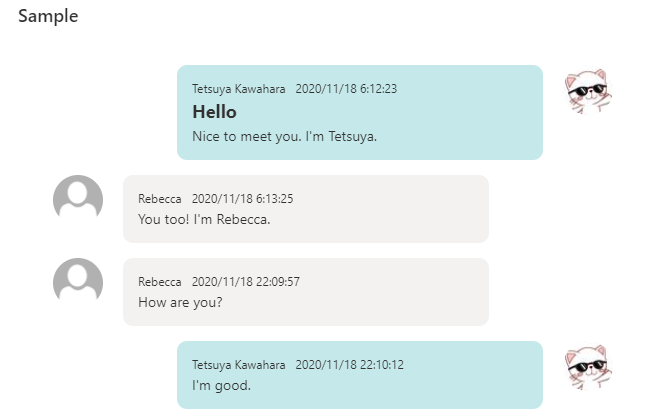
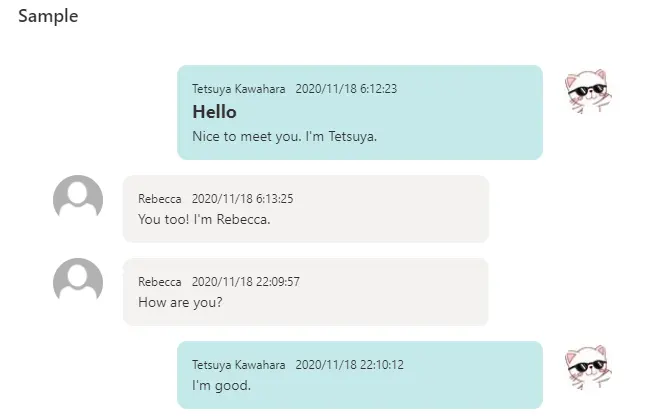
This sample formats your SharePoint list view to look like message chat bubbles! If the Author is the current user, the message will be displayed on the right.
View requirements
| Type | Internal Name | Required |
|---|---|---|
| Single line of text | Title | |
| Multi line of text | Message | Yes |
| Person | Author | Yes |
| DateTime | Created | Yes |
- Show the default column
AuthorandCreatedcolumn in the view. - If you want to display the latest messages at the top, please sort them in descending order by
Created.
Sample
| Solution | Author(s) |
|---|---|
| message-chat-bubbles.json | Tetsuya Kawahara |
Version history
| Version | Date | Comments |
|---|---|---|
| 1.0 | November 19, 2020 | Initial release |
Disclaimer
THIS CODE IS PROVIDED AS IS WITHOUT WARRANTY OF ANY KIND, EITHER EXPRESS OR IMPLIED, INCLUDING ANY IMPLIED WARRANTIES OF FITNESS FOR A PARTICULAR PURPOSE, MERCHANTABILITY, OR NON-INFRINGEMENT.