
From the contributor
How to use this sample
Summary
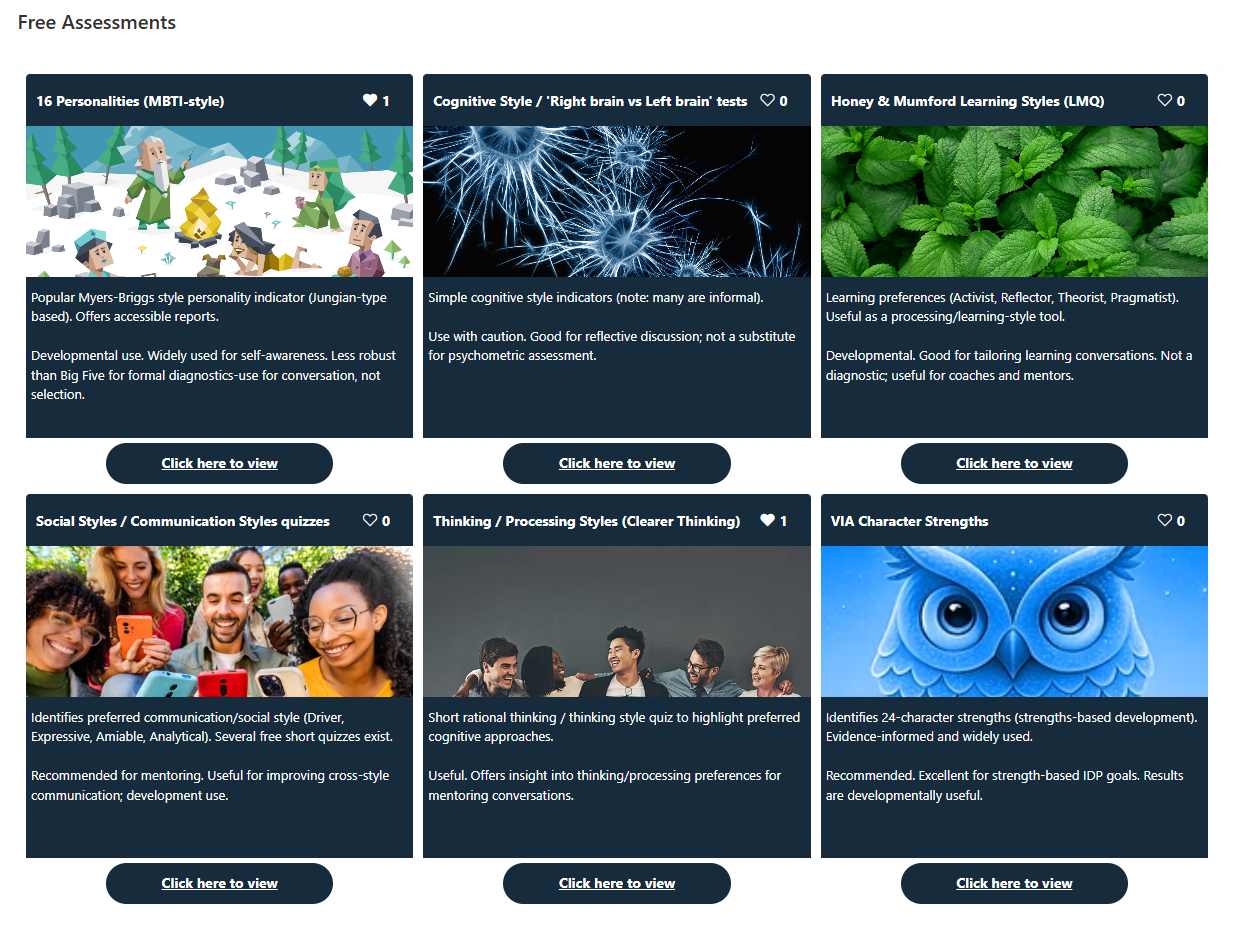
This sample demonstrates formatting a document library gallery view into a photo gallery showing title, description, hyperlink and likes.
Credit to original author Lou-i3, I have copied and modified photo-gallery-with-likes.json to give another variant option.
View requirements
The view must be set to gallery. Use a category column to filter your view so the list can house multiple categories for display purposes.
This format expects the following columns to be part of the view:
| Type | Internal Name | Required |
|---|---|---|
| Single line of text | Title | No |
| Multiple lines of text | Description | No |
| Hyperlink or Picture | Image | No |
| Hyperlink or Picture | Link | No |
| Choice | Category | No |
| Number | LikesTotal | No |
| Multi-Person | LikedBy | No |
[!NOTE] When using an external image URL in the
Imagecolumn, the image might not appear if it's retrieved from a domain that isn't allowed. Please make sure to configure the HTML Field Security settings when using external images. For more information, see Allow or restrict the ability to embed content on SharePoint pages.
Sample
| Solution | Author(s) |
|---|---|
| photo-gallery-description-link-like.json | AngelaTS |
Version history
| Version | Date | Comments |
|---|---|---|
| 1.0 | November 4, 2025 | Initial release |
Disclaimer
THIS CODE IS PROVIDED AS IS WITHOUT WARRANTY OF ANY KIND, EITHER EXPRESS OR IMPLIED, INCLUDING ANY IMPLIED WARRANTIES OF FITNESS FOR A PARTICULAR PURPOSE, MERCHANTABILITY, OR NON-INFRINGEMENT.