
From the contributor
How to use this sample
Summary
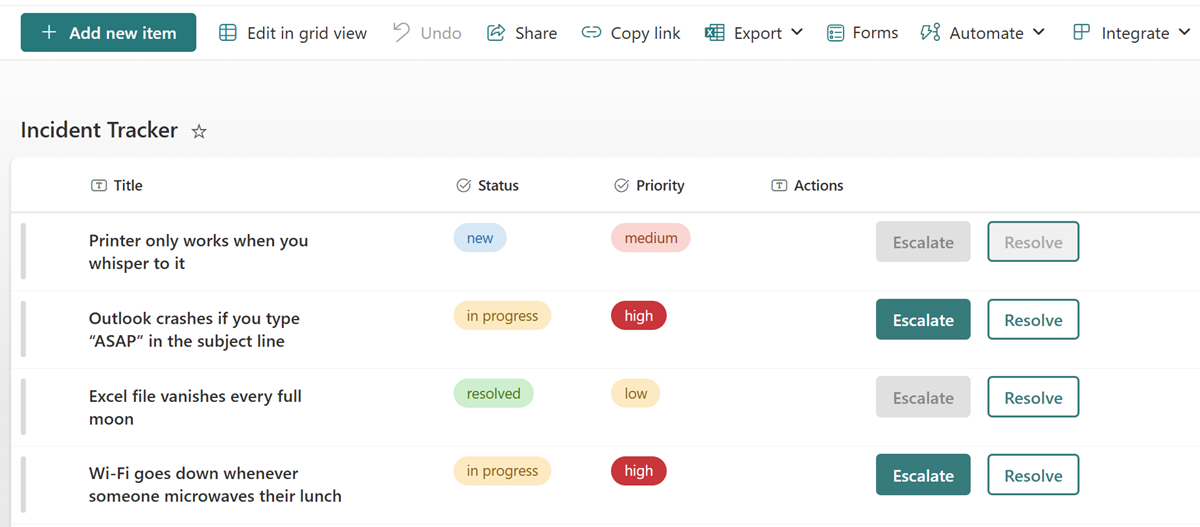
This sample adds two context-aware buttons to a SharePoint list for managing incident workflows directly from the list view. It uses column formatting and the executeFlow action to provide inline Escalate and Resolve buttons that trigger Power Automate flows.
Key points:
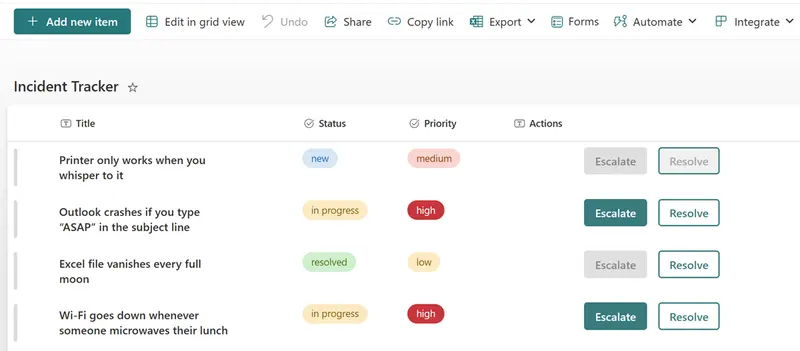
- The Escalate button is only enabled when
Priorityis set tohigh - The Resolve button is disabled when the
Statusis stillnew - Both buttons are styled using inline JSON and provide a more app-like interaction in SharePoint
- Uses
executeFlowactions to launch Power Automate flows for escalation and resolution handling
View requirements
| Type | Internal Name | Required | Additional Information |
|---|---|---|---|
| Choice | Priority | Yes | Values: low, medium, high (all lowercase) |
| Choice | Status | Yes | Values: new, in progress, resolved (all lowercase) |
| Single line of text | Actions | Apply generic-action-buttons.json to this column |
- The format is best applied to a dedicated Actions column (type: Single line of text) that exists solely for button rendering.
Sample
| Solution | Author(s) |
|---|---|
| generic-action-buttons.json | Luise Freese |
Version history
| Version | Date | Comments |
|---|---|---|
| 1.0 | July 16, 2025 | Initial release |
Disclaimer
THIS CODE IS PROVIDED AS IS WITHOUT WARRANTY OF ANY KIND, EITHER EXPRESS OR IMPLIED, INCLUDING ANY IMPLIED WARRANTIES OF FITNESS FOR A PARTICULAR PURPOSE, MERCHANTABILITY, OR NON-INFRINGEMENT.